Privilege Levels
Selecting from the navigation pane Switch>Configuration>
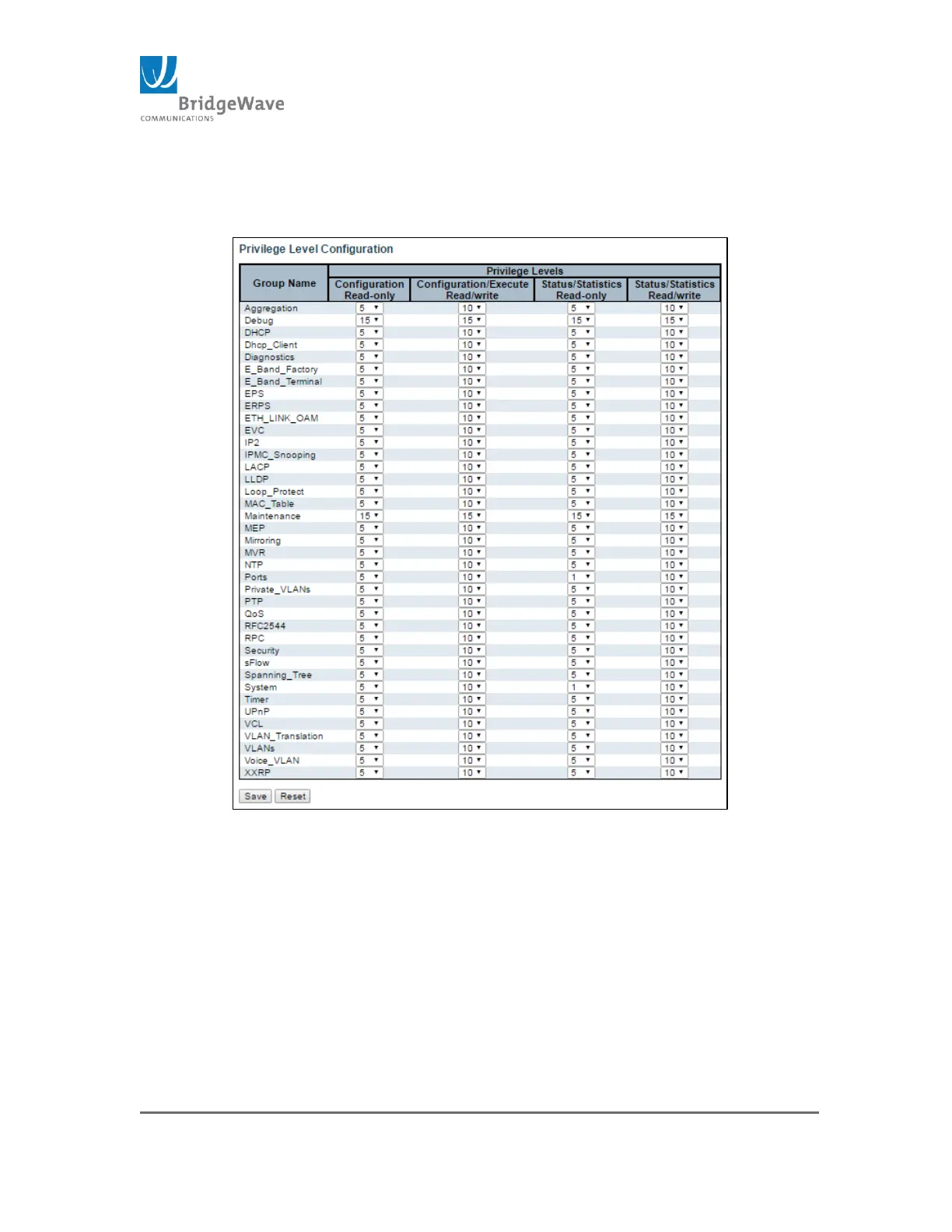
Security>Switch>Privilege Levels will open the following screen:
Figure 33: Privilege Level Configuration Page
This page provides an overview of the privilege levels configured by default.
In most cases, a privilege level group consists of a single module (e.g. LACP,
RSTP or QoS), however a few of them have access to more than one.
The following defines the Group Names and Privilege Levels
Group Name:
System: Contact, Name, Location, TimeZone, Daylight
Savings Time, Log, Security, Authentication, System Access



 To Next Page