Management, Port(Dot1x port, MAC based and MAC Address
Limit), ACL, HTTPS, SSH, ARP, IP source guard.
IP: Everything except ’ping’.
Port: Everything except ‘VeriPHY’
Diagnostics: ‘ping’ and ‘VeriPHY’
Maintenance: CLI- System Reboot, System Restore Default,
System Password, Configuration Save, Configuration Load
and Firmware Load. Web-Users, Privilege Levels and
everything in Maintenance.
Debug: Only present in CLI
Privilege Levels: Every group has an authorization Privilege level for the
following sub groups:
Configuration Read-only
Configuration/execute read-write
Status/statistics read-only
Status/statistics read-write (e.g. for clearing of statistics)
Save Button: This button must be click to save the new settings
before moving to another page.
Reset Button: If configuration has been applied but has not been
saved, clicking this button will reset the page back to previous settings.
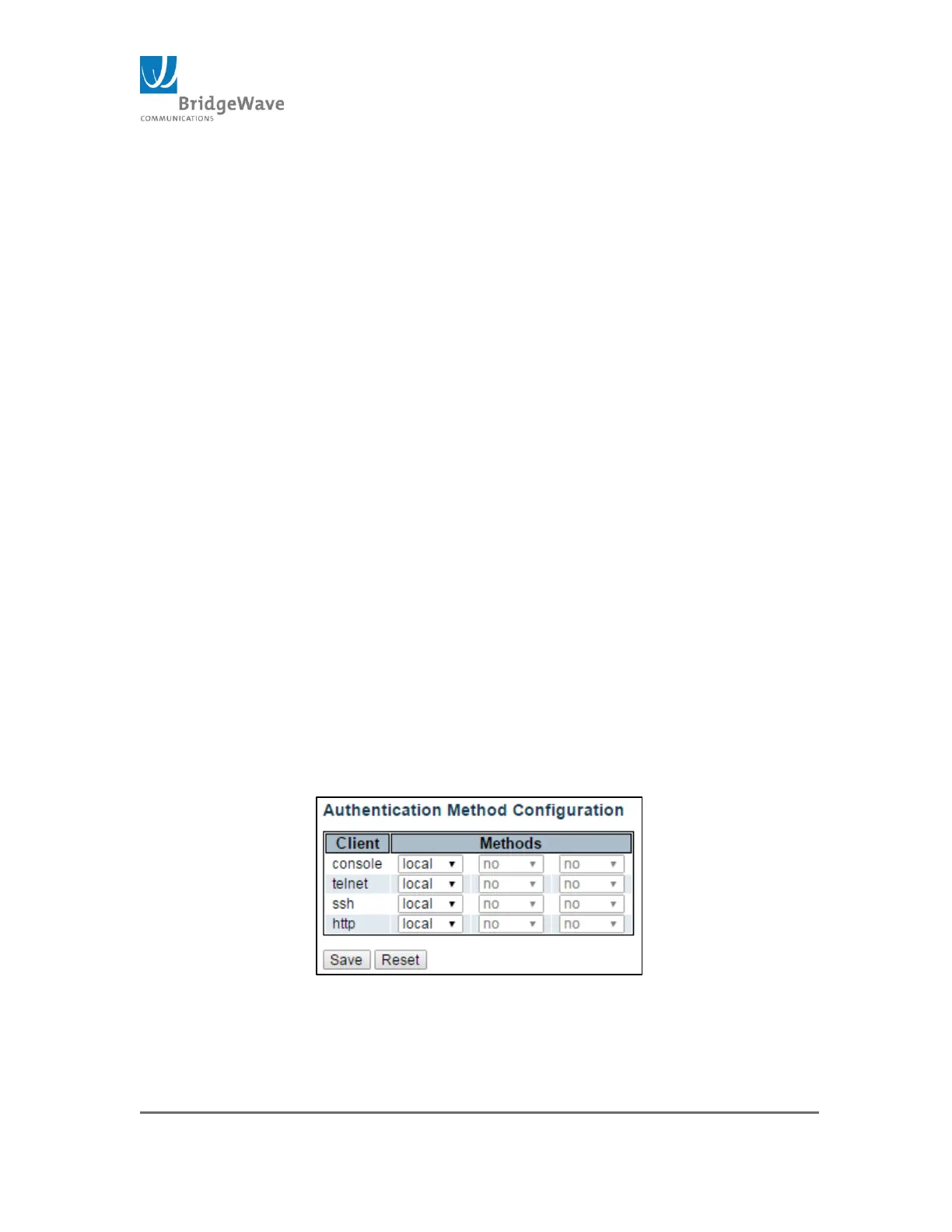
Authentication Method
Selecting from the navigation pane Switch>Configuration>
Security>Switch>Auth Method will open the following screen:
Figure 34: Authentication Method Configuration Page
This page allows you to configure how a user is authenticated when logged
into the switch via one of the management client interfaces.



 To Next Page