Figure 224: System Log Information Buttons
This buttons are defined as follows:
Auto-refresh : Check this box to refresh the page automatically.
Automatic refresh occurs every 3 seconds.
Refresh: Updates the table entries, starting from current entry.
Clear: Flushes the selected entries.
|<<: Updates the table entries, starting from the first available entry.
<<: Updates the table entries, ending at the last entry currently
displayed.
>>: Updates the table entries, starting from the last entry currently
displayed.
>>|: Updates the table entries, ending at the last available entry.
4 FLEX4G-LITE – Switch Functions
Switch Menu Options
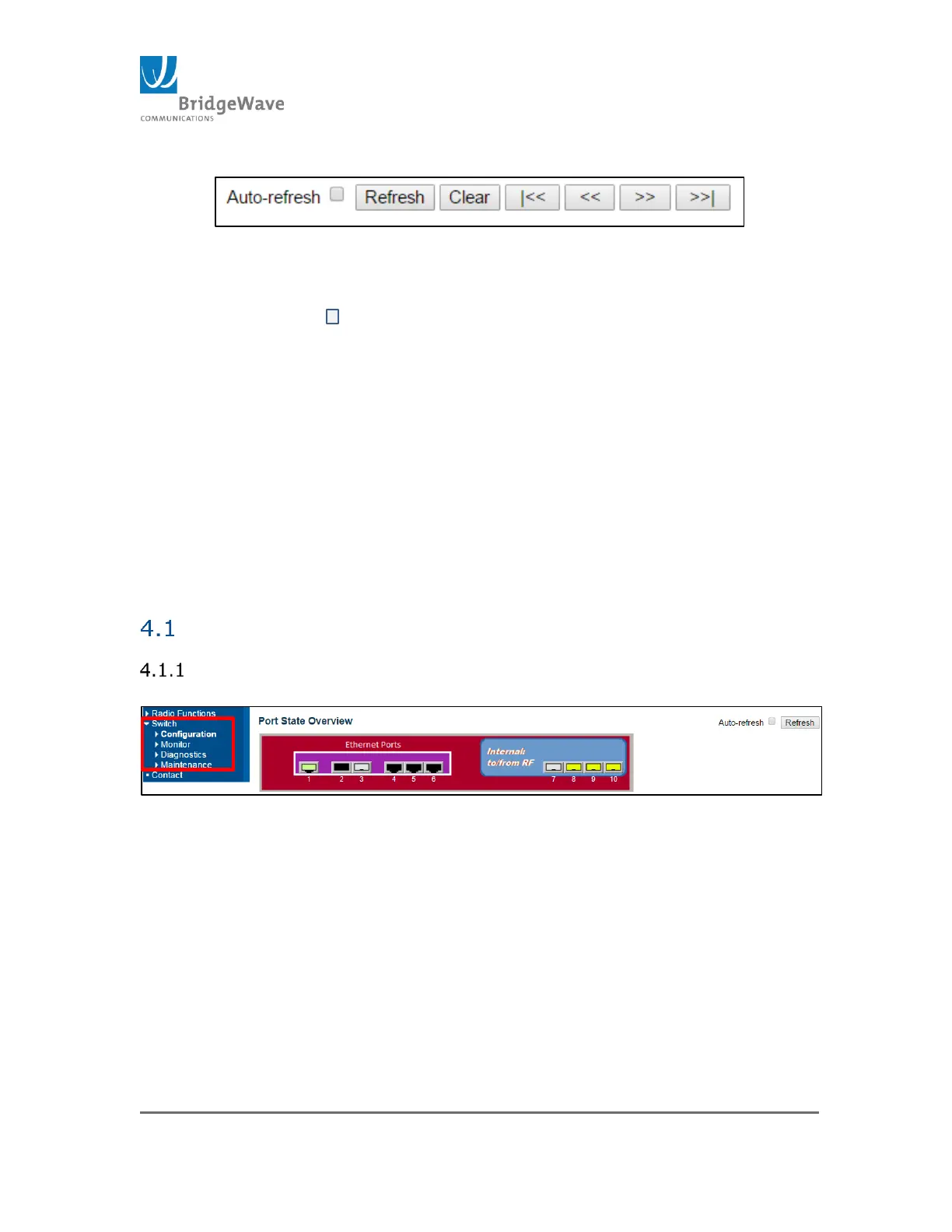
Selecting from the navigation pane Switch>
Figure 235: Switch Submenu Options
The Switch menu options include:
Configuration: The configuration of the radio’s switch is implemented
under these pages
Monitor: To view statistics as well configuration pages of the switch
Diagnostics: Introduces some tools to assist on troubleshooting
switch issues
Maintenance: Allows the restart, default and new software updates
and configuration upload.



 To Next Page