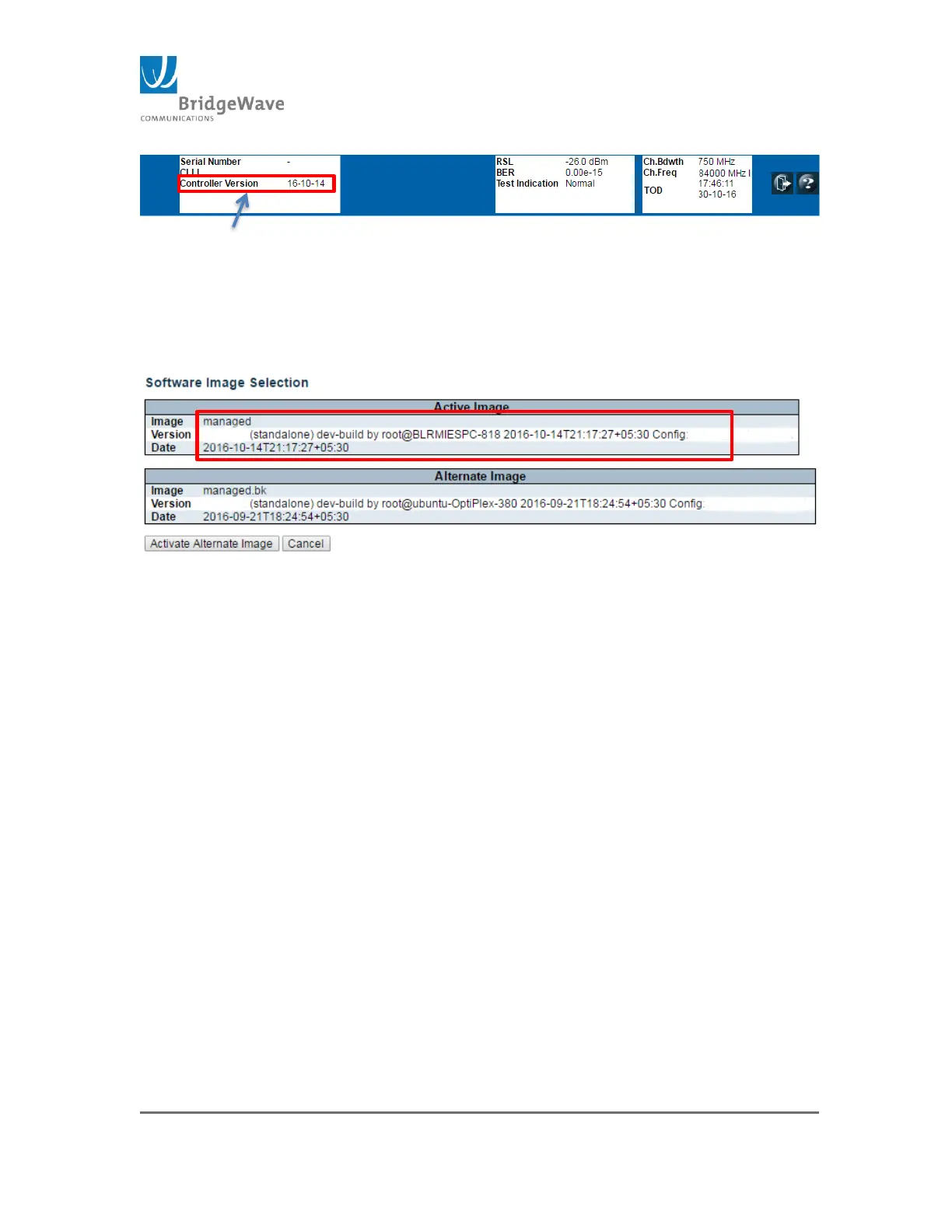
Figure 67: Controller Version
Or accessing the “Image Select” page, after the upload
the new image will be display under the “Active Image”
section
Click on Switch>Maintenance>Software>Image Select to
access the Software Image Selection:
Figure 68: Software Image Selection
Note: The previous “Active” image will become the “Alternate Image”



 To Next Page