4-4
HI-LIMIT CONTROL
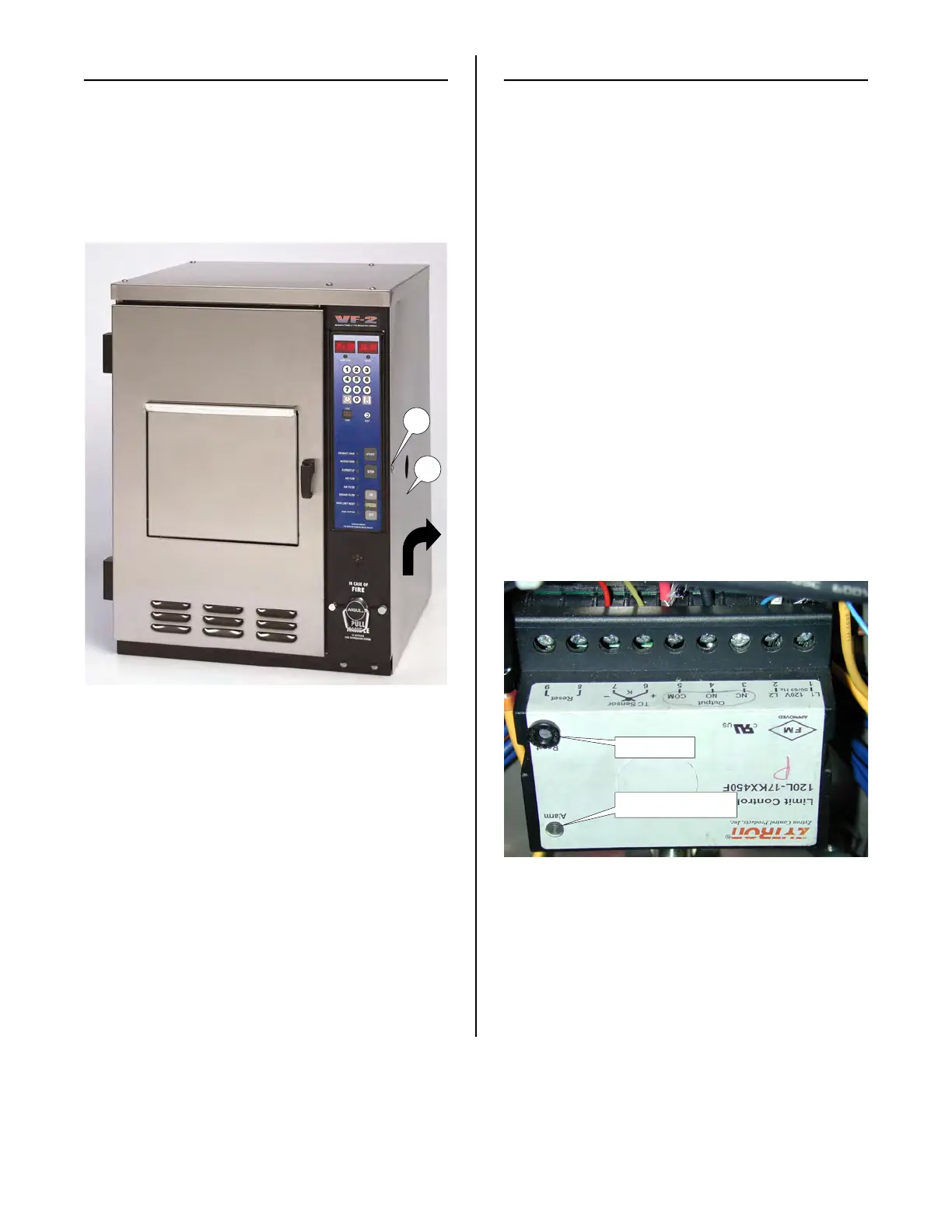
ACCESS FOR SERVICE
1. Remove Access Panel Retaining
Screw (25). Raise the Access Panel
(26) and pull it outward.
25
26
HI-LIMIT CONTROL DIAGNOSTICS
There are 3 conditions which could cause
the Hi-Limit control to trip.
Condition 1: The oil temperature has
risen above 450° F (416° F on CE units).
Condition 2: The probe has failed or a
loose connection.
Condition 3: The control has failed or
lost power.
1. See ACCESS FOR SERVICE
CONDITION 1:
If the alarm light on the Hi-Limit Control is
illuminated, push the Reset button to reset
the control once the oil has cooled. If push-
ing the Reset button does not reset the
control and turn the alarm light off, either
condition 2 or 3 exists.
CONDITION 2: Probe Failure
1. Disconnect power from the unit.
2. Disconnect probe wires from terminals 6
& 7 and connect a new probe. Yellow
to + and Red to -.
If alarm light is lit, the control
Push Reset button
broaster.com Manual #16501 7/06 Rev 2/15



 To Next Page