2-11
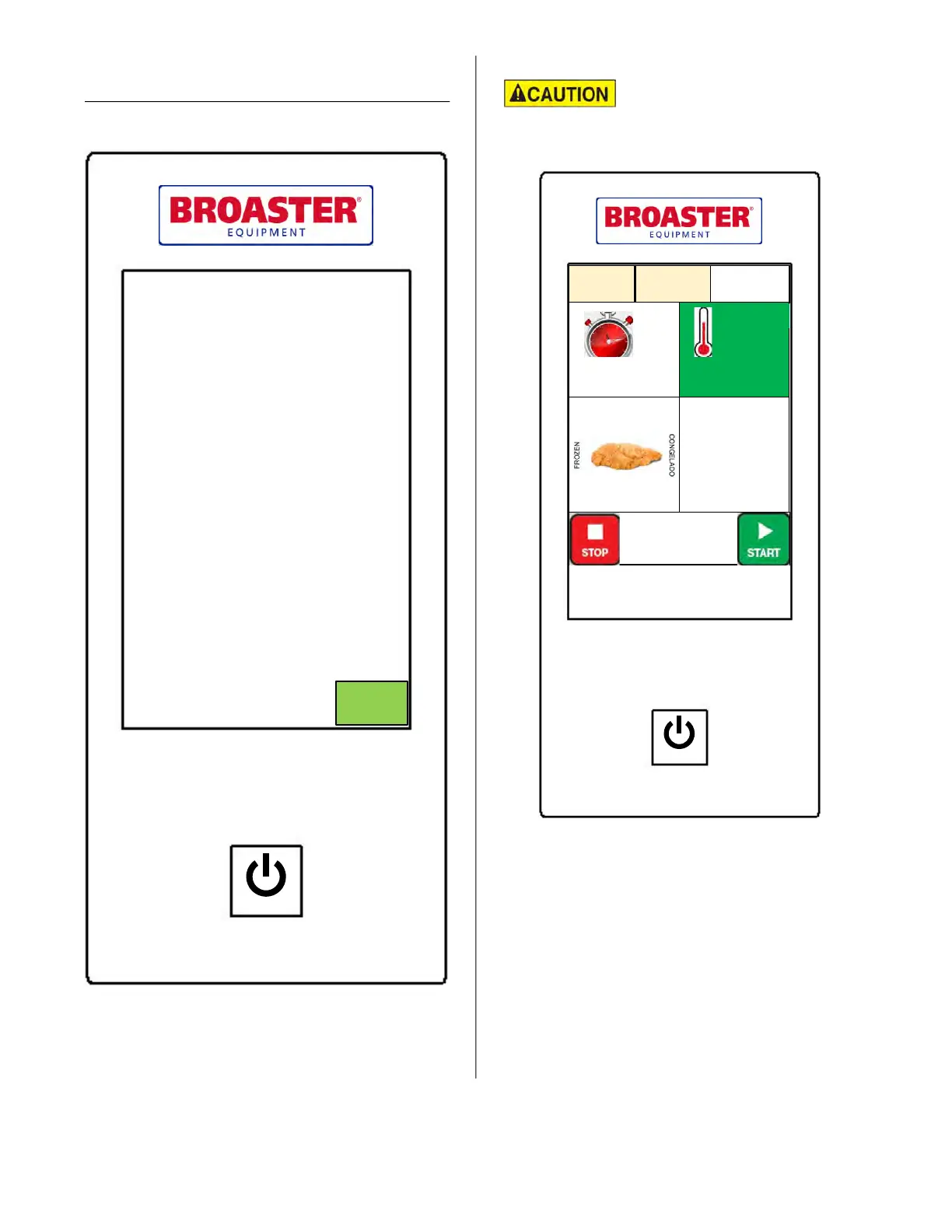
Upon pressing the power button, the control will
display a prompt to check the oil level. This
message will also be displayed every 20th cook
cycle as a reminder.
Always ensure the oil level
is properly filled.
COOK SCREEN
The cooking idle screen displays the current set-
tings for time and temperature along with the
recipe item that is selected. The temperature dis-
play background will turn from yellow to green
when the fryer reaches the set point temperature.
The display also indicates when the heat is on.
Press START to begin cooking. When the time
expires, or if you wish to cancel the cooking
cycle, press STOP. Alternatively, the audible
alert, that occurs when the cook cycle is fin-
ished, may be acknowledged by opening the
product door.
Cook Setup
05:00 360°F
25 Cook Cycles
Set
Temp
SELECT
PRESET
Chicken
Tenders
POWER
PARTS AND SERVICE SUPPLIED BY AUTHORIZED BROASTER DISTRIBUTORS
BROASTER COMPANY ● BELOIT, WI USA
Heat On
Comp
On
SMARTTOUCH DISPLAY
POWER
PARTS AND SERVICE SUPPLIED BY AUTHORIZED BROASTER DISTRIBUTORS
BROASTER COMPANY ● BELOIT, WI USA
Check Oil Level
Before Operating
CAUTION!
OK
broaster.com Manual #16501 8/06 Rev 10/20



 To Next Page