Maintenance Procedures 8200 Compressor
Scheduled Maintenance Installation, Operation, and Service Instructions
8040353 Brooks Automation
5-2 Revision AA
Scheduled Maintenance
The only scheduled maintenance required on the 8200 Compressor is replacement of
the compressor adsorber (part number 8080255K001) every 12 months.
Removing the Compressor Adsorber
1. Shut down the compressor.
2. Disconnect the compressor input power cable from its electrical power source.
3. Disconnect the flex lines from the gas-return and gas-supply connectors at the
rear of the compressor.
4. Remove the screws holding the compressor rear grille, rear panel, front panel
and cover (Figure 1-2 on page 1-4). Front and rear panels remain in place.
5. Use the two wrenches (supplied) to avoid loosening the body of the coupling
from its adapter.
6. Unscrew the two self-sealing coupling halves quickly to minimize gas leakage
as shown in Figure 5-2 on page 5-3.
7. Disconnect the adsorber-inlet self-sealing coupling as shown in Figure 5-2 on
page 5-3.
8. Remove the bolts, nuts, and washers that secure the adsorber to the base of the
compressor. Save all nuts, bolts, and washers for installing the replacement
adsorber.
9. Carefully lift the adsorber inward until the outlet self-sealing coupling clears
the rear panel and remove the adsorber as shown in Figure 5-3 on page 5-4.
10. Remove the adsorber from the compressor as shown in Figure 5-2 on page 5-3.
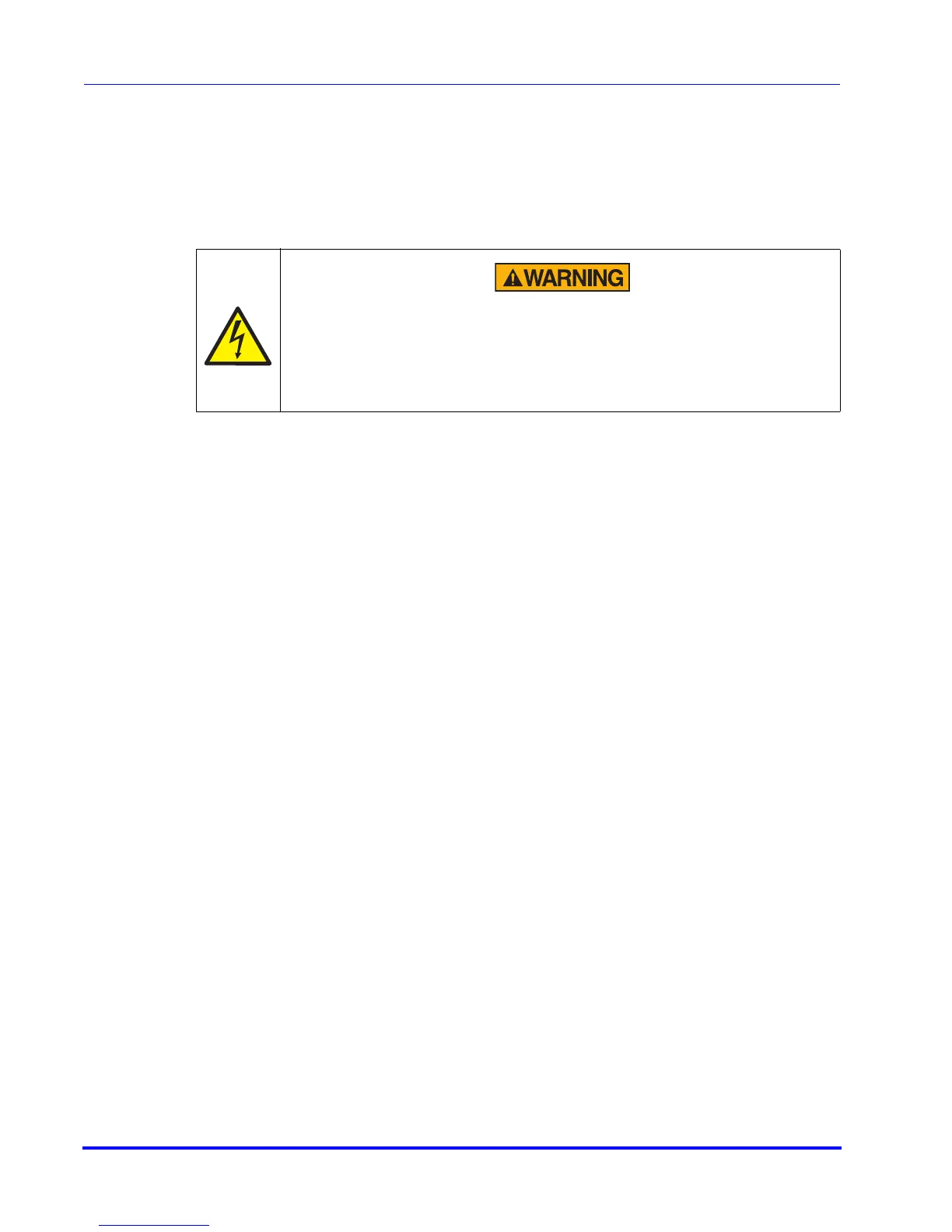
High Voltage
High voltage electric shock could cause severe injury or loss of life.
Always disconnect the compressor from all sources of electrical power
before performing any maintenance procedures.



 To Next Page