Appendices 8200 Compressor
Appendix B: Troubleshooting Procedures Installation, Operation, and Service Instruc-
8040353 Brooks Automation
6-4 Revision AA
Appendix B: Troubleshooting Procedures
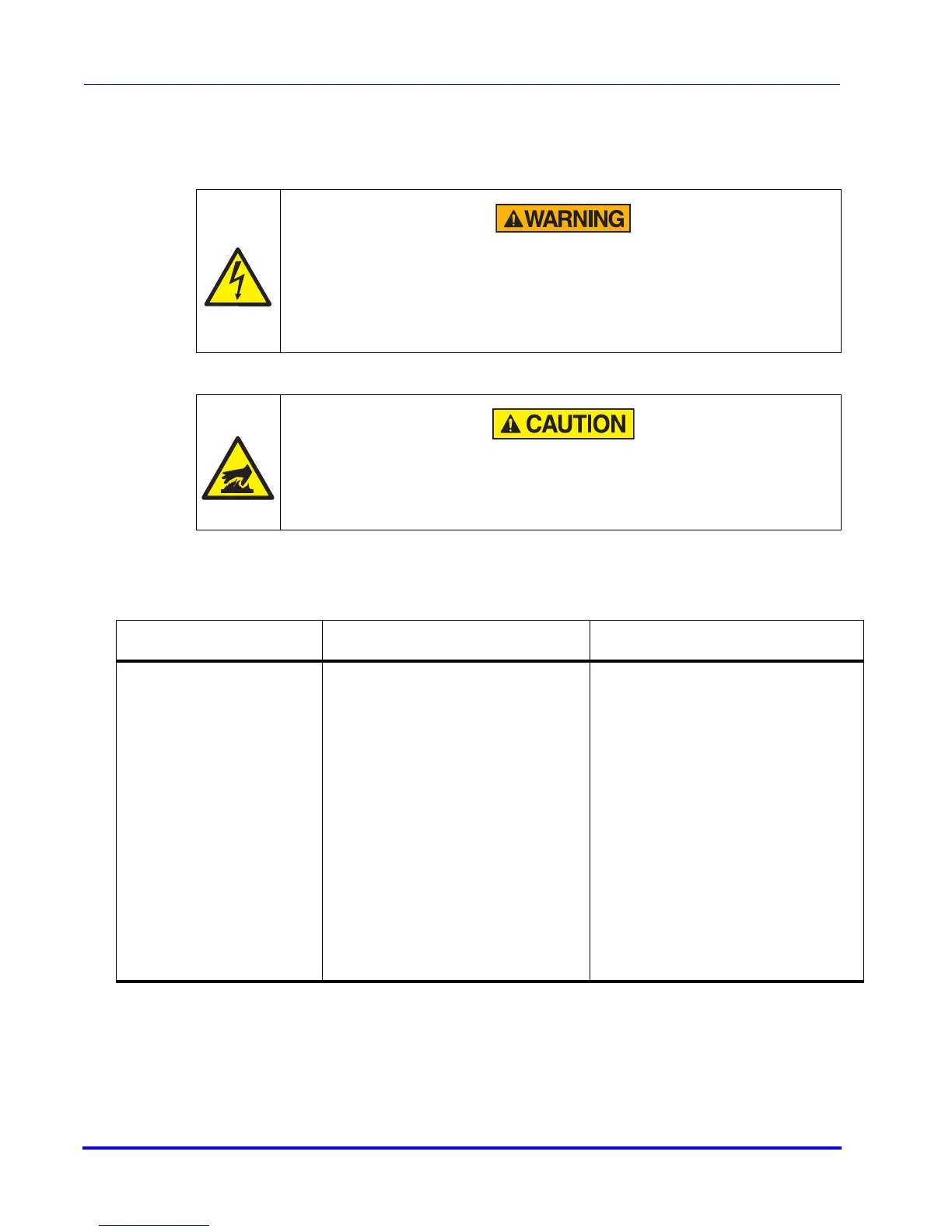
Read these safety notices before you perform any troubleshooting procedures:
High Voltage
High voltage electric shock could cause severe injury or loss of life.
Always disconnect the compressor from all sources of electrical power
before performing any maintenance or troubleshooting procedures.
Burn Hazard
To avoid being burned, wait for the pump to cool down so that it is cool to
the touch after operating, before working on the inside of the compressor.
Table 6-1: Compressor Troubleshooting Procedures
Problem Possible Cause Corrective Action
1) System power ON/
OFF switch (CB1) and
compressor switch
(S1) remains in the ON
position when
switched on but the
compressor will not
run. Refer to Figure
6-1 on page 6-9 for
identification of all
electrical components.
1a) The thermal protective
switch (TS1) is closed, activat-
ing the relay-trip coil in the
ON/OFF switch (SW1).
1a) Test switch (TS1) on air-
cooled compressor; test (TS1)
and (TS2) on water-cooled
compressor. If continuity is
found in any switch, contact
the Product Service Depart-
ment.
1b) Incorrect phasing at input
power.
1b) Correct phase sequence at
input power cable.
1c) Excessive current drain
has activated the series trip in
the compressor ON/OFF
switch.
1c) Measure and record the
current and contact the Prod-
uct Service Department.



 To Next Page