59
Using P-touch Transfer Manager (For Windows)
USING THE P-TOUCH SOFTWARE
To change the names of templates or other data that you want to transfer, click the item
you want and enter the new name.
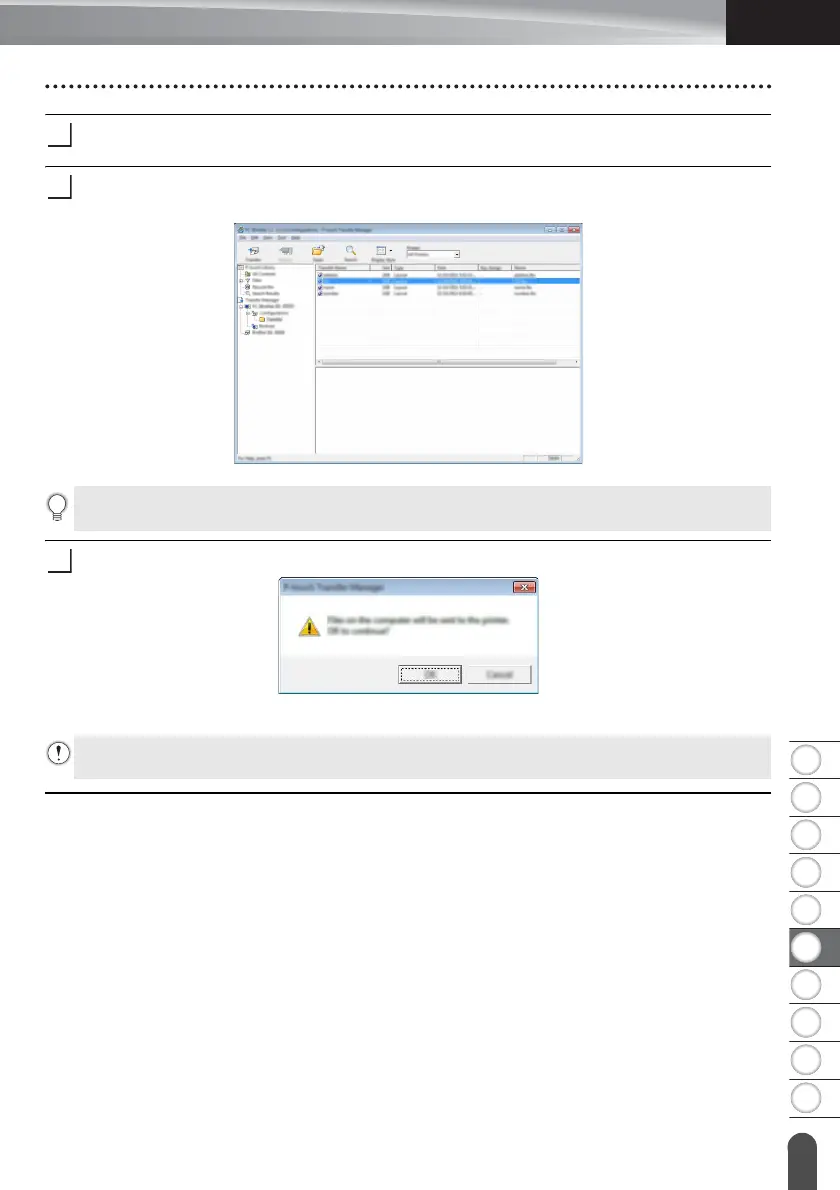
Select the folder containing the templates or other data that you want to transfer, and
then click [Transfer]. A confirmation message appears.
Click [OK].
The selected templates or other data are transferred to the printer.
You can also transfer individual items to the printer. Select the template or other data that you
want to transfer, and then click [Transfer].
To print data that was transferred to the printer, the printer must be switched from the transfer
mode to the normal mode. Turn the printer off and then on again.














 To Next Page