Setting Up the Label Printer
4
1
Loading the DK Roll 1
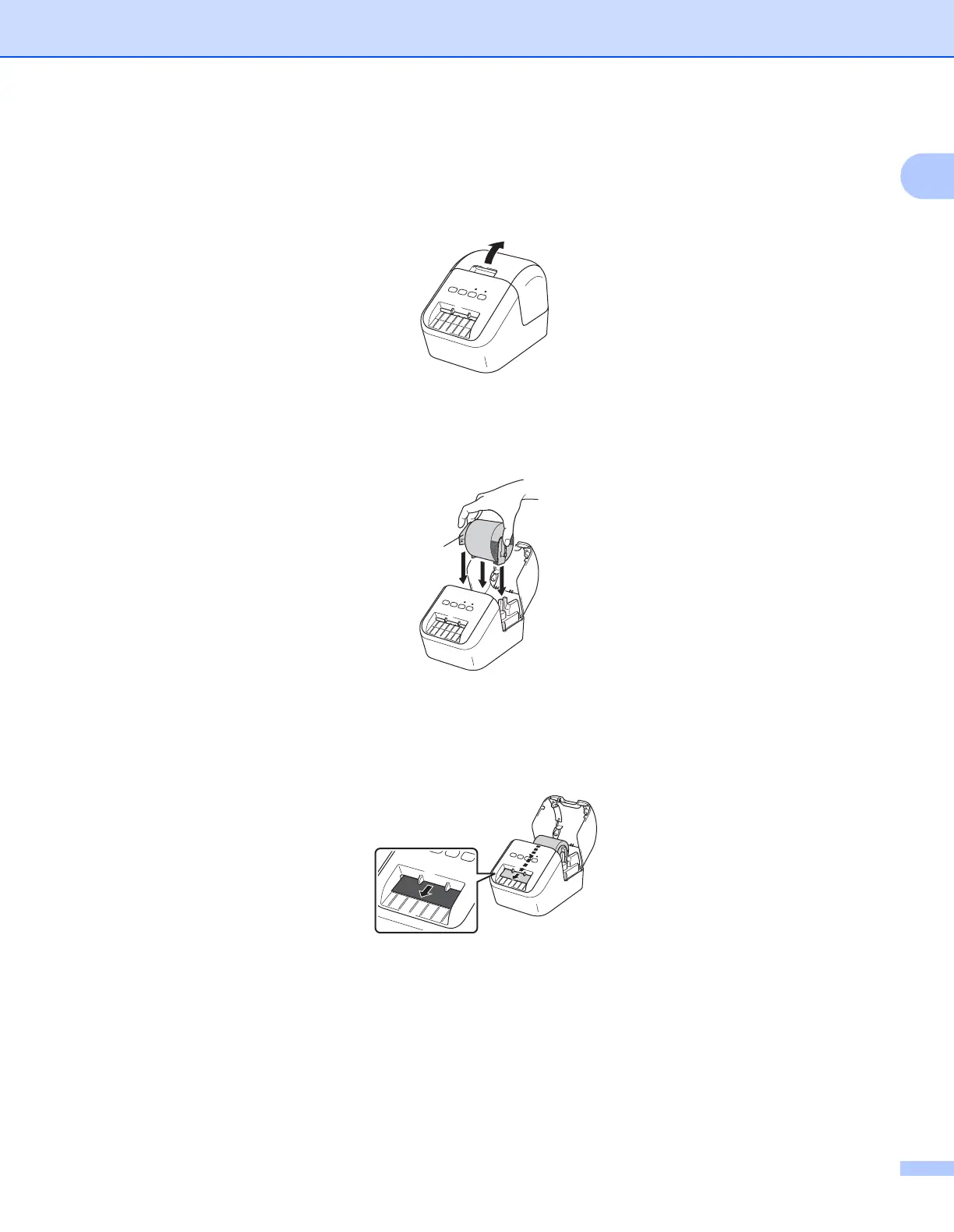
1 Make sure that the label printer is turned Off.
Hold the printer by the front and firmly lift the DK Roll Compartment Cover to open it.
2 Place the DK Roll into the Roll Spool Guide.
• Make sure that the Roll Spool Arm is inserted firmly in the Roll Spool Guide.
• Make sure the stabiliser (1) slides into the notch of the printer.
3 Thread the DK Roll through the printer.
• Align the edge of the DK Roll with the upright edge of the Label Output Slot.
• Insert the first label into the slot inside the compartment.
• Push the label through the Label Output Slot until the end reaches the mark, as shown below:



 To Next Page
 Loading...










