How to Use P-touch Library (Windows
®
only)
48
7
Searching for Templates 7
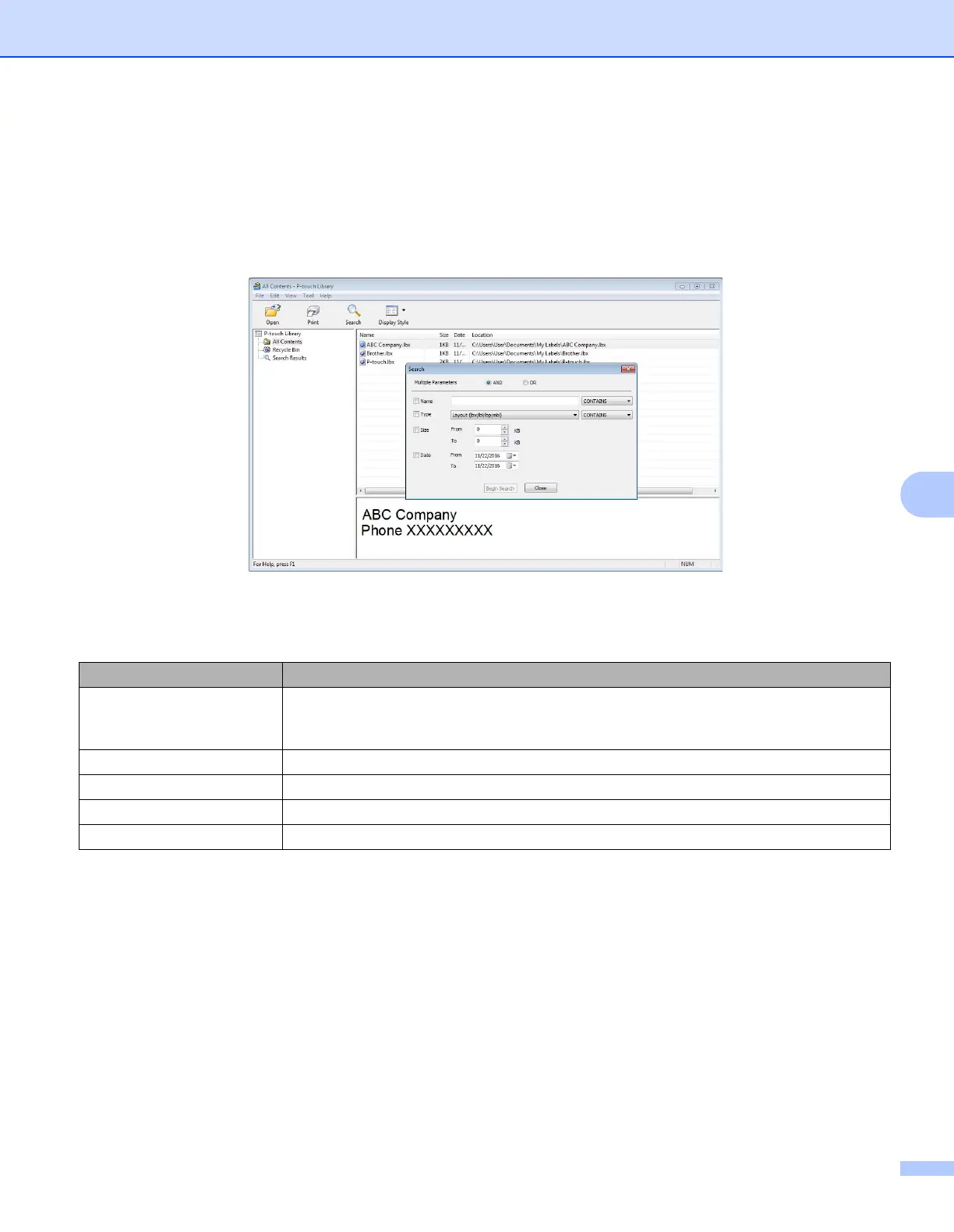
You can search for templates registered to P-touch Library.
1 Click [Search].
The Search dialog box appears.
2 Specify the search criteria.
The following search criteria are available:
3 Click [Begin Search].
The search begins.
The search result is displayed on the screen.
Settings Details
Multiple Parameters Determines how the program searches when multiple criteria are specified. If you select
[AND], the program searches for files that satisfy all of the criteria.
If you select [OR], the program searches for files that satisfy any of the criteria.
Name Search for a template by specifying the file name.
Type Search for a template by specifying the file type.
Size Search for a template by specifying the file size.
Date Search for a template by specifying the file date.



 To Next Page
 Loading...










