Chapter3 NAS Navigator 2
LinkStation User Manual 116
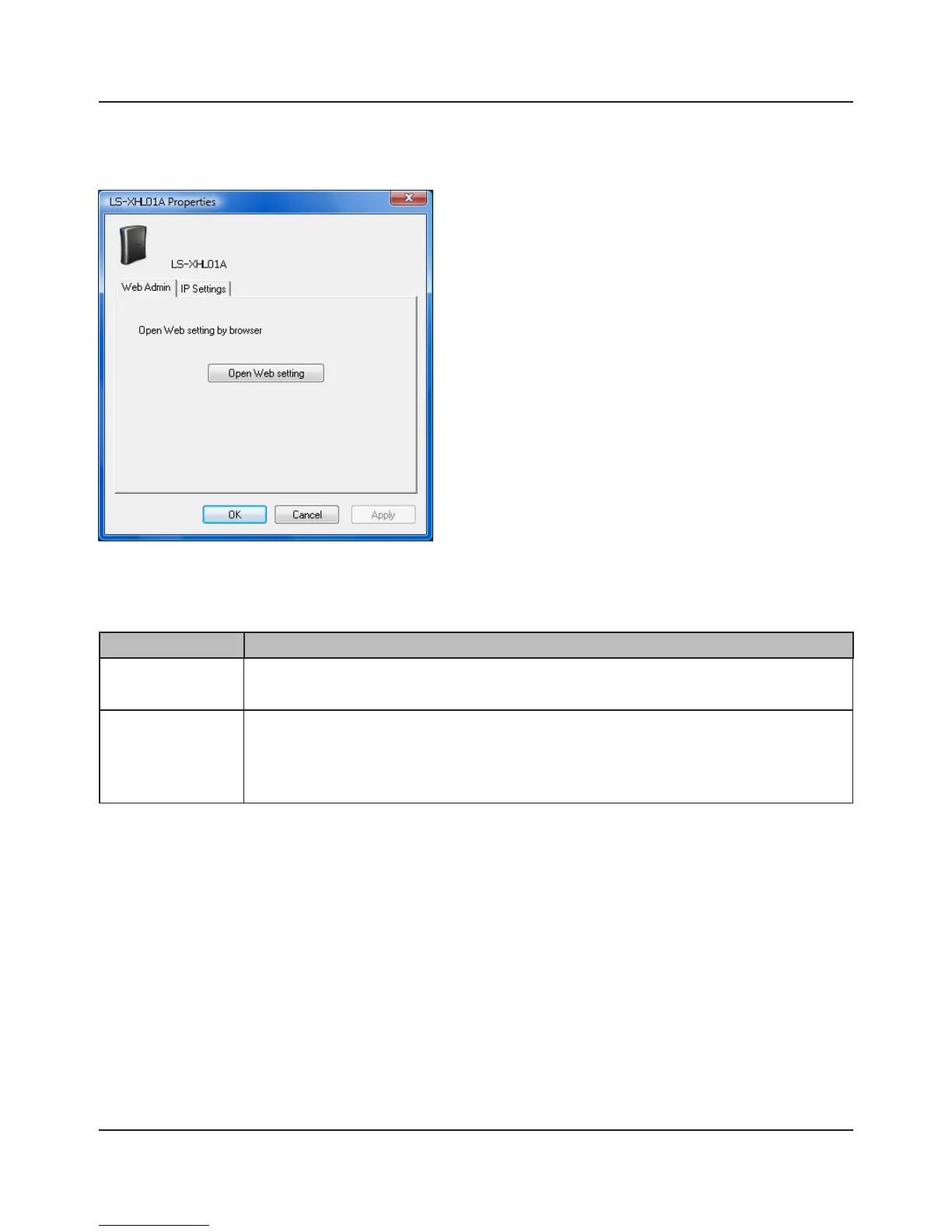
Menu Item Descriptions
Web Admin Opens a Web Admin interface.
IP Settings If [Obtain an IP address automatically via DHCP] is checked, the LinkStation will
attempt to get its IP address automatically from a DHCP server.
Alternately, you can manually enter the [IP Address], [Subnet Mask], and [Default
Gateway address] for the LinkStation.
You can perform the following tasks from a LinkStation's properties window.















 To Next Page