Chapter3 NAS Navigator 2
LinkStation User Manual 117
Mac OS X 10.3.9 or later
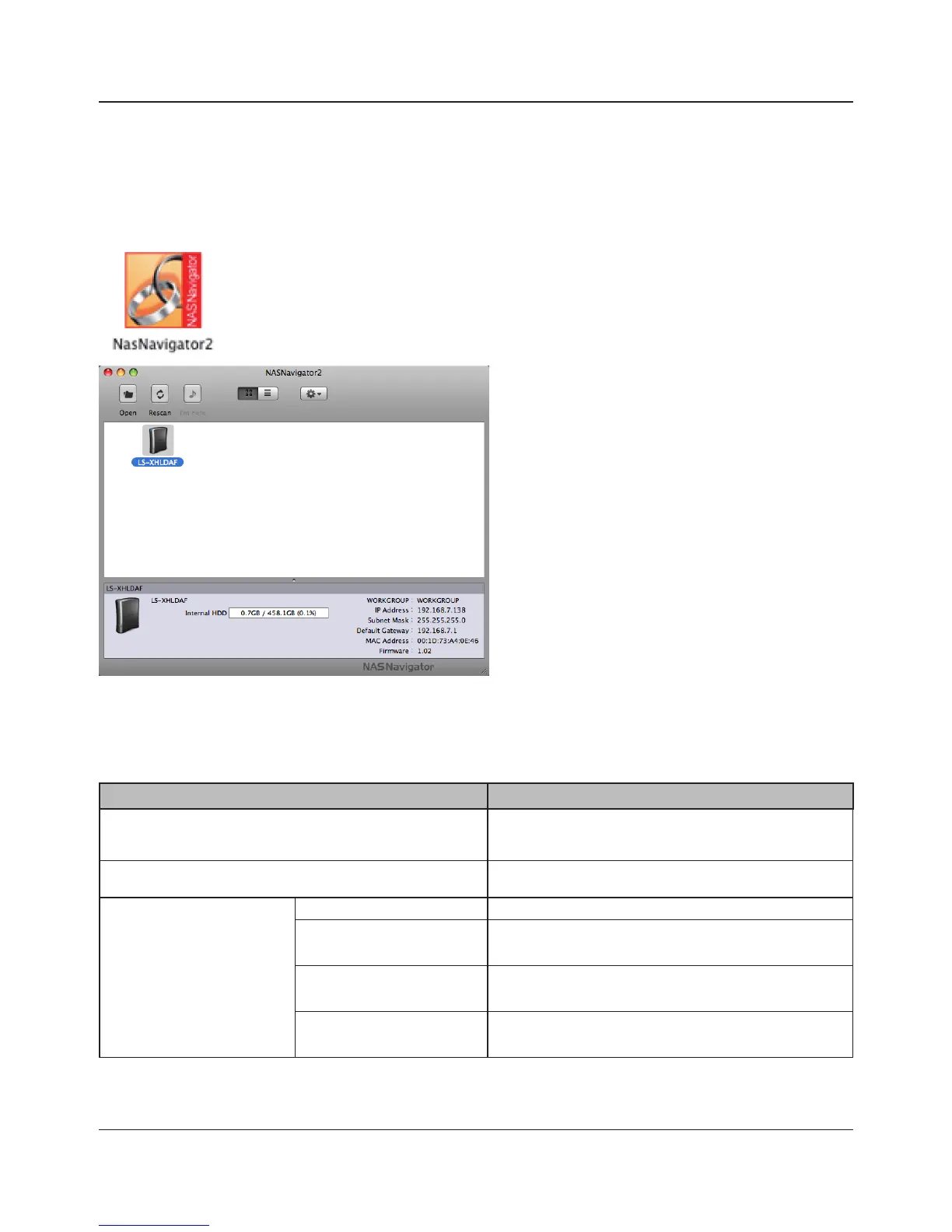
If you installed the LinkStation with the LinkNavigator CD, NAS Navigator2 was installed
automatically. To launch it, click the NAS Navigator2 icon in the Dock.
Click on a LinkStation’s icon to display its total capacity, used capacity, [WORKGROUP], [IP Address],
[Subnet Mask], [Default Gateway], [MAC Address], and [Firmware] version. Double-click to open a
share on the LinkStation.
Name Descriptions
Open Opens the default shared folder for a selected
LinkStation.
Rescan Refreshes list of NAS devices.
Tool Menu Open Web Opens the selected Web Admin interface.
Congure Displays the screen to open the Web Admin
interface or change an IP Address.
Color Label Selects the color of the name displayed below
the icon.
Show View Options Sets the orders of icon sizes, label positions, and
icons.















 To Next Page