LinkStation User Manual 161
Appendix
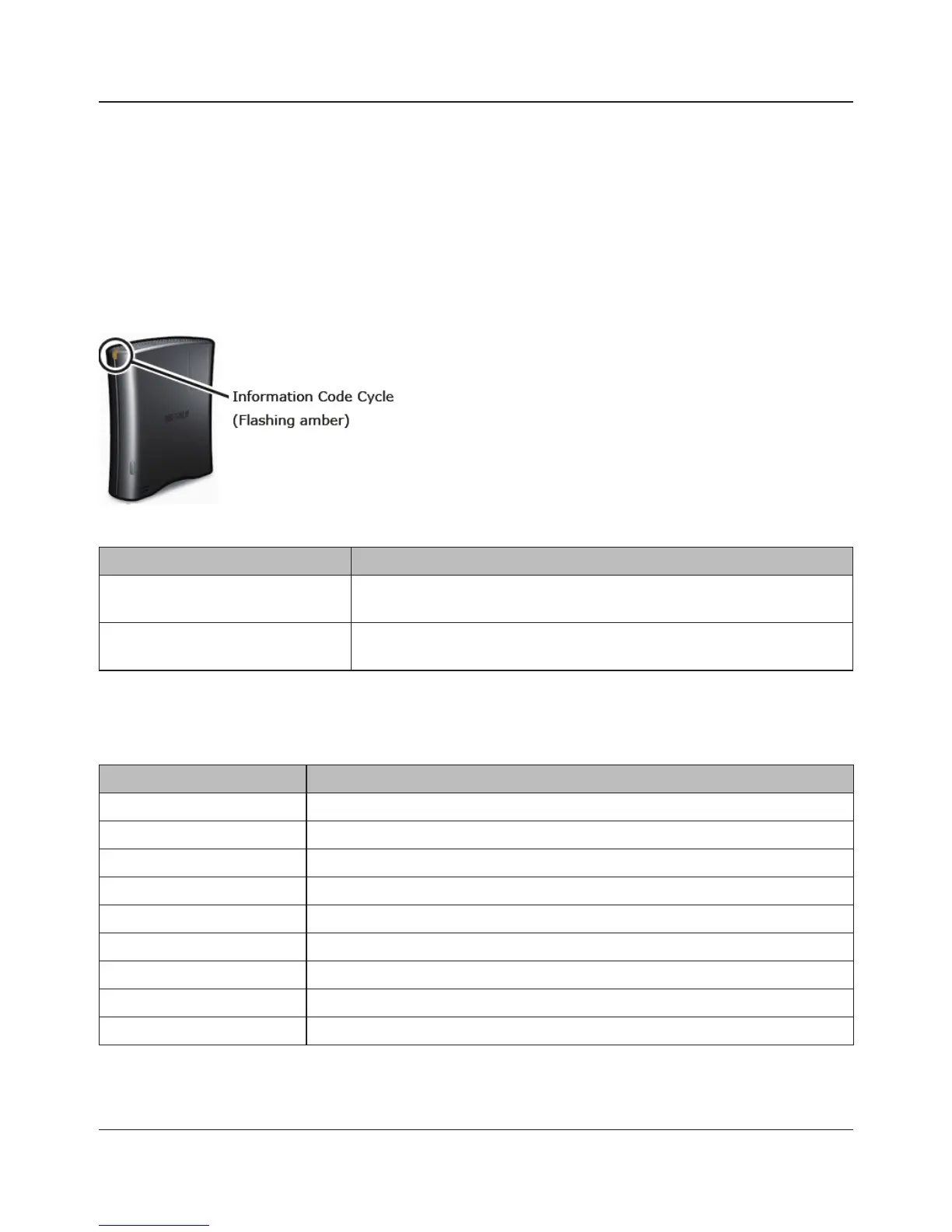
Power LED ashing amber
The Power LED ashes amber with information codes. The way it ashes indicates the message.
Note: If the Power LED is ashing amber, you can open NAS Navigator2. It will tell you the status of
the LinkStation.
Place Status
10s place The LED illuminates for 1.0 seconds every 0.3 seconds.
The number of ashes is the tens place of the information code.
1s place The LED illuminates for 0.5 seconds every 0.3 seconds.
The number of ashes is the ones place of the information code.
Information codes Descriptions
I01 Checking the system area.
I19 Erasing disk (lls disk with zeros).
I20 Formatting the hard drive.
I21 Checking the hard drive.
I23 Initializing the system settings.
I25 Updating the rmware.
I26 Initializing the settings in the Web Admin interface.
I27 Checking a USB hard disk.
I28 Formatting a USB hard disk.















 To Next Page