Using your LinkStation
LinkStation User Manual 72
3 Finding the backup destination folder from LinkStation # 2
If the password is set for the backup destination folder, you must enter the password to congure
the folder as the destination for a backup job.
1
2
3
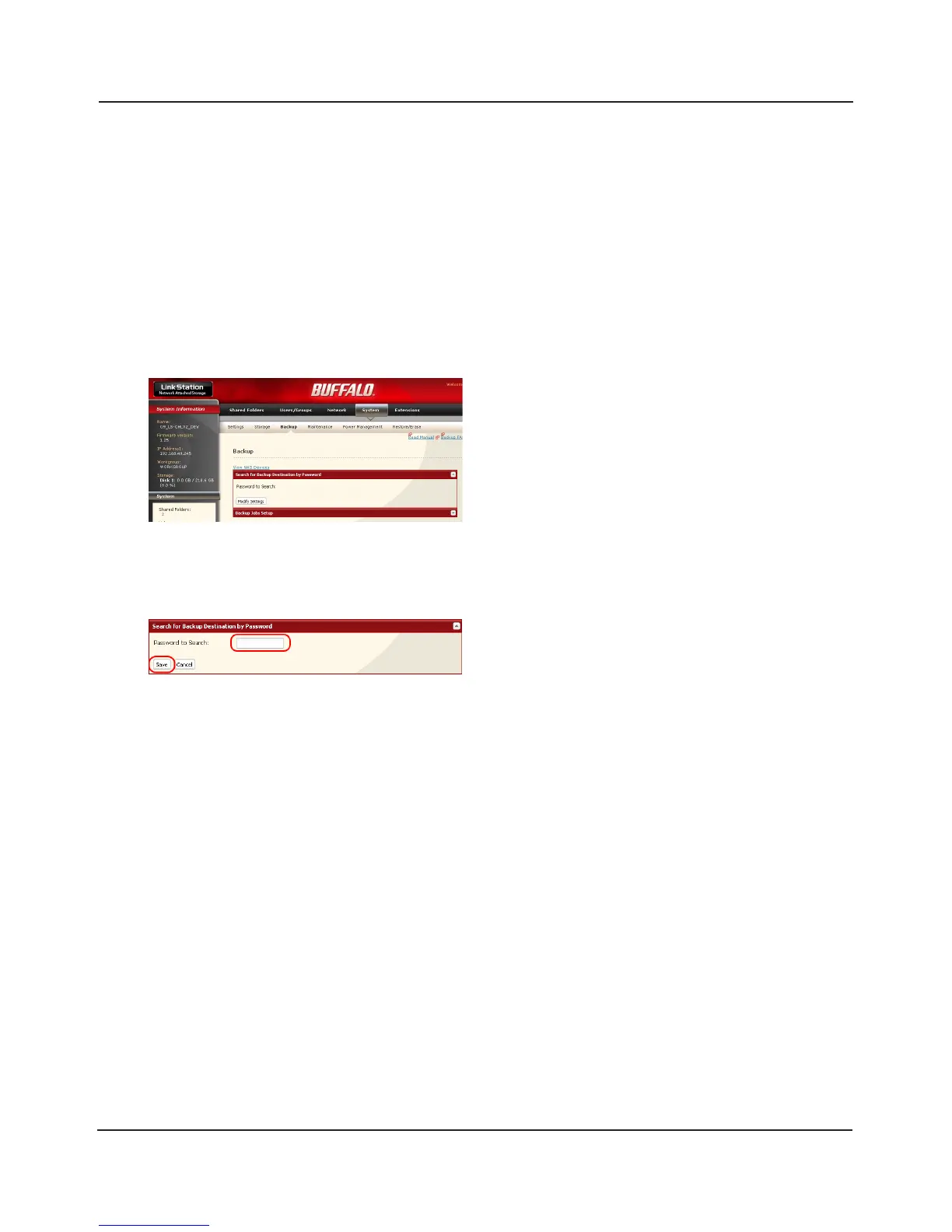
Click [Modify Settings] in [Search for Backup Destination by Password].
In the Web Admin interface, navigate to [System] -
[Backup].
Enter the [Password to Search] for the folder that
is the backup destination.
The search will nd backup-enabled folders on
the network that have the same password that
you are searching for, or that have no password
set.















 To Next Page