When download is selected the parameters stored in the operating unit are transferred to the basic device.
This is only possible, if the version of the data is the same as in the basic device (e. g. data transfer between a
200 - 1000 mA version and a 500 - 2000 mA version is not possible).
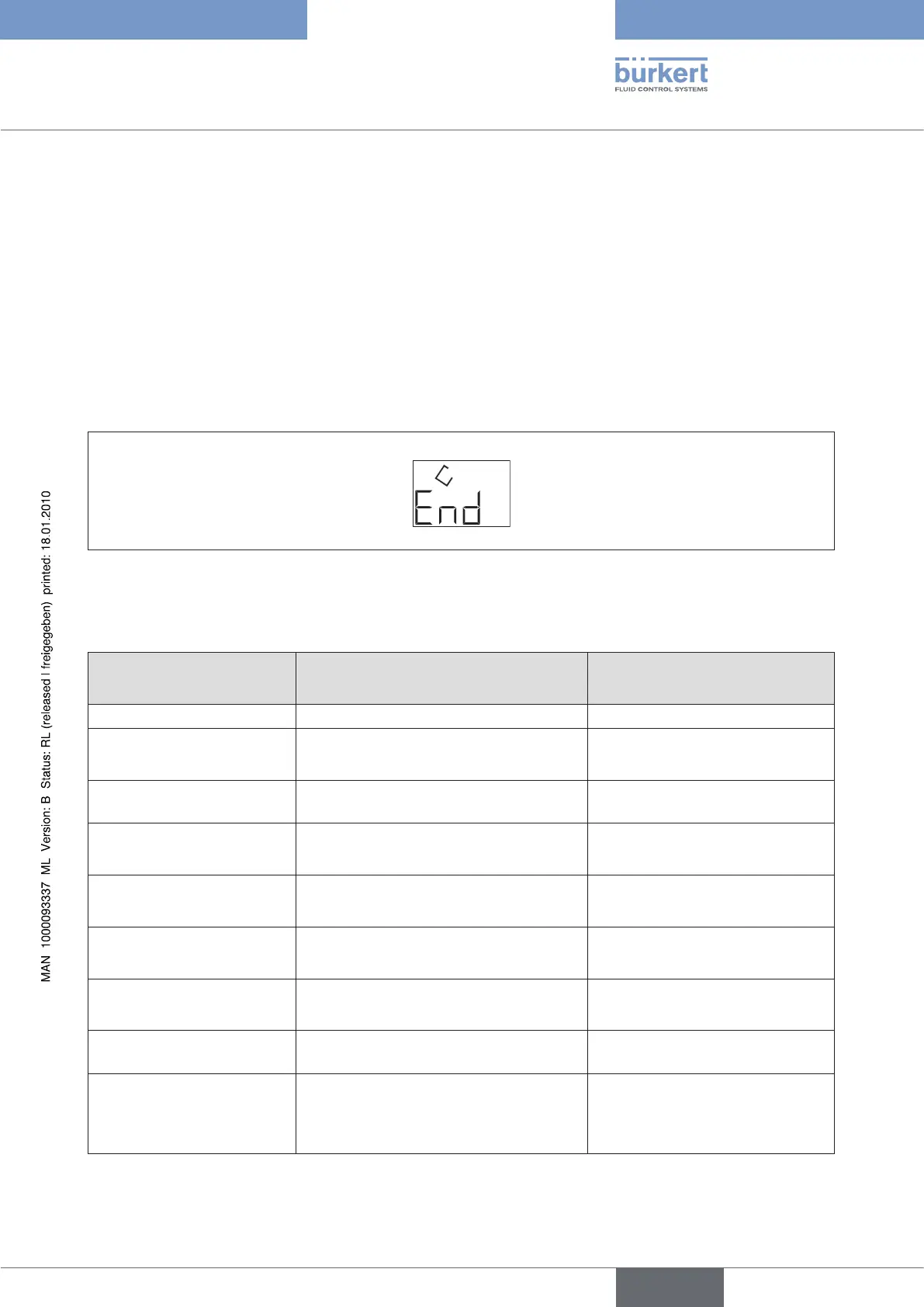
After that the operating unit displays “rdY”. If the data transfer failed “Err” is displayed.
To quit the respective menu level, select the menu item END with the arrow keys.
The settings made are saved on leaving the configuration menu.
EndFigure 27:
InP 0 ...10 V Input signal 0 ...10 V selected
Out / VALV - - - - No valve selected
Out / VAdJ OFF Manual fine tuning of the valve fre-
quency inactive
Out / AdJ LO: 2 mA
HI: 200 mA
These values are changed by a
valve selection
deLY LO: 0.0 s
HI: 0.0 s
Ramp function inactive
Cut LO: 2.0 % Zero point cut-off active at 2 %
PArA SEt2 Controller parameter set 2 selected
Addr 0 Address 0 for the serial communi-
cation selected
SPOS 0.0 % Safety setting 0 % at an input
signal below 4 mA (with selection
of the 4 ... 20 mA input signal)
selected



 To Next Page