GasAlertMax
Alarms
21
D1430/2 English
Viewing Gas Exposures
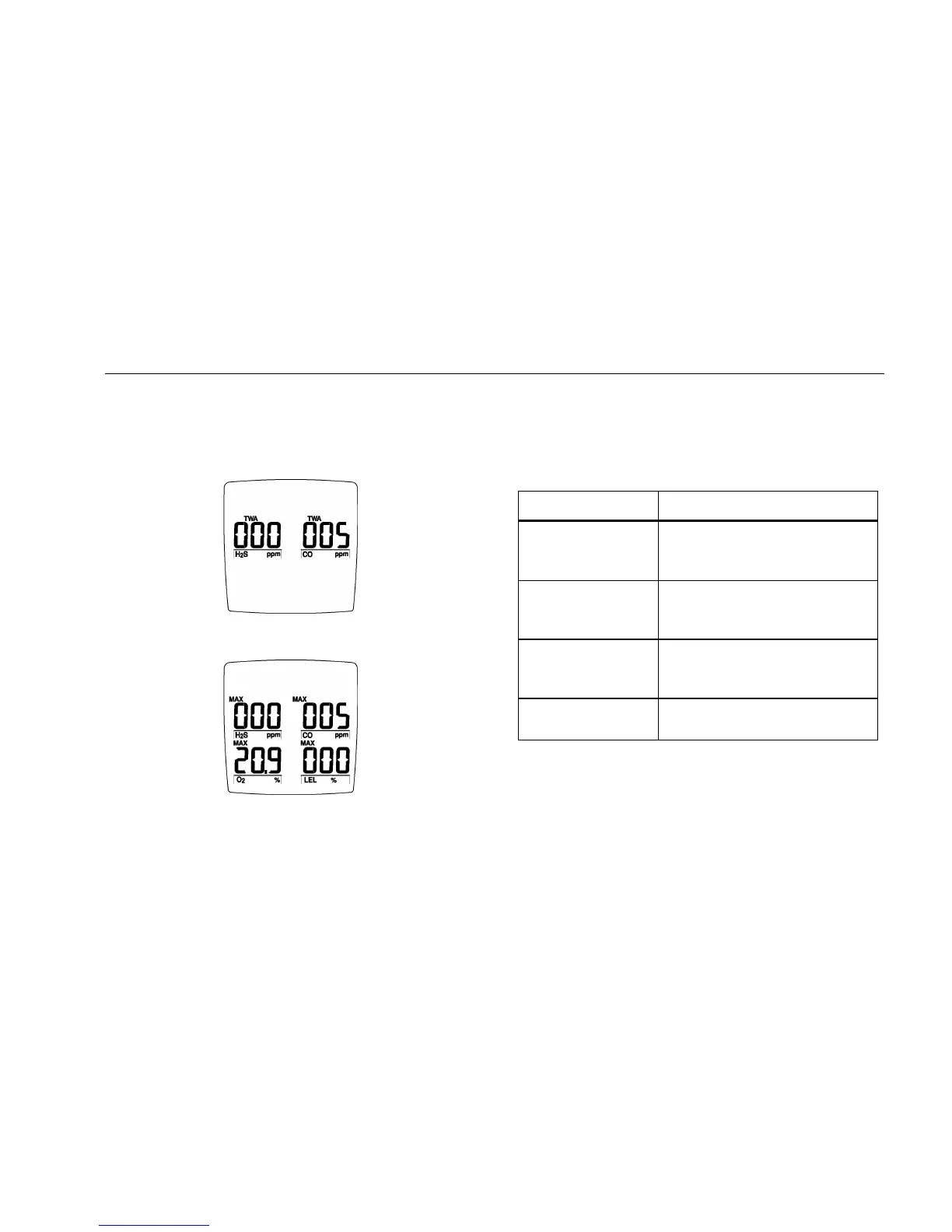
⇒ Press C and G simultaneously.
The display first shows the TWA gas exposure:
The display then shows the maximum gas exposure:
Press C and hold for 5 seconds to reset the maximum
exposures.
Gas Alarm Setpoints
The detector's gas alarm setpoints trigger the gas alarms,
which are described in Table 8.
Table 8. Gas Alarm Setpoints
Alarm Condition
Low Alarm CO, H
2
S, and LEL: Ambient
gas level above Low Alarm
setpoint. (for O
2
see below)
TWA Alarm
(CO and H
2
S
only)
TWA above Low Alarm
setpoint.
High Alarm CO, H
2
S, and LEL: Ambient
gas level above High Alarm
setpoint. (for O
2
see below)
Multi-Gas Alarm Two or more gas alarm
conditions.
Oxygen Alarm Setpoints: User selectable for Low and High
Alarms in the 0-30.0% range. Set both below, or both above,
or one above and one below 20.9%, as desired.
Alarm setpoints >20.9% (v/v) for increasing oxygen
concentrations.
Alarm setpoints <20.9% (v/v) for decreasing oxygen
concentrations.



 To Next Page