GasAlertMax
Calibration and Setting Alarm Setpoints
29
D1430/2 English
Alarm Setpoints
Alarms may be set anywhere within the detection range for
the sensor (page 46), or set to zero for OFF.
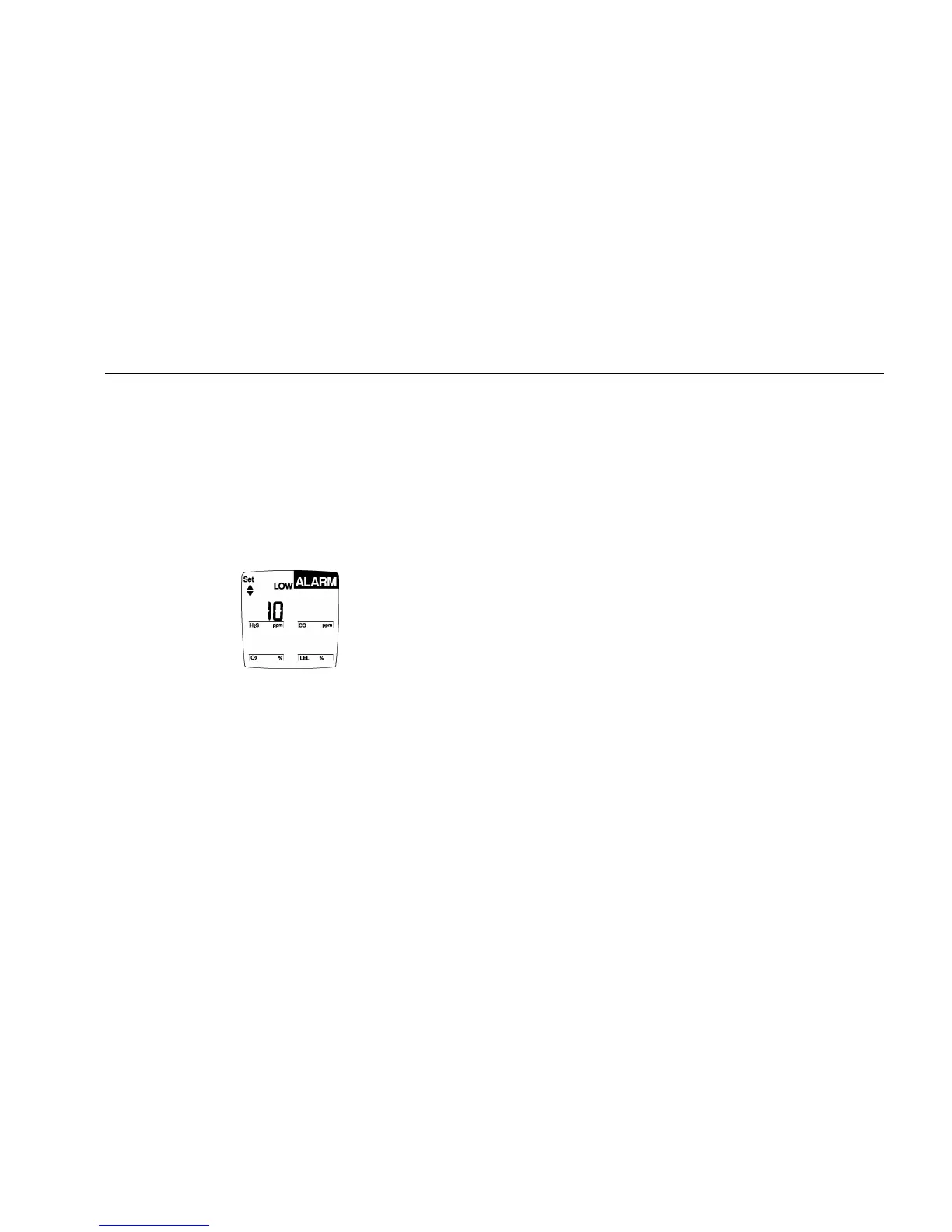
Setting the Low Alarm Setpoint
Next set the Low and High Alarm setpoints for each sensor in
turn, starting with H
2
S.
The display shows the Low Alarm setpoint for H
2
S:
The Set up/down arrow icon lights, prompting you to input a
new Low Alarm setpoint. To accept the displayed value,
press C.
3. To change the Low Alarm setpoint for this sensor, press
F or G until the display shows the new value. Press C
to save the displayed value.
Note
If you do not press any pushbuttons within 10
seconds, the detector automatically retains the Low
Alarm setpoint.
If you change the displayed value but pause for 10
seconds before pressing C, the detector rejects the
new value. The display shows error (Err) and the
audible alarm beeps six times. The saved Low
Alarm setpoint is displayed.
The detector allows you to set both (Low and/or
High) O
2
alarm setpoints below or above 20.9%, or
one below and one above 20.9%.



 To Next Page