GasAlertMax
Calibration and Setting Alarm Setpoints
27
D1430/2 English
Pass Code Protect: If the detector is pass code
protected, after a successful Auto Zero, the detector will
ask for the pass code before proceeding to Auto Span
and Alarm Setpoints.
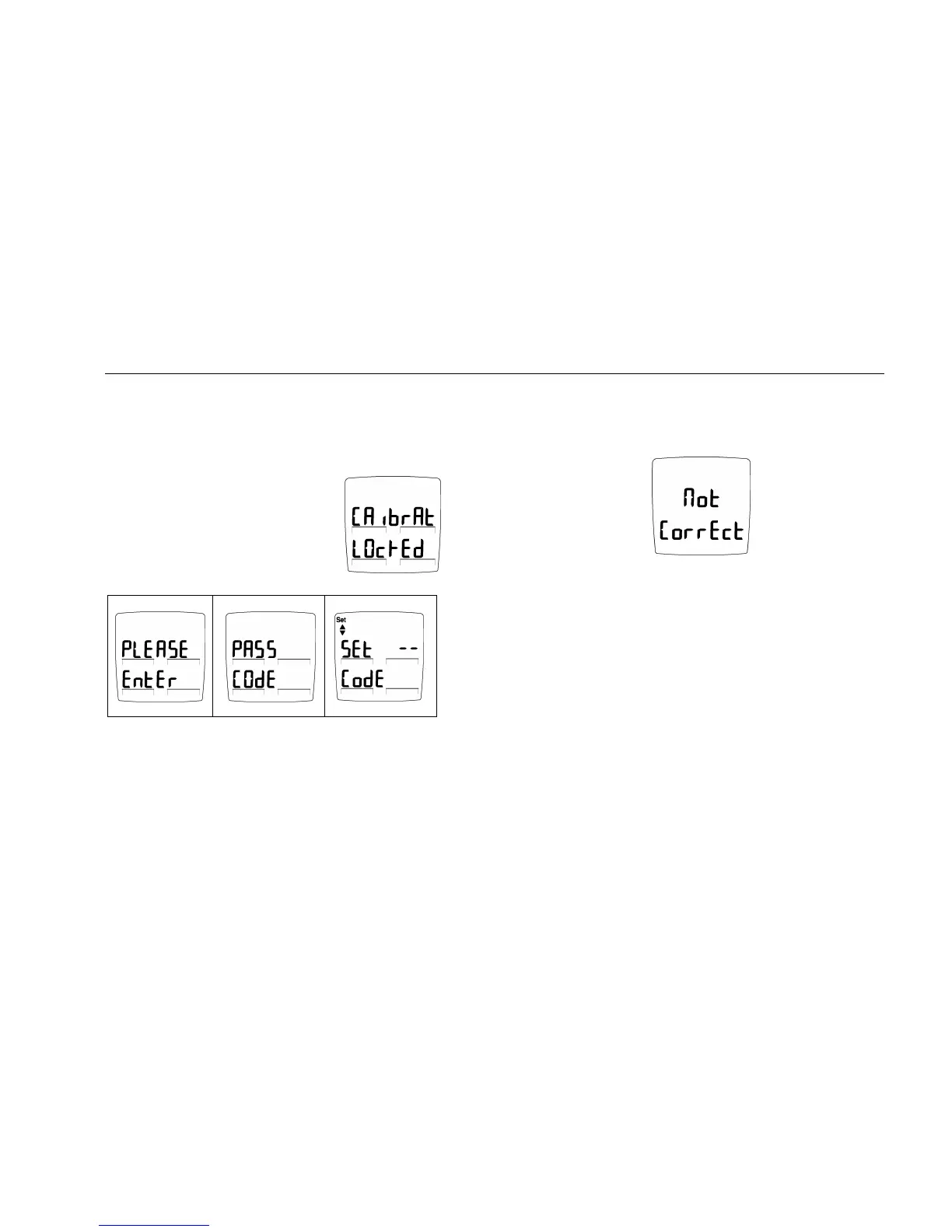
Pass Code Protect Activated
Before setting span the display will
advise if the detector is pass code
protected. The display will advise
Calibration is locked.
Then display requests the Pass Code.
The Set up/down arrow icon lights to prompt entry of the
three-digit pass code. Enter the correct pass code using G
and H keys. Press C key to accept the displayed pass code.
If the correct code is entered the detector
automatically proceeds to auto span.
If the pass code is not entered within 8 seconds or the wrong
pass code is entered, the detector advises the code is not
correct.
The detector beeps four times and automatically
returns to normal operation.



 To Next Page