GasAlertMax
Maintenance
35
D1430/2 English
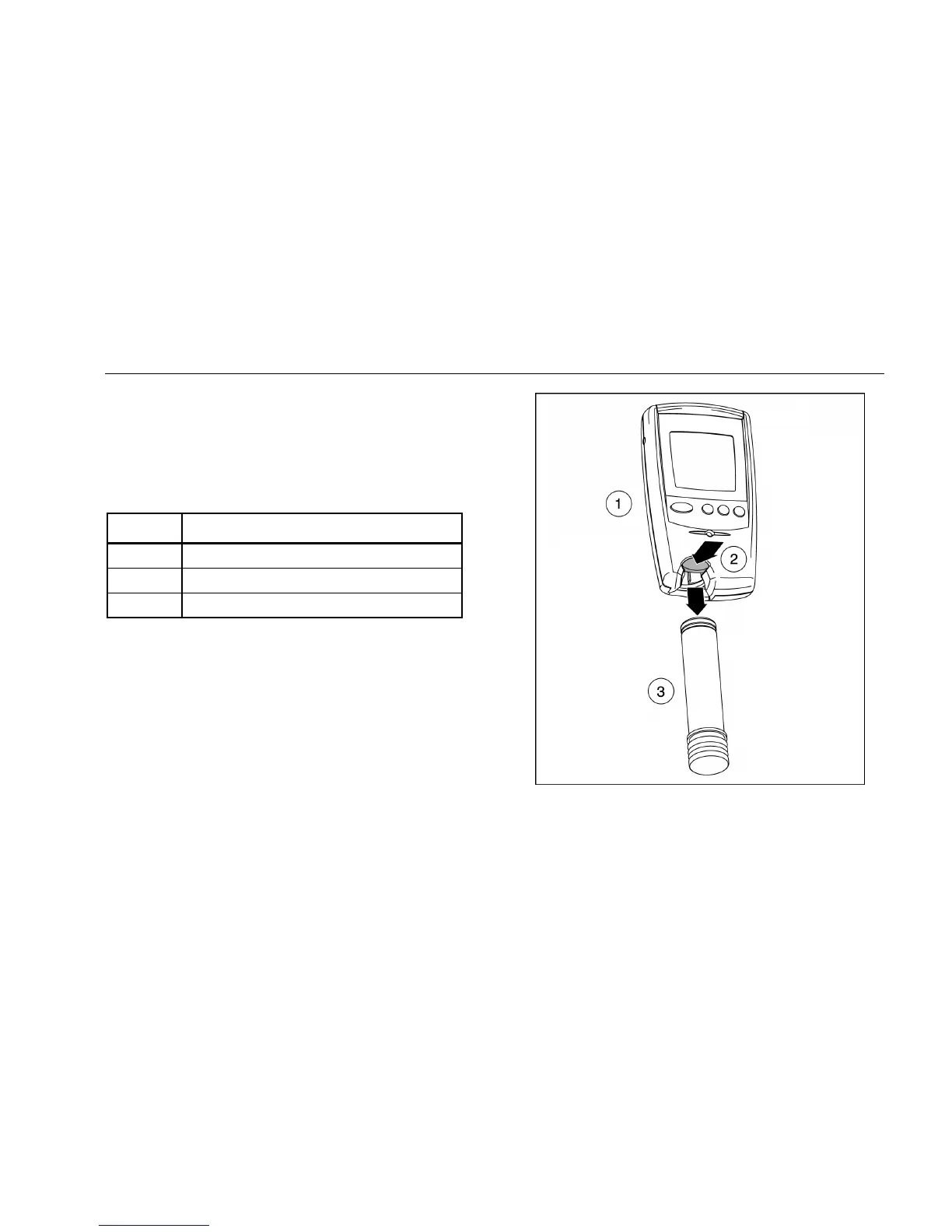
Table 11 and Figure 4 illustrate how to replace the battery. If
the detector is on, shut down the detector before replacing the
battery. Push the release button. The battery pulls out and
snaps in.
Table 11. Replacing the Battery
Item Description
A Detector Front
B Release Button
C Battery
To preserve battery life, turn the detector off when you are not
using it.
Figure 4. Replacing the Battery



 To Next Page