GasAlertMax
User Manual
36
D1430/2 English
Pump Calibration
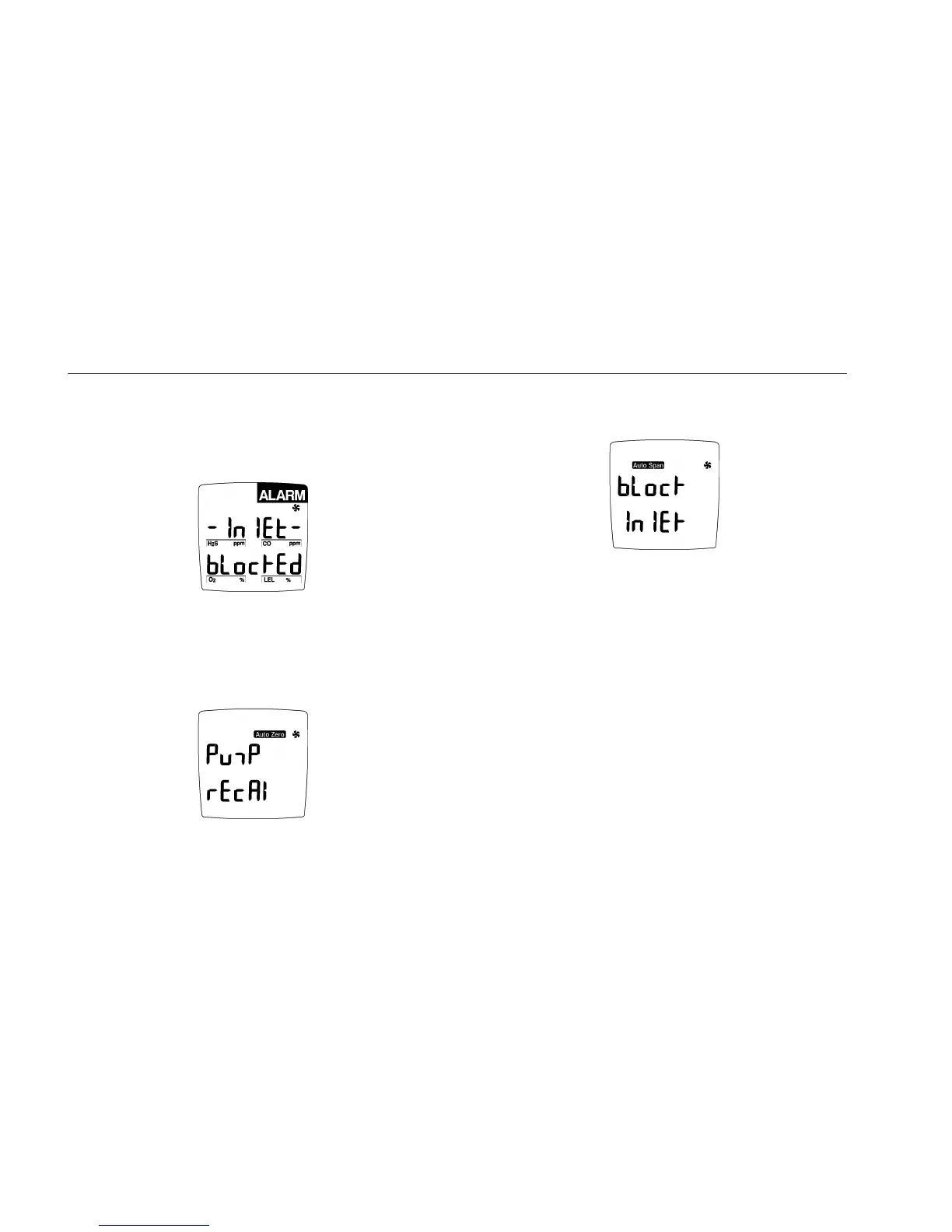
The pump may need recalibration if the Pump Alarm
continues for more than 5 seconds and the display advises
the inlet is blocked.
Note: The pump can only be calibrated if the above
display is shown.
1. Press C for 3 seconds until the audible alarm beeps.
Wait for the auto zero function to complete. The
display advises pump calibration.
Then, the audible alarm beeps twice, the pump icon stays lit,
the auto span icon flashes and the display shows:
To complete calibration, block the pump inlet (within 8
seconds) after the display shows Block InlEt.



 To Next Page