EasyManua.ls Logo

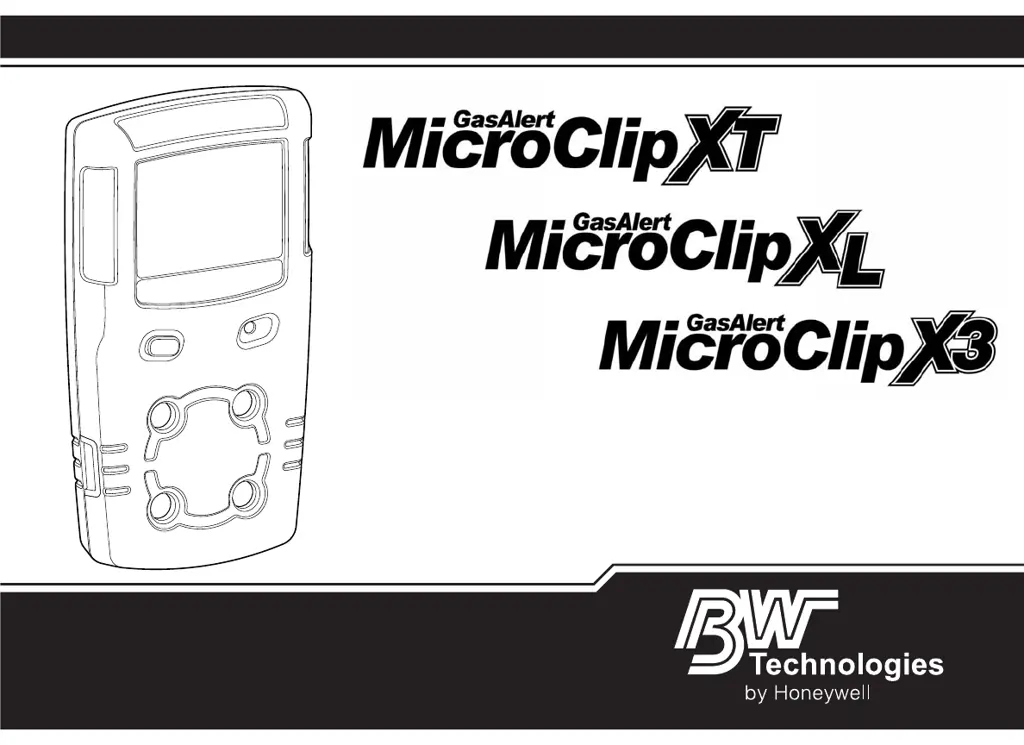
BW Technologies GasAlertMicroClip XT - User Manual

BW Technologies GasAlertMicroClip XT
68 pages
Print Icon
To Next Page IconTo Next Page
Loading...
1
User Manual
1, 2, 3, and 4 Gas Detector

Table of Contents

Other manuals for BW Technologies GasAlertMicroClip XT

Questions and Answers

  • R
    Rebecca LoveAug 13, 2025
    What to do if my BW Technologies GasAlertMicroClip XT detector intermittently enters alarm without reason?
    • D
      David BeckerAug 13, 2025
      This can happen if ambient gas levels are near the alarm setpoint, or if the sensor is exposed to a puff of the target gas. In this case, the detector is operating normally, but you should use caution in suspect areas and check the peak gas exposure reading. Other possible causes are incorrectly defined alarm setpoints (reset them), the detector requires calibration (calibrate the sensors), or there is a missing or faulty sensor (replace the sensor).
  • A
    andrewhallAug 16, 2025
    Why does my BW Technologies GasAlertMicroClip XT Security Sensors battery indicator not display when charging?
    • A
      amarshallAug 16, 2025
      If the battery indicator does not display when charging, it could be that the detector is depleted below normal levels. Charge the battery for 8 hours. The detector LEDs may light during the first 5 hours, which is normal. If the battery indicator still does not light after charging for 8 hours, there may be a defect.
  • T
    Tara NewmanAug 21, 2025
    What to do if BW Technologies Security Sensors calibration is overdue?
    • S
      Sandra WestAug 21, 2025
      If calibration is overdue, press the C button to continue and calibrate the sensors immediately. If the IR Lock enabled screen displays, the MicroDock II station or the IR Link with Fleet Manager II must be used to calibrate.
  • J
    Jeffrey SchultzAug 25, 2025
    What to do if BW Technologies Security Sensors bump test failed?
    • D
      Daniel RogersAug 25, 2025
      If a bump test has just been performed and it failed, perform another bump test. Ensure the cylinder is not empty and that the cylinder is not past the expiry date. Ensure the regulator is fully opened to apply gas. If Bump Check Today displays again, calibrate the sensors. If the calibration is unsuccessful, you may need to replace a sensor or sensor filter.
  • P
    Patricia JamesAug 28, 2025
    What to do if my BW Technologies Security Sensors detector is activated after charging, but the battery indicator does not display?
    • T
      Thomas Strickland MDAug 28, 2025
      If the battery indicator does not display when the detector is activated after charging, the battery may be defective.
  • J
    Jennifer HuntSep 1, 2025
    How to resolve a sensor error on BW Technologies Security Sensors?
    • T
      Tina BarnesSep 1, 2025
      If the sensor failed during the self-test, calibrate the sensor(s) and reactivate the detector. If the error displays again, replace the sensor.
  • L
    Lisa MorrisSep 4, 2025
    What does it mean if my BW Technologies GasAlertMicroClip XT battery has been charging for 3+ hours (XT model) or 6+ hours (XL-X3 models) and the charging indicator on the detector LCD shows the battery is still charging?
    • L
      Lynn RodriguezSep 4, 2025
      If the battery has been charging for an extended time and the charging indicator is still on, the battery is likely trickle charging. This means the battery is fully charged and ready for operation.
  • A
    Anthony LeachSep 8, 2025
    What to do if a sensor has failed during the startup self-test of BW Technologies GasAlertMicroClip XT Security Sensors?
    • S
      Steven BrownSep 8, 2025
      If a sensor has failed during the startup self-test, perform a Bump Test and reactivate the detector. If the sensor fails again, perform Calibration and reactivate the detector again. If the sensor still does not pass, you may need to replace a sensor or sensor filter.

BW Technologies GasAlertMicroClip XT Specifications

General IconGeneral
BrandBW Technologies
ModelGasAlertMicroClip XT
CategorySecurity Sensors
LanguageEnglish

Related product manuals