39
GasAlertMicroClip
Calibration
Calibrating with the IR Link
a Caution
Only calibrate in a fresh air environment and in a safe area. Do
not calibrate the detector during or immediately after
charging.
To calibrate the detector with the IR Link, complete the following
procedure:
1. Complete steps #1-10 under Setting Span Gas Concentration
Values.
2. Click on the Device Operations tab.
3. Click
Calibrate. The detector begins calibration. Refer to Auto
Zero and Oxygen Sensor Calibration.
Calibration Procedure
a Caution
Only calibrate in a fresh air environment and in a safe area. Do
not calibrate the detector during or immediately after
charging.
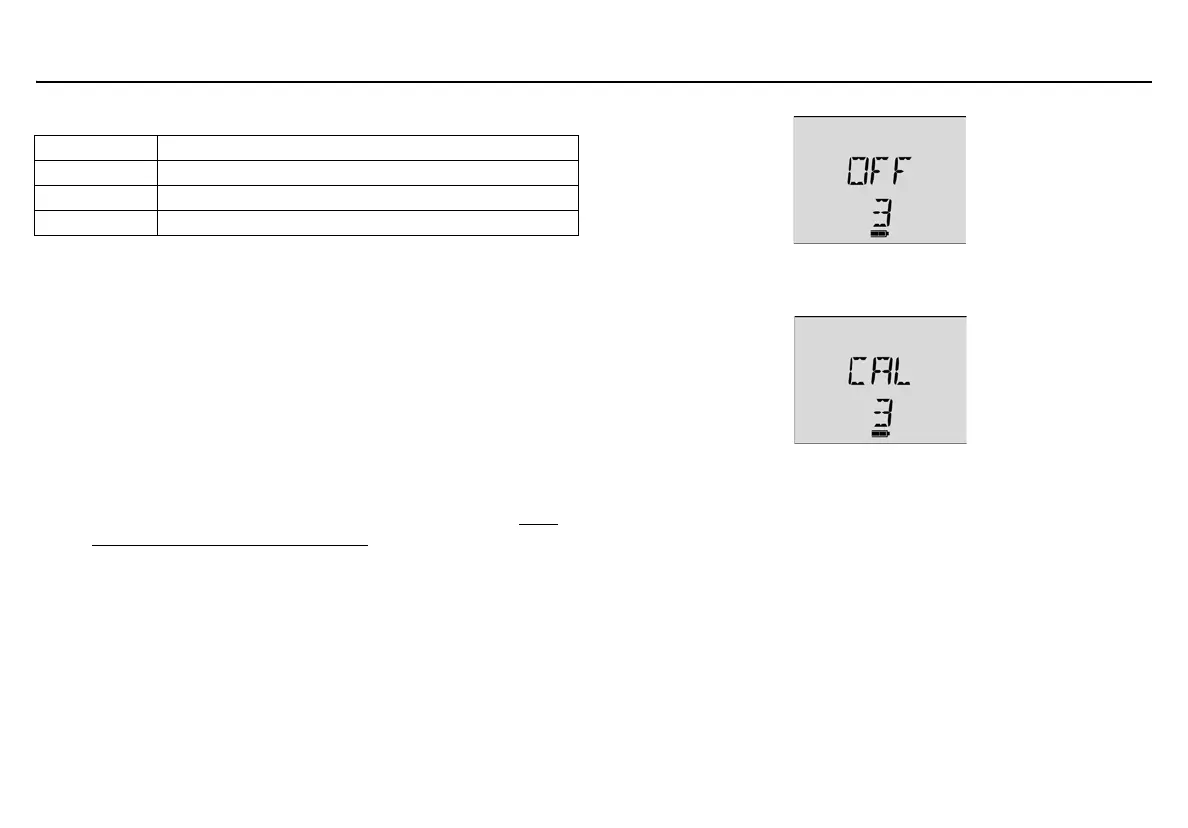
1. Press and hold
C. The detector performs the OFF countdown.
Continue holding
C as the detector briefly deactivates.
2. The detector then reactivates and performs the CAL countdown.
Continue holding
C until the CAL countdown is complete.
Note
If
C is not held for the entire countdown, the detector will
deactivate.
Table 12: Connecting to the IR Link
Item Description
1Detector
2 IR and charger interface
3IR Link



 To Next Page