GasAlertMicroClip
User Manual
38
Calibration Setup
The following calibration procedures are written as calibration
performance is intended. If an error or failure occurs, refer to Calibration
Troubleshooting.
a Caution
Only calibrate in a fresh air environment and in a safe area. Do
not calibrate the detector during or immediately after
charging.
Note
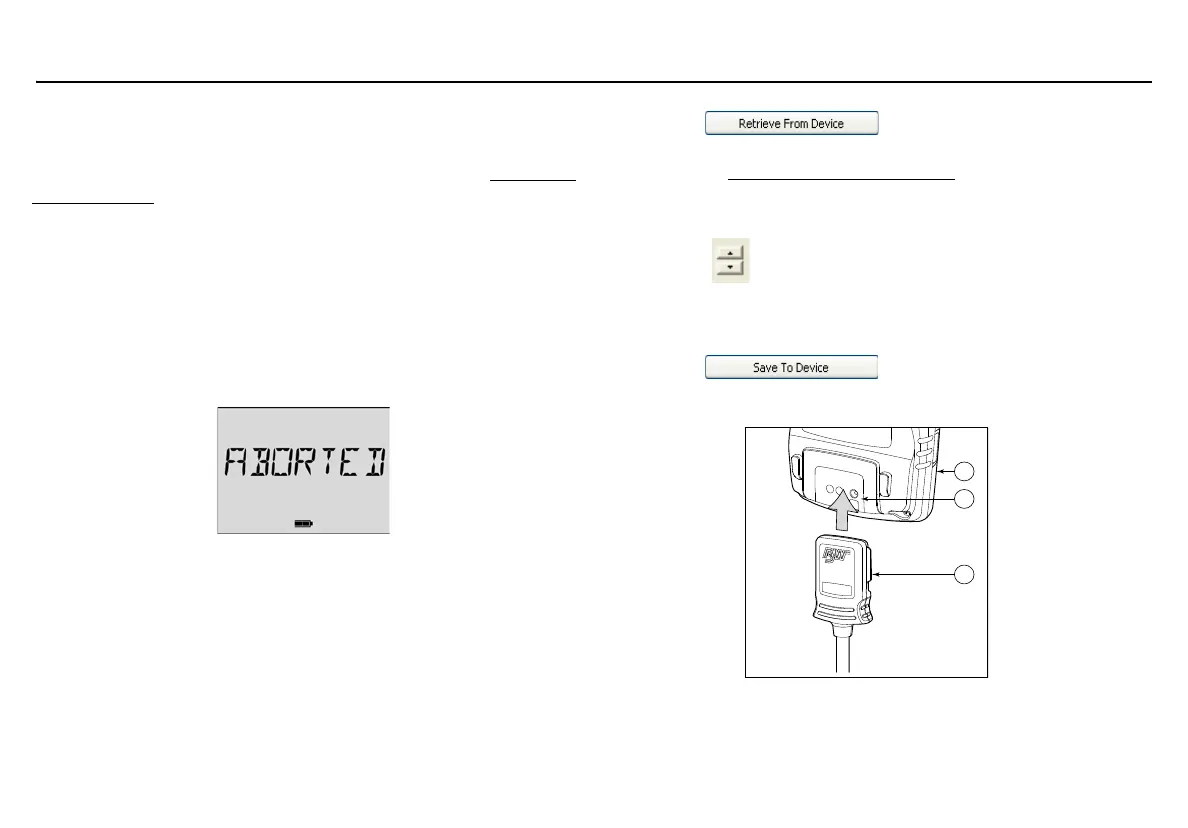
Calibration can be aborted at any time. To abort calibration,
press
C. The following screen displays.
Setting Span Gas Concentration Values
1. Activate the detector and allow startup to complete.
2. Connect the IR Link to the computer
3. Insert the IR Link into the IR interface on the back of the detector.
4. On the PC, open Fleet Manager II.
5. Login to the Administration functions. From the Devices toolbar,
click Configure Device via IR Link and select
GasAlertMicroClip.
6. Click . The fields populate with the
detector’s current settings.
7. Refer to Calibration Gas Concentration for span gas values.
8. Ensure the sensors to be calibrated are enabled in Fleet
Manager II.
9. Using , select the concentration value(s) in the
Calibration Gas field for each sensor. The values entered in
Fleet Manager II must match the gas concentration values on the
gas cylinder.
10. Click to save the settings to the detector.
Connecting to the IR Link



 To Next Page