GasAlertMicroClip
User Manual
20
Sensor Configuration
Settings for the sensors are configured individually. Enter values or
enable/disable options. Refer to Factory Gas Alarm Setpoints
for
setpoint values.
Note
Depending upon the sensor, the options may vary.
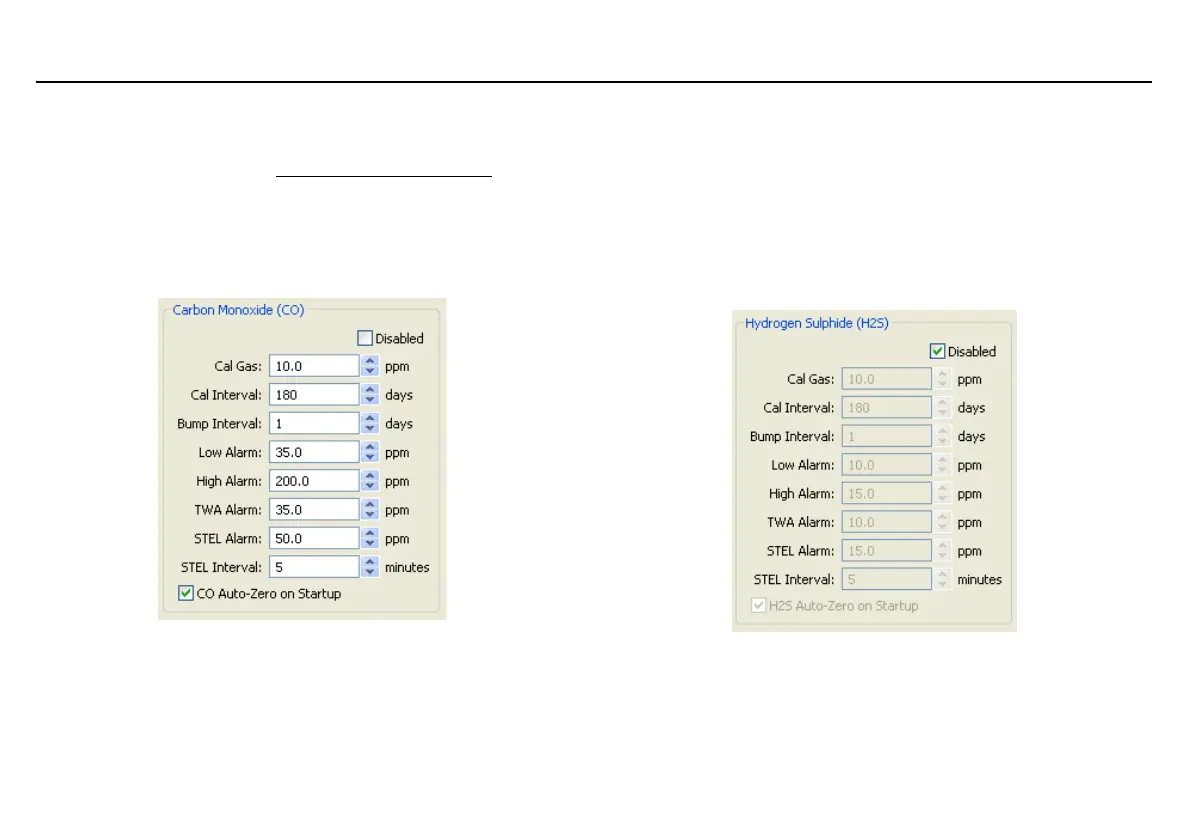
Figure 4. CO Sensor Configuration
Sensor Disabled
a Warning
Use extreme caution when disabling a sensor. The disabled
sensor cannot detect and alarm against the applicable gas.
1. Click Retrieve from Device to populate the fields with the
current detector settings.
2. Click the Disabled checkbox for the required sensor.
Figure 5. Disabled Sensor
The fields for the applicable sensor become inactive (greyed out)
until the sensor is again enabled.



 To Next Page