27
GasAlertMicroClip
User Options
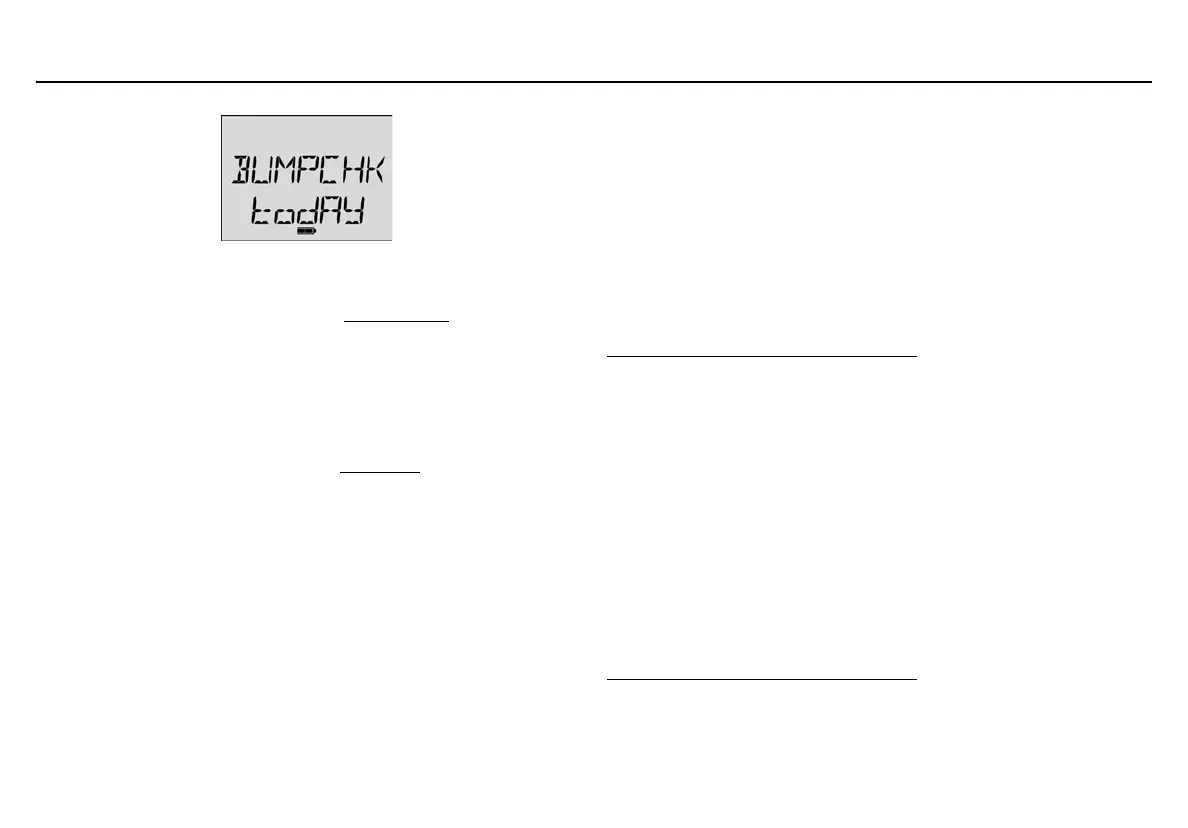
To enable Force Bump When Overdue, complete the following:
1. Click the Force Bump When Overdue checkbox to enable.
2. Enter a value (1-365 days) in the Bump Interval
field.
a Caution
If 0 is entered in the Bump Interval field, the Force Bump
When Overdue option is automatically disabled.
The detector is shipped with Force Bump When Overdue disabled.
For information and procedures, refer to Bump Test
.
Confidence Beep
When enabled, the confidence beep provides continuous audible
confirmation that the detector is operating correctly by beeping once
every second.
Note
Confidence beep automatically disables during a low battery
alarm, a self-test fail, a calibration fail, a bump test fail, or during
an alarm event.
To define how often Confidence Beep occurs (1-60 seconds), refer to
Confidence Beep and IntelliFlash Interval
. Default setting is 1 second.
The detector is shipped with the Confidence Beep disabled.
IntelliFlash
When enabled, the green LED flashes to provide continuous visual
confirmation that the detector is operating correctly.
Note
IntelliFlash is only applicable to GasAlertMicroClip XT, XL and
X3.
IntelliFlash automatically deactivates during a low battery alarm,
a self-test fail, a calibration fail, a bump test fail, or during an
alarm event.
To define how often IntelliFlash occurs (1-60 seconds), refer to
Confidence Beep and IntelliFlash Interval
. Default interval is 1 second.
The detector is shipped with IntelliFlash enabled.



 To Next Page