GasAlertMicroClip
User Manual
32
Clearing Gas Exposures
a Caution
Follow all safety procedures as defined by your employer.
Confirm with your supervisor before clearing TWA and STEL
alarms.
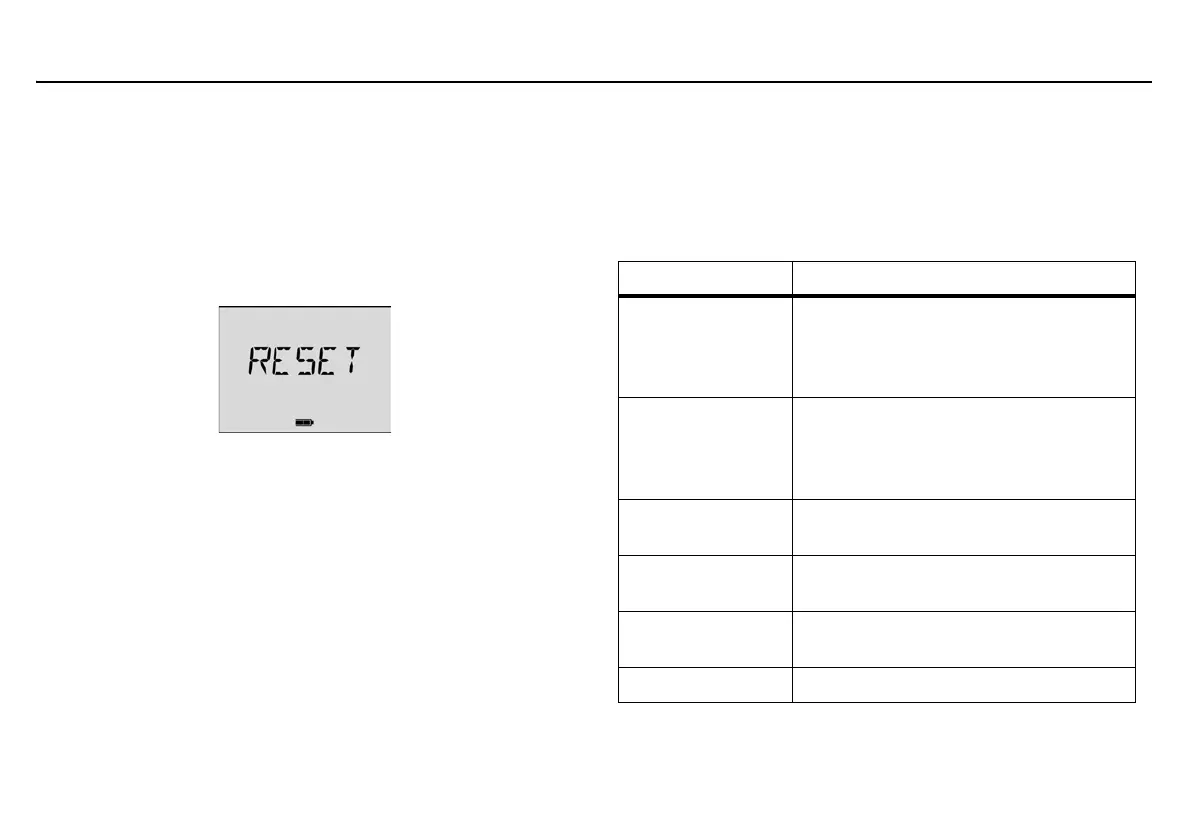
To clear the TWA, STEL, and peak exposure readings, press
C when
the LCD displays RESET.
Gas Alarm Setpoints
Gas alarms are activated when detected gas concentrations are above
or below the user-defined setpoints. Gas alarms are described below.
Table 9. Gas Alarm Setpoints
Alarm Condition
Low
Toxics and combustibles: Ambient gas
level above low alarm setpoint.
Oxygen: Ambient gas level may be set
above or below 20.9% (or 20.8%).
High
Toxics and combustibles: Ambient gas
level above high alarm setpoint.
Oxygen: Ambient gas level may be set
above or below 20.9% (or 20.8%).
TWA
Toxics only: Accumulated value above the
TWA alarm setpoint.
STEL
Toxics only: Accumulated value above the
STEL alarm setpoint.
Downscale
Toxics only: If sensor reading is negative
(half of the TWA setpoint)
Multi-gas
Two or more gas alarm conditions.



 To Next Page