GasAlertMicroClip
User Manual
16
Deactivating the Detector
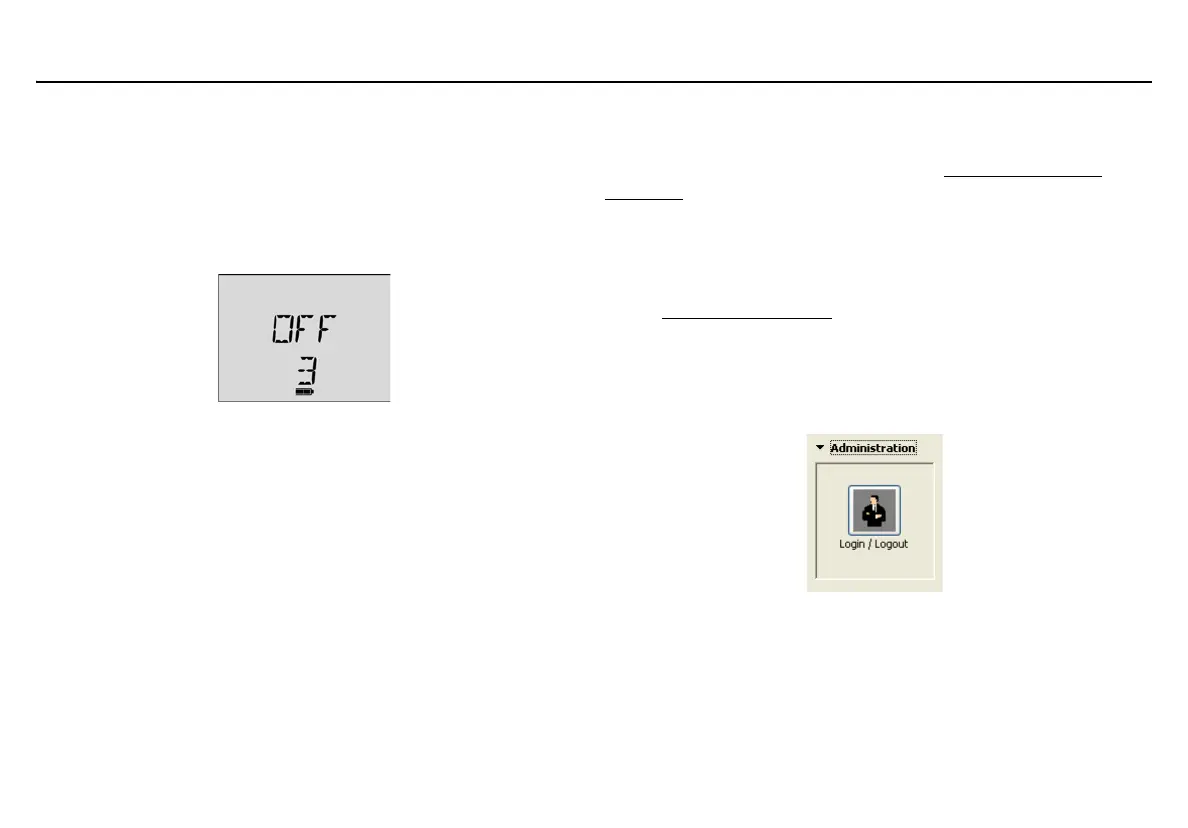
To deactivate the detector, press and hold C. The detector
• performs a sequence of two sirens with alternating flashes,
•vibrates,
• initiates the deactivation countdown, and
•displays
OFF.
Note
If
C is released before the countdown is complete, the detector
will not deactivate.
Installing Fleet Manager II
Fleet Manager II is required to configure the detector and sensors. And
IR Link is also required. To purchase contact BW Technologies by
Honeywell.
To install Fleet Manager II complete the following:
1. Install Fleet Manager II using the Fleet Manager CD-ROM
(available with MicroDock II and the IR Link), or download (at no
cost) from BW Technologies by Honeywell website:
www.gasmonitors.com
.
2. Follow the installation wizard.
3. When installation is complete, open Fleet Manager II.
4. Click Administration located on the left toolbar.
5. Click the Login/Logout button.



 To Next Page