17
GasAlertMicroClip
Installing Fleet Manager II
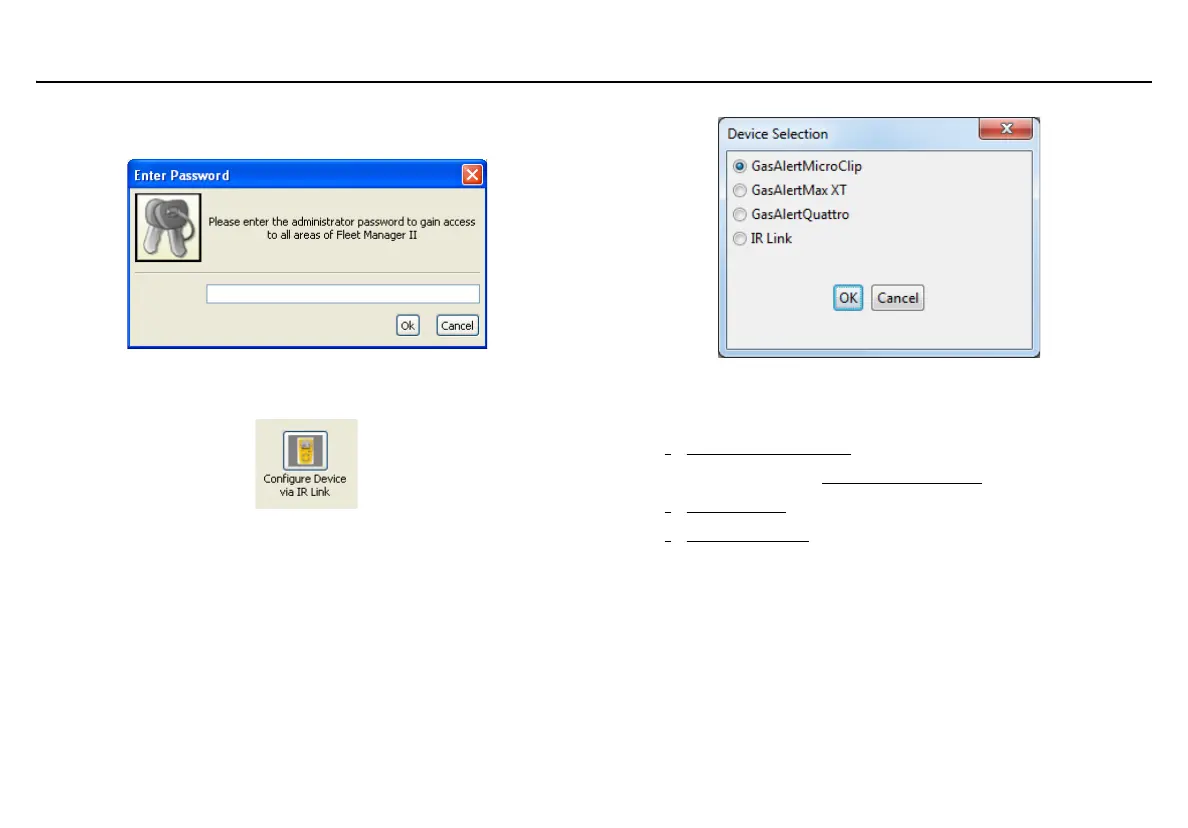
6. When the Password dialog box displays, enter Admin (password
is case sensitive).
7. Click OK.
8. From the Devices toolbar, click Configure Device via IR Link.
9. When the Device Selection dialog box displays, select
GasAlertMicroClip Series and click OK.
Fleet Manager II displays the Sensors tab that includes the
following sections:
•
Detector Identification
•CO, O
2
, H
2
S, LEL Sensor Configuration
• User Options
• Language Menu



 To Next Page