GasAlertMicroClip
User Manual
26
Force Calibration When Overdue
When enabled, if a sensor(s) is past due, the sensor(s) must be
calibrated immediately, otherwise the detector deactivates.
Enable Force Calibration When Overdue to ensure calibrations are
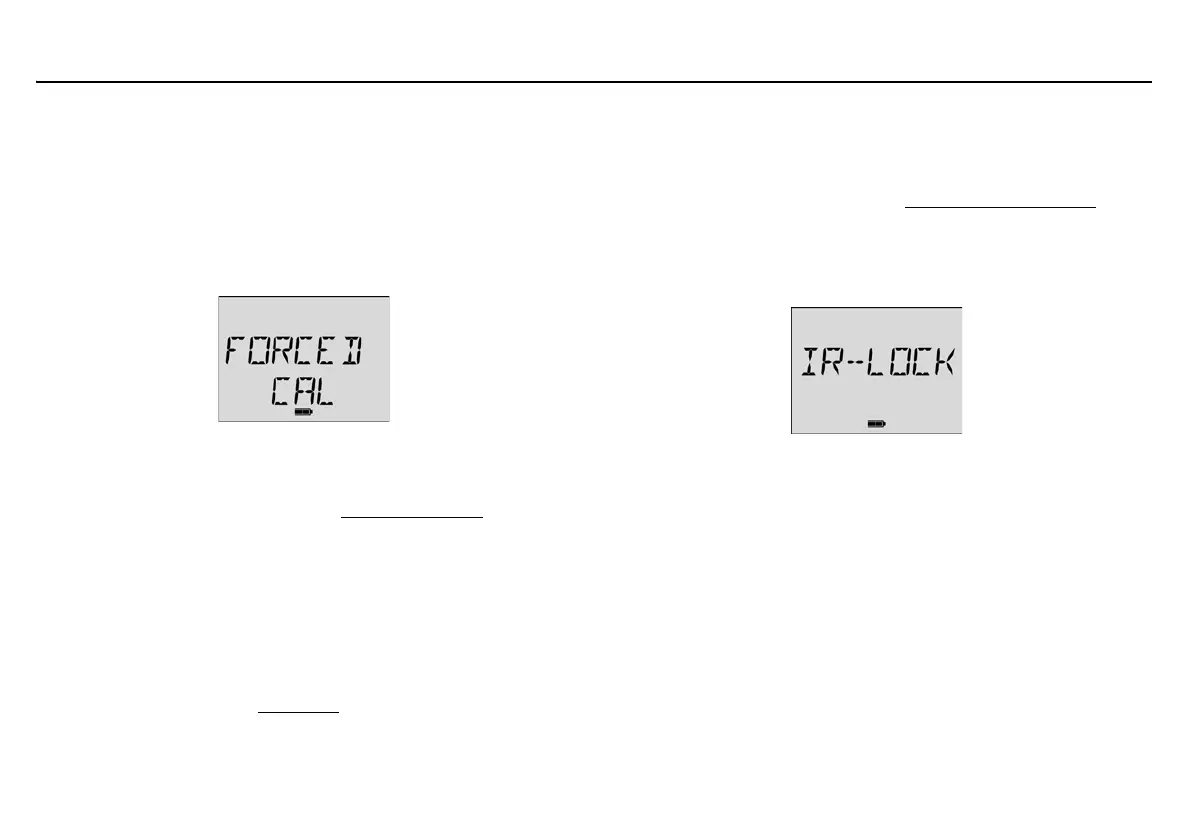
performed regularly and sensors are operating correctly. The following
screen displays during the startup sequence when the option is enabled
and the sensor(s) is overdue.
To enable Force Calibration When Overdue, complete the following:
1. Click the Force Calibration When Overdue checkbox to
enable.
2. Enter a value (1-365 days) in the Calibration Interval
(Cal Interval) field.
a Caution
If 0 (zero) is entered in the Cal Interval field, the Force
Calibration When Overdue option is automatically disabled.
The detector is shipped with Force Calibration When Overdue
disabled.
For more information, refer to Calibration
.
Cal Lock (Calibration IR Lock)
When enabled, the sensors can only be calibrated using an infrared (IR)
device to ensure calibrations are recorded. The following are IR devices:
• IR Link with Fleet Manager (refer to Connecting to the IR Link
),
• MicroDock II base station (refer to the MicroDock II User Manual).
If Cal Lock is enabled and calibration is attempted, the following screen
displays.
Note
If Cal Lock is enabled, the detector will still auto zero the
sensors.
The detector is shipped with Cal Lock disabled.
Force Bump When Overdue
When enabled, if a sensor(s) is past due for a bump test, the sensor(s)
must be bump tested immediately, otherwise the detector deactivates.
A bump test should be performed regularly to ensure the sensors are
responding correctly to gas. The following screen displays when the
option is enabled and the sensor(s) is overdue.



 To Next Page