GasAlertMicroClip
User Manual
24
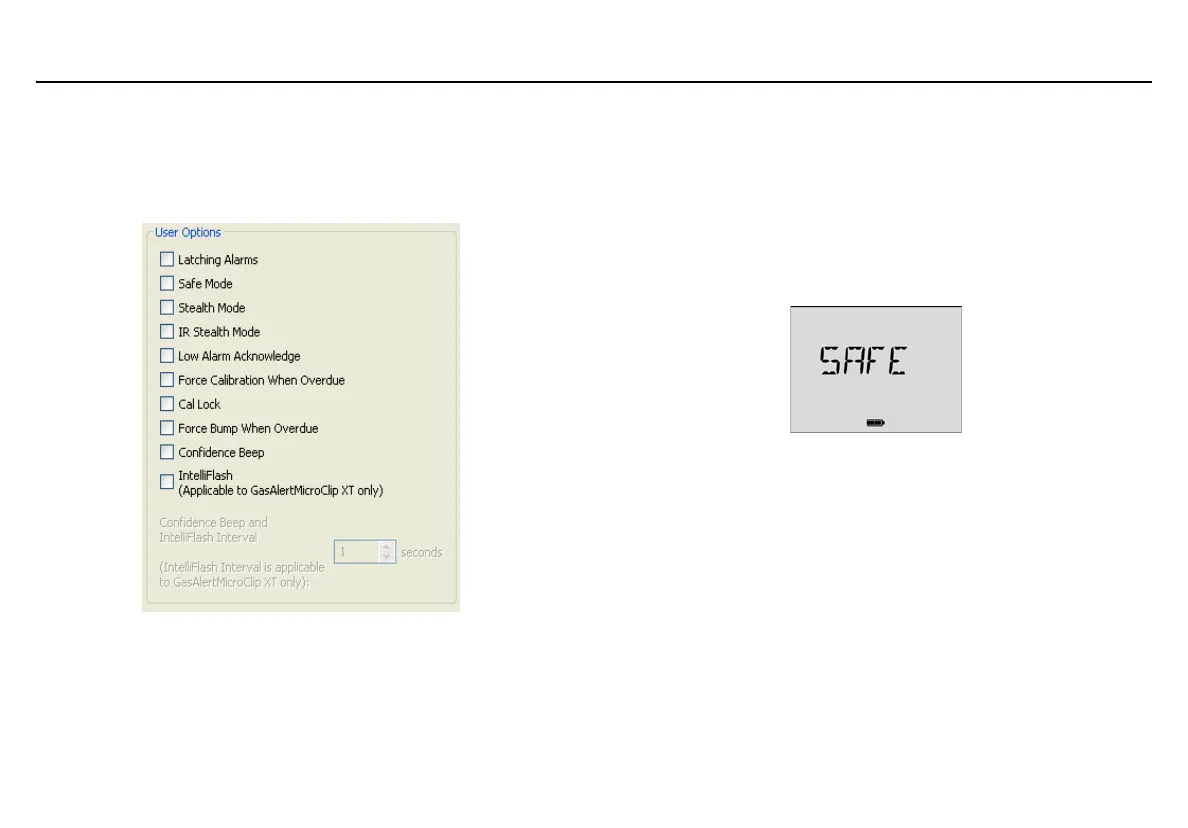
User Options
The user options section provides detector features that can be enabled
or disabled. The green checkmark indicates the option is enabled. Click
the checkbox to disable the option.
Figure 6. Fleet Manager II IR Link User Options
Latching Alarms
When enabled, a low alarm persists until the alarm is acknowledged and
gas concentrations are below the low alarm setpoint. The audible alarm
can be temporarily deactivated by pressing
C, but the LCD continues to
display the peak concentration values until the alarm condition no longer
exists.
The detector is shipped with Latching Alarms disabled.
Safe Mode
When enabled, SAFE displays continuously on the LCD unless an alarm
condition occurs. Safe Mode provides visual confirmation that no
(monitored) hazardous gas is present.
The detector is shipped with Safe Mode disabled.



 To Next Page