GasAlertMax
User Manual
28
D1430/2 English
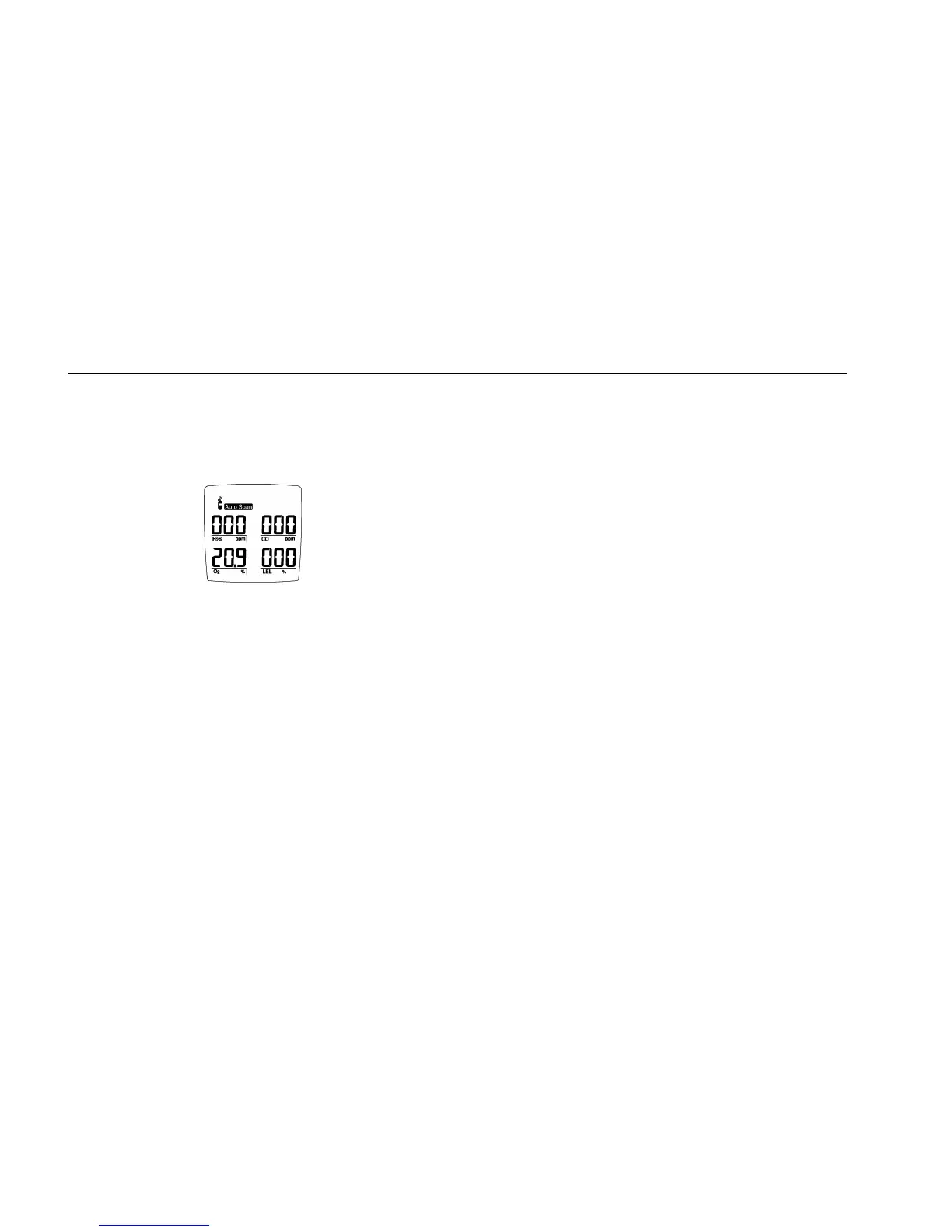
Auto Span
The display shows a flashing gas cylinder, prompting you to
apply a calibration gas to the sensor or skip the span
(sensitivity adjustment):
Use a calibration gas containing the gas concentrations listed
in the Guidelines.
2. Apply gas to the sensor at a flow rate of 250 to
500 ml/min.
Or, press B now to skip the span.
When the detector senses approximately one-half of the
expected gas concentration (30 seconds), the audible alarm
beeps once. The detector then begins spanning the sensor
(2 minutes).
The audible alarm beeps three times at the end of the span.
Note
The detector will not span a sensor if:
• You do not apply gas to the sensor.
• The sensor fails to detect at least one-half of
the expected gas concentration in the first 30
seconds.
• The gas concentration drops below one-half of
the expected gas level during the
2-minute span.
If you apply gas to a sensor and the detector fails to
span the sensor, repeat the calibration process
using a new gas cylinder. If the sensor fails the span
a second time, replace the sensor. (See the section,
“Replacing a Sensor or Pump Filter.”)



 To Next Page