19
5.4 - Automatic Close &
Activating Safety Photocells
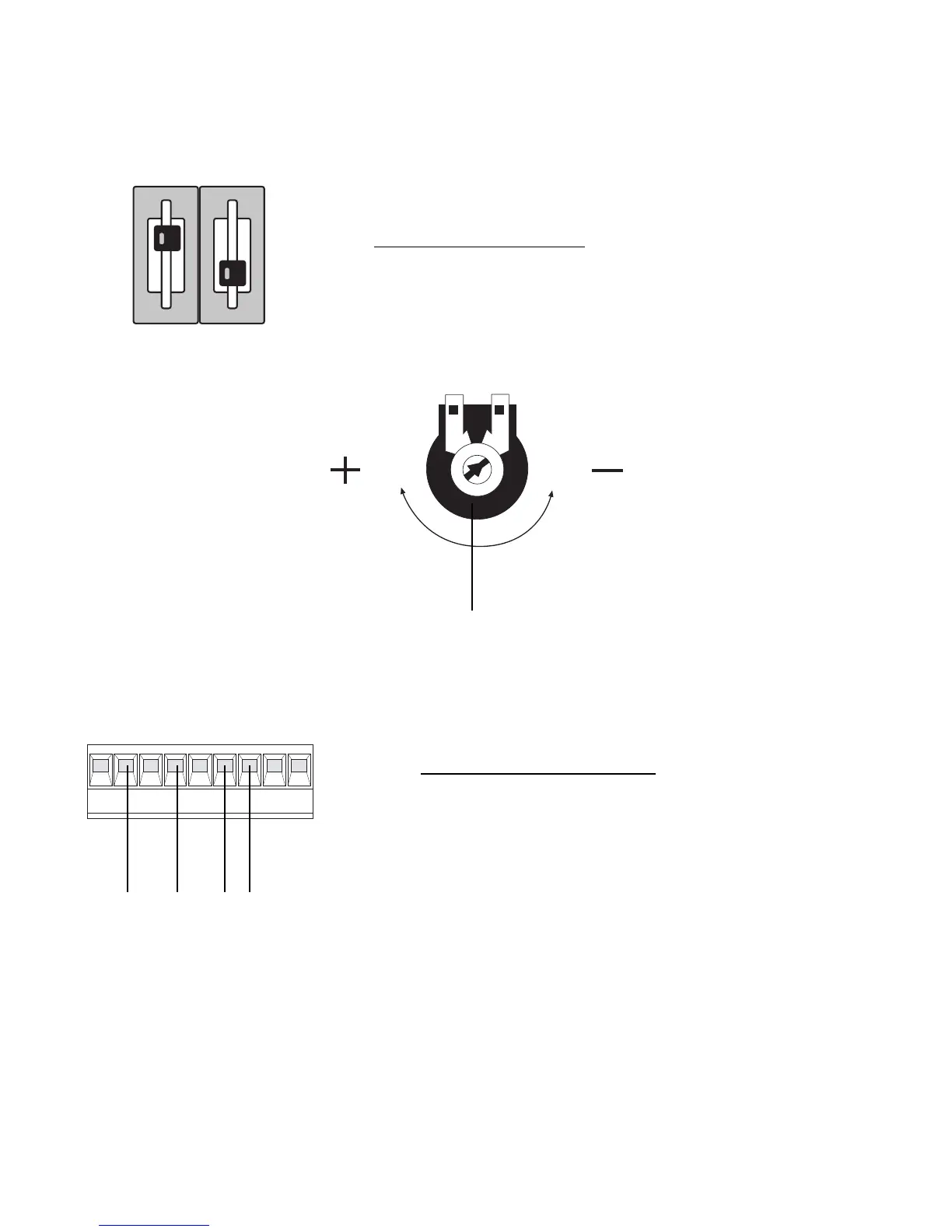
1. To select automatic closing, select dipswitch 1 ON.
Set the automatic closing time by adjusting potentiometer TCA.
Fully anti-clockwise will automatically close the gates after approximately 10 seconds and fully
clockwise will close the gates after approximately 80 seconds. A sensible setting is about halfway (i.e.
6 o’clock position) which will automatically close the gates after approximately 30 seconds.
2. For re-opening during closing.
Remove hard wire link
between 2 & C1 and insert safety beam wires as shown.


 To Next Page