DC10 E, DC20 E
SERVICE MODE / ADJUSTMENT
2
2. Setting
(1) Carry out all the adjustment and check procedures in the product state.
2-1 Using the Extension Connector
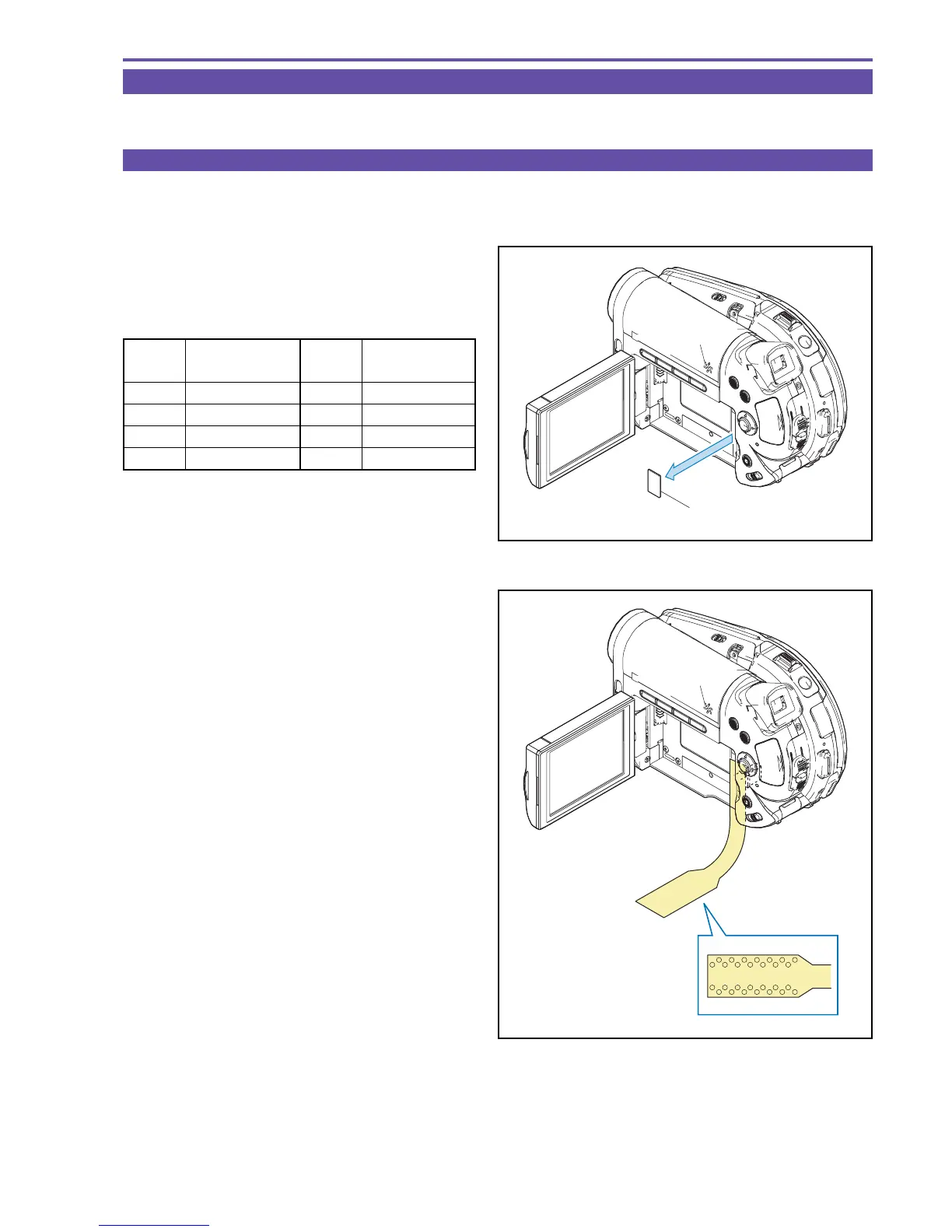
When performing CVF adjustment (optional adjustment item), use the extension connector (DY9-1390-000).
For standard adjustment items, the extension connector is not necessary.
(1) Detach the LID JIG CONNECTION.
(2) Connect the extension connector to the CN2900.
<Signals used>
Fig. 1
LID JIG CONNECTION
Fig. 2
Pin No.
Signal
Designation
3GND
4 EVF HD
13 EVF R
14 EVF COM AC
Pin No.
Signal
Designation
15 EVF G
16 EVF B
18 EVF COM DC



 To Next Page