DC10 E, DC20 E
SERVICE MODE / ADJUSTMENT
28
5-5-2 CCD Image Adjustment (High Temperature)
For this adjustment, use the same conditions as those specified in 5-5-1 Internal Camera Temperature Check (3)
SPEC. Automatic writing
Procedure)
(1) Carry out CCD image adjustment (high temperature) in the following procedure.
Note)
• If the knob adjusted in 5-2-3 has been turned, readjust it before proceeding to CCD image adjustment (high tempera-
ture).
• If step 1 is not taken, the result of CCD image adjustment may become NG. To avoid this, be sure to carry out step 1.
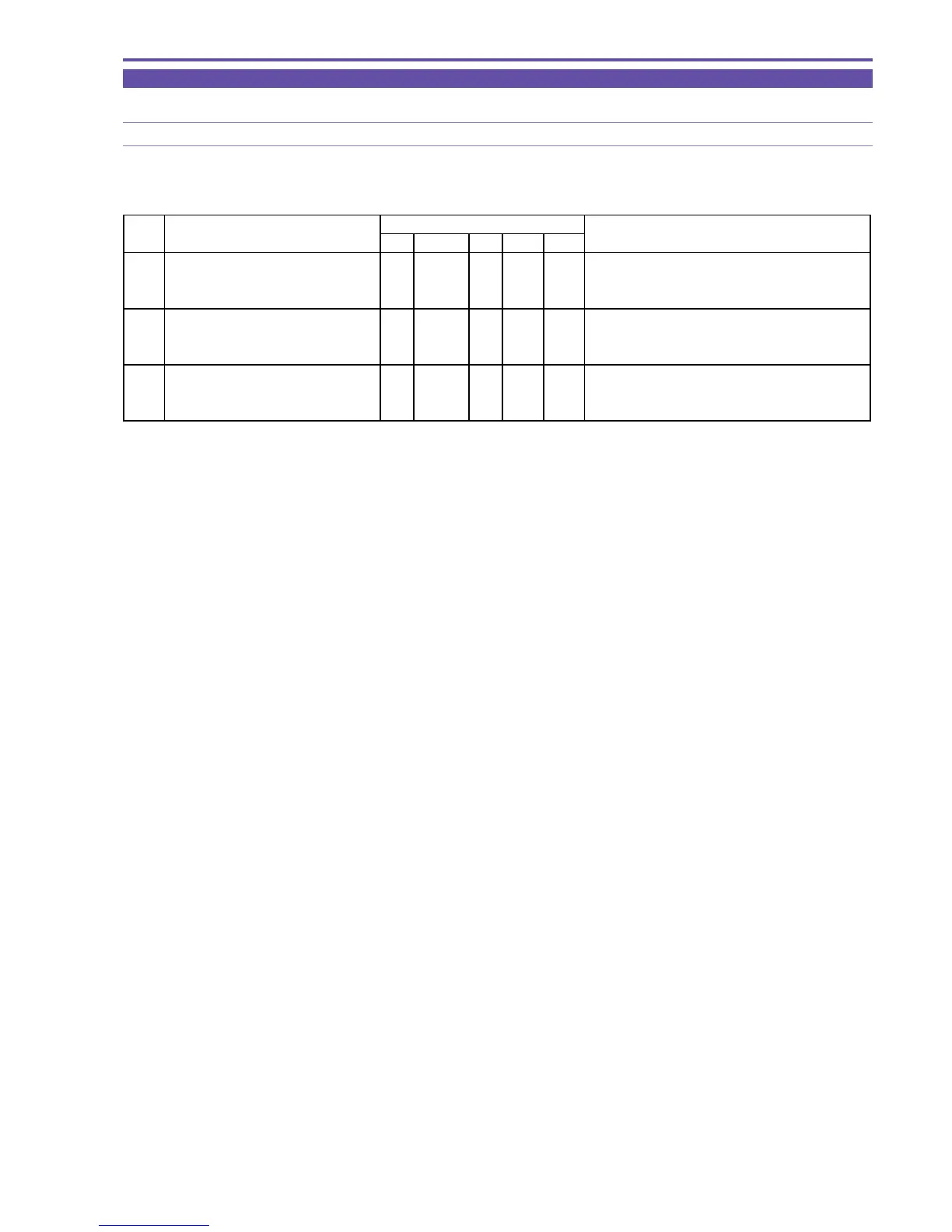
STEP PROCEDURE Microcomputer operation
CS Function MD ADDR DT
1 1) Make the setting shown at right. 0 7 ST 0000 01
2) Perform storing.
↑↑
RD
↑
01 V synchronization set
(press the PAUSE button.) (DT becomes 00 after storing.)
2 1) Make the setting shown at right. 2 08 ST 3015 -- Image adjustment (high temperature)
2) Perform storing.
↑↑
RD
↑↑
Adjustment is completed.
(press the PAUSE button.) Completion with ST:05, NG with ST:09
3 1) Make the setting shown at right. 2 08 ST 3016 -- Writing of adjustment data
2) Perform storing.
↑↑
RD
↑↑
Adjustment is completed.
(press the PAUSE button.) Completion with ST:05, NG with ST:09
MONITOR



 To Next Page