EasyManua.ls Logo

Canon EOS 50 E - 4.16 EYE-CONTROLLED FOCUS (ECF) ADJUSTMENT

Canon EOS 50 E
207 pages
Print Icon
To Next Page IconTo Next Page
To Previous Page IconTo Previous Page
Loading...
Part 3: Repair Information
4.16 EYE-CONTROLLED
Focus
(ECF)
ADJUSTMENT
Eye-controlled
Focus
Adjustment
is
necessary
when
replacing
the
main
flex.
PuRPosE:
To
adjust
the
Eye-controlled
Focus
IREDs
and
BASIS
sensor
as
follows:
Dark
Adjustment:
Adjust
the
BASIS
dark
current.
IRED
Current:
To
set
the
output
of
the
IREDs.
Optical Axis
Compensation:
To
compensate
electronically for
slight
differ-
ence
in
component
positions.
Image Magnification
Compensation:
as
above.
IRED Position
Compensation
:
TOOLS:
Personal
computer
RS-232C
cable
HS-I/F
as
above.
Adjustment
program
(stored
on
a
work
disk)
Dark
Bag
IRED Alignment Tool
(CY9-
l 106)
Mask
Holder (CY9-1097)
(Two
if
possible)
(established
for
EOS5
/ A2E)
CCD
Adjustment
Gray
Card
(19%) for
Mask
Holder (see
EOS
5 / A2E SM,
page
3-
7)
PREPARATION:
Start
adjustment
program,
connect
the
camera
to
the
personal
computer,
and
select
F6
Eye-controlled
Focus
Adjustment.
Al>JuSTMENT:
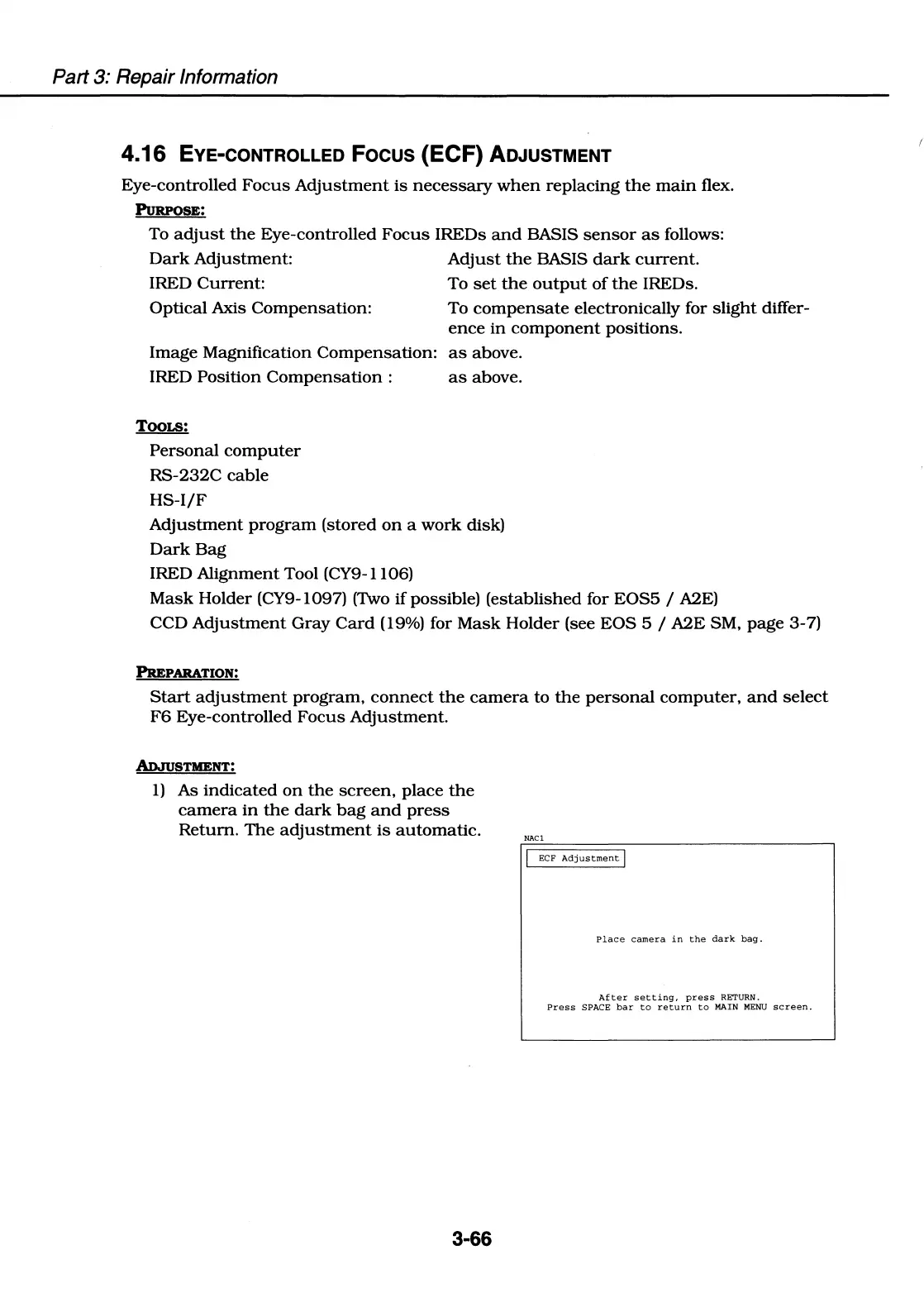
1)
As
indicated
on
the
screen,
place
the
camera
in
the
dark
bag
and
press
Return.
The
adjustment
is
automatic.
3-66
NACl
ECF
Adjustment
I
Place
camera
in
the
dark
bag.
After
setting,
press
RETURN.
Press
SPACE
bar
to
return
to
MAIN
MENU
screen.

Table of Contents

Related product manuals