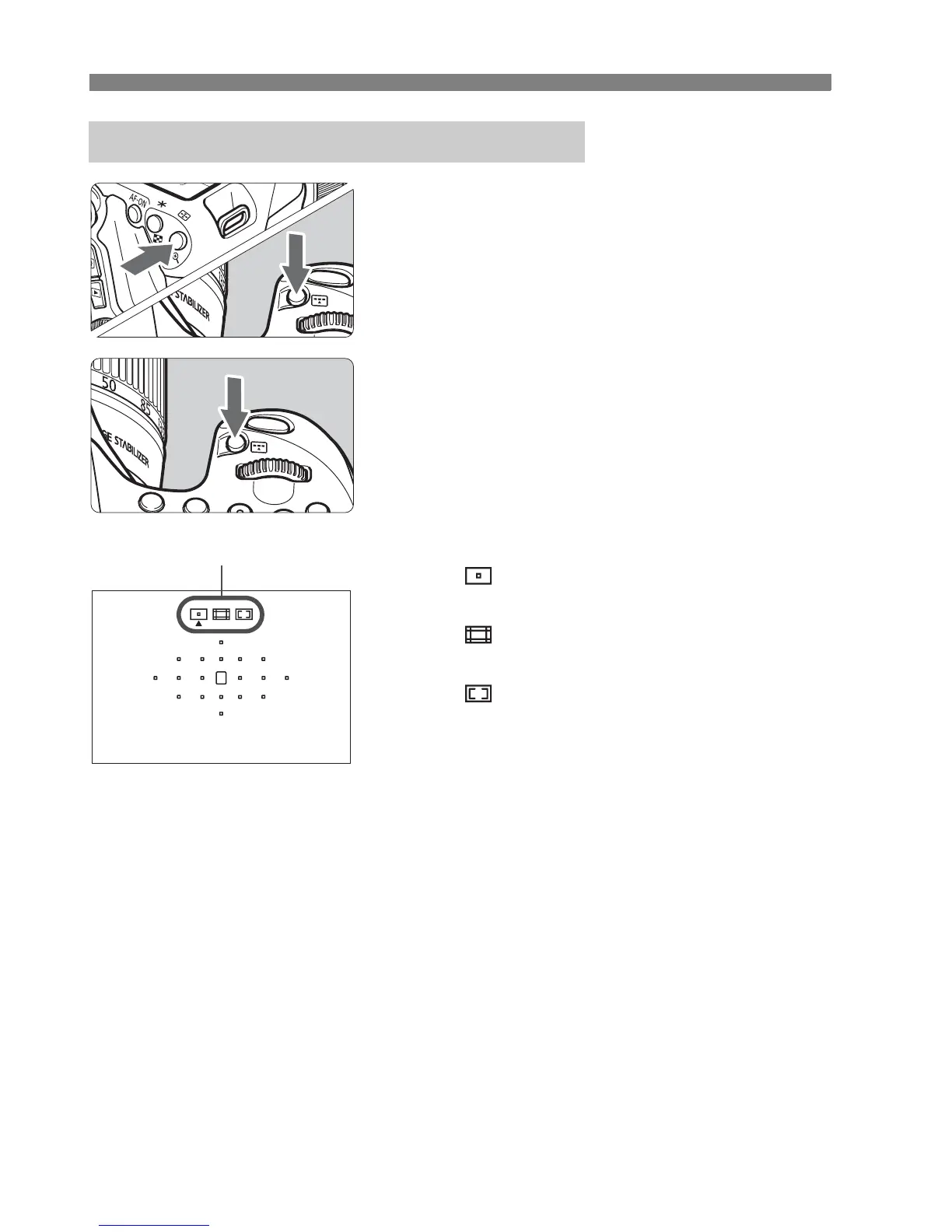
S Selecting the AF AreaN
92
1
Press the <S> or <B> button.
(9)
Look through the viewfinder and
press the <S> or <B> button.
2
Press the <B> button.
Each time you press the <B>
button, the AF area selection mode
changes.
The AF area selection mode currently
set is indicated on the top of the
viewfinder.
: Single-point AF
(Manual selection)
:Zone AF
(Manual zone selection)
: 19-point automatic selection
AF
Selecting the AF Area Selection Mode
AF area selection mode



 To Next Page