Automatically Resizing the Image to Fit the Page
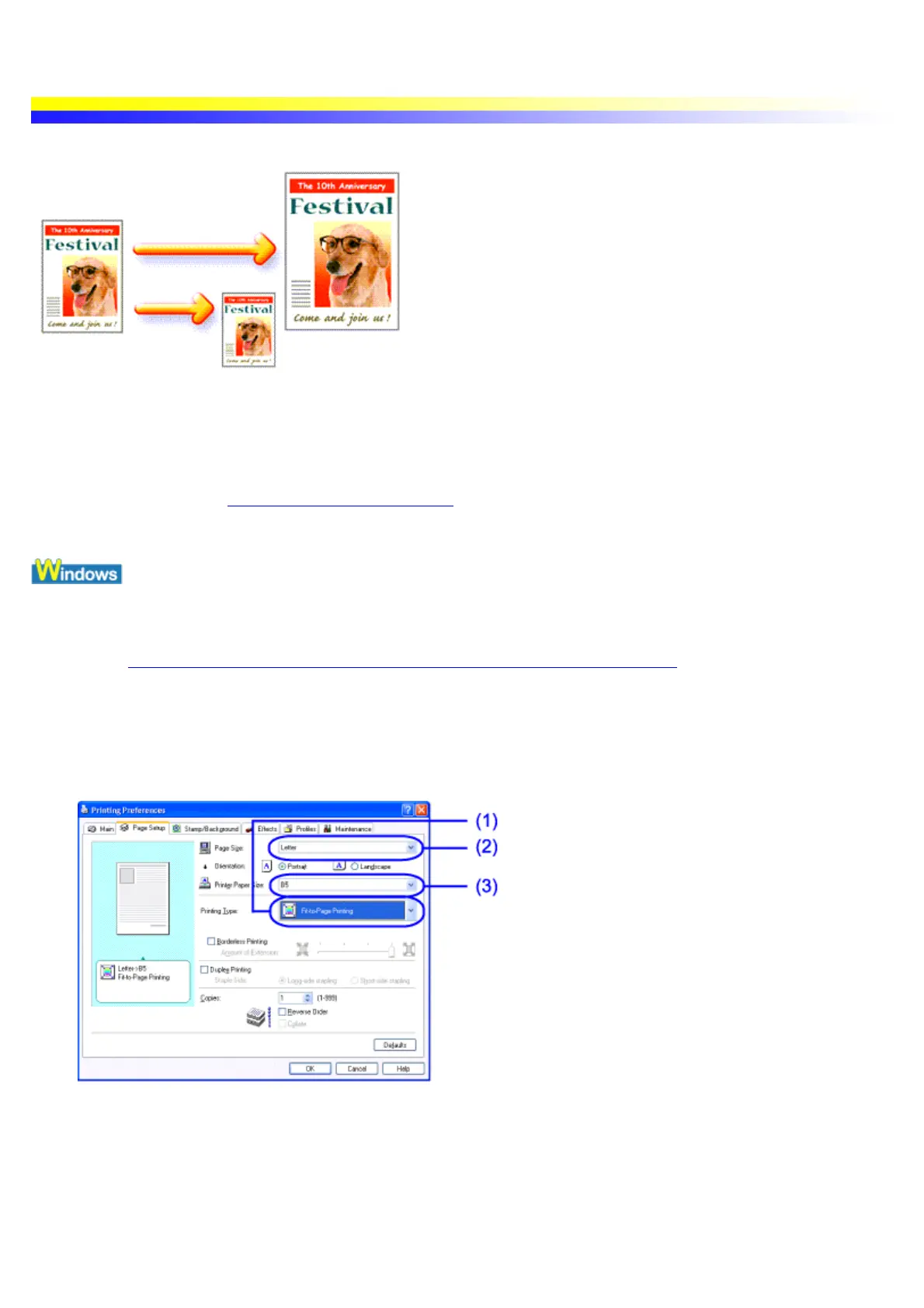
The Fit-to-Page function automatically resizes the image to fit the size of the page being used. Letter size image
data, for example, will automatically be printed on B5 size paper.
Important The Fit-to-Page function is not available when Borderless Printing is selected.
See Printing with Borderless Printing
1 Open the Printer Properties dialog box.
See Opening the Printer Properties dialog box from your application program
2 Click the Page Setup tab.
3 Specify the Fit-to-Page Printing settings.
(1) Select Fit-to-Page Printing.
(2) Select the size of original document created in application program.
(3) Select the actual size of print media.
4 Click OK.
5 Click Print in the Print dialog box.


 To Next Page