Appendix
Printing Area
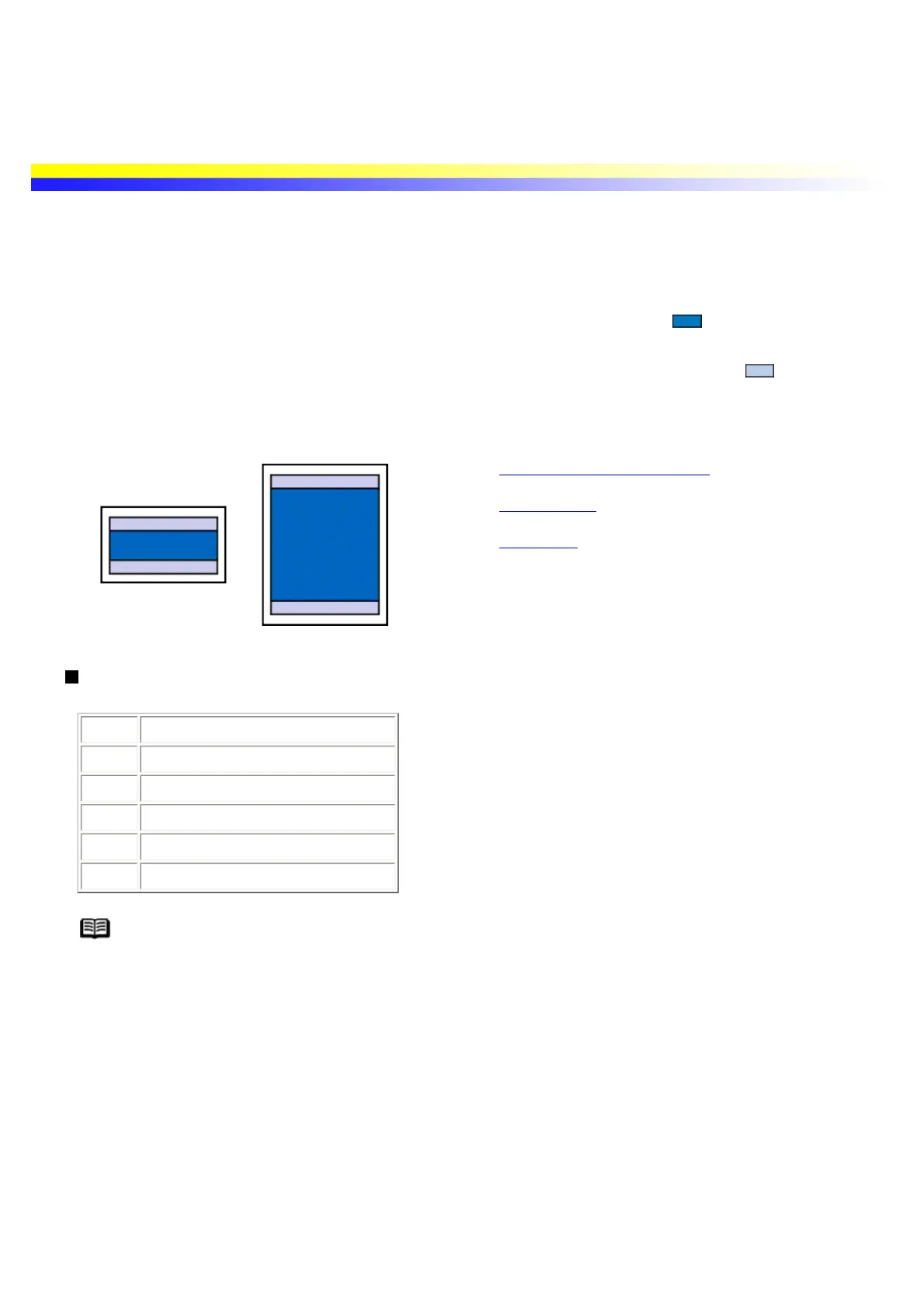
To ensure the best print quality, the printer allows a margin along each edge of media. The actual printable area
will be the area without these margins. By selecting Borderless Printing*, printing with no margins is possible.
* This is available in Letter, 4" x 6" and 5" x 7" paper size.
Printing area (dark blue): Canon recommends that you print within this area. ( )
Printable area (light blue): The area where it is possible to print. However, printing in this area can
adversely affect the print quality or the paper feed precision. (
)
See A4, B5, A5, 4" x 6", 5" x 7"
See Letter, Legal
See Envelopes
A4, B5, A5, 4" x 6", 5" x 7"
Size Printable Area (width x height)
A4 203.2 x 289.0 mm / 8.0 x 11.4 in
B5 175.2 x 249.0 mm / 6.9 x 9.8 in
A5 141.2 x 202.0 mm / 5.6 x 7.9 in
4" x 6" 94.8 x 144.4 mm / 3.7 x 5.7 in
5" x 7" 120.2 x 169.8 mm / 4.7 x 6.7 in
Note When Printing on PR-101, GP-301/GP-301N, PP-101 and MP-101, selection of
"Borderless Prinnting"enables you to make prints with no margins.
However, Borderless Printing may reduce print quality on the top and bottom edges of the
paper or cause it to become smudged.
When printing with a digital camera connected, A4, 4" x 6" and 5" x 7" size paper can be
used.


 To Next Page