Printing Entire Image in Single Color
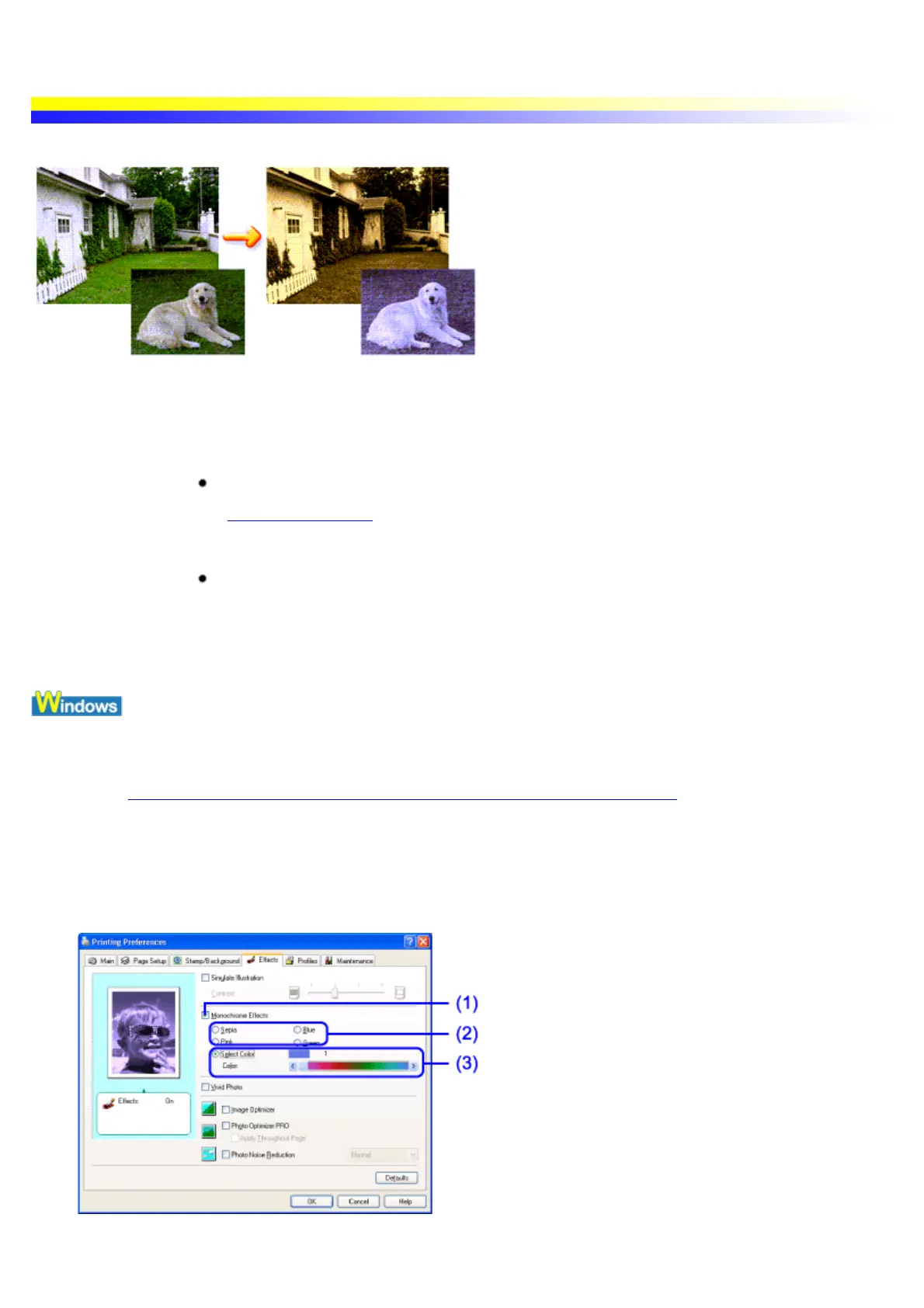
The Monochrome Effect allows you to print entire images using only one color.
Important The Monochrome Effect Printing function is not available when any of the following
functions or options is selected.
Grayscale Printing
See Printing in Grayscale
In Windows Me, Windows 98 or Windows 95
Background Printing is disabled
It is easy to confirm whether background printing is in progress. Open the printer
driver's Properties dialog box, select Page Setup and click Printer Control.
1 Open the Printer Properties dialog box.
See Opening the Printer Properties dialog box from your application program
2 Click the Effects tab.
3 Specify the Monochrome Effect setting.
(1) Select this check box.
(2) Select the color.


 To Next Page