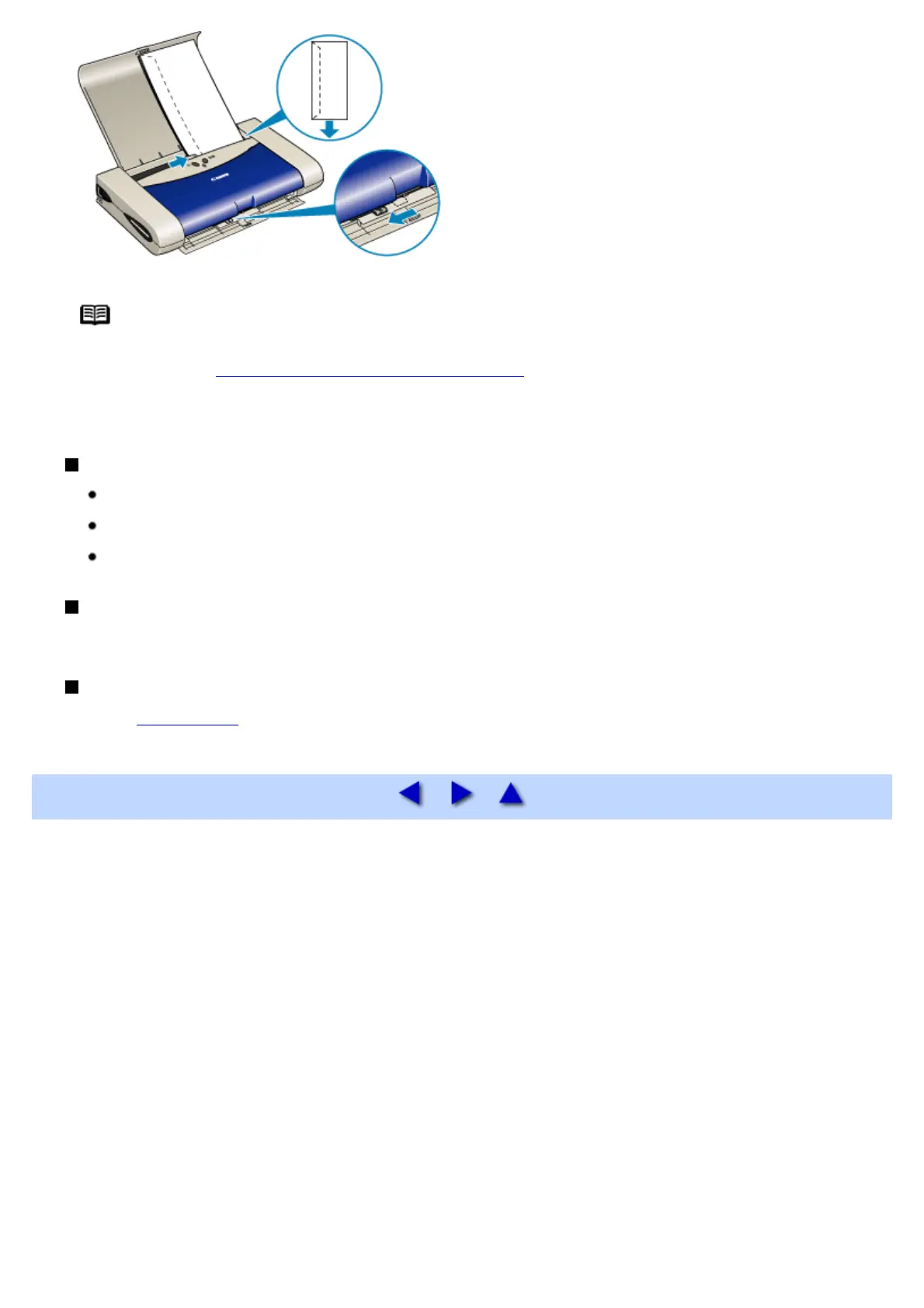
Note If the envelopes still do not feed properly even after removing curl, clean the paper feed
roller.
See Paper Does Not Feed Properly or Paper Jams
Also, if you decrease the number of paper loaded, it may be fed successfully.
Printer Driver Settings
Media Type: Envelope
Page Size: Select either DL Env. or #10 Env. according to the envelope size you are using
Orientation: Landscape
Handling of Printed Output
Do not stack more than 5 sheets in the paper output slot cover.
Printable Area
See Printing Area


 To Next Page