6-21
Using the Fax Functions
The default settings are a set of standard settings
predetermined by the machine. These settings become
effective when the machine is turned ON and OFF, or when
[
] (Reset) is pressed to revert to the default settings.
You can change the following default settings based on your
needs.
• Resolution
• Density
• 2-Sided Original
• Sharpness
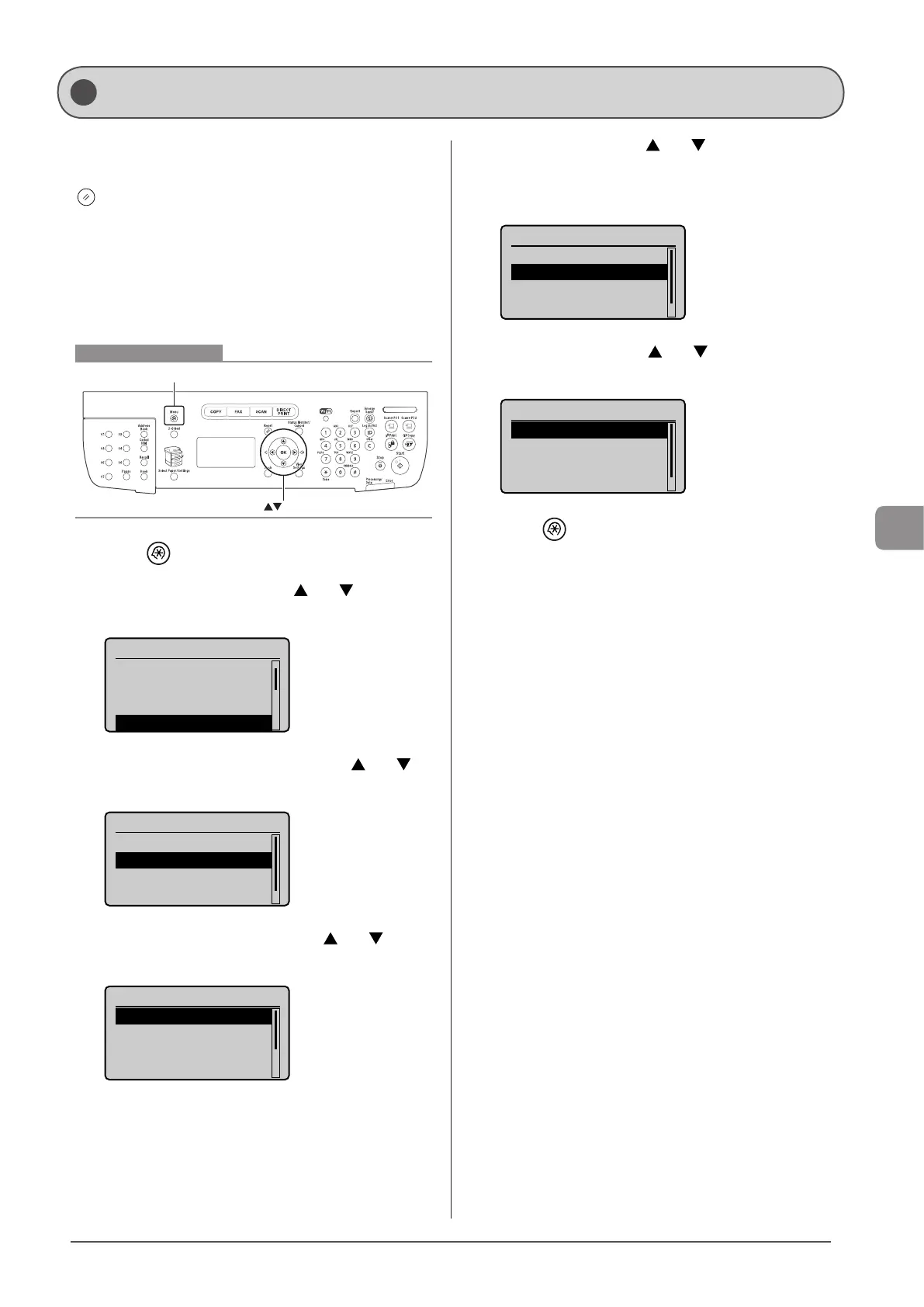
Keys to be used for this operation
OK
Menu
1 Press [ ] (Menu).
2 Select <Fax Settings> using [ ] or [ ] and press
[OK].
Menu
Timer Settings
Common Settings
Copy Settings
Fax Settings
3 Select <TX Function Settings> using [ ] or [ ]
and press [OK].
Fax Settings
Basic Settings
TX Function Settings
RX Function Settings
RX Print Settings
4 Select <Change Defaults> using [ ] or [ ] and
press [OK].
TX Function Settings
Change Defaults
Register Unit Name
...
ECM TX
Pause Time
5 Select the item using [ ] or [ ] and press [OK].
• Resolution/Density/Sharpness
For more information, see “Changing the Scan Settings (Fax)”
(→P. 6-3)
Change Defaults
<Apply>
Resolution: 200 x 10
Density: 0
2-Sided Original: O
...
+
-
6 Select <Apply> using [ ] or [ ] after you have
specified the setting and press [OK].
Change Defaults
<Apply>
Resolution: 200 x 1
...
Density: 0
2-Sided Original: O
...
+
-
7 Press [ ] (Menu) to close the menu screen.
Changing the Default Fax Settings










 To Next Page