6-7
Using the Fax Functions
You can call and redial up to three fax sending history.
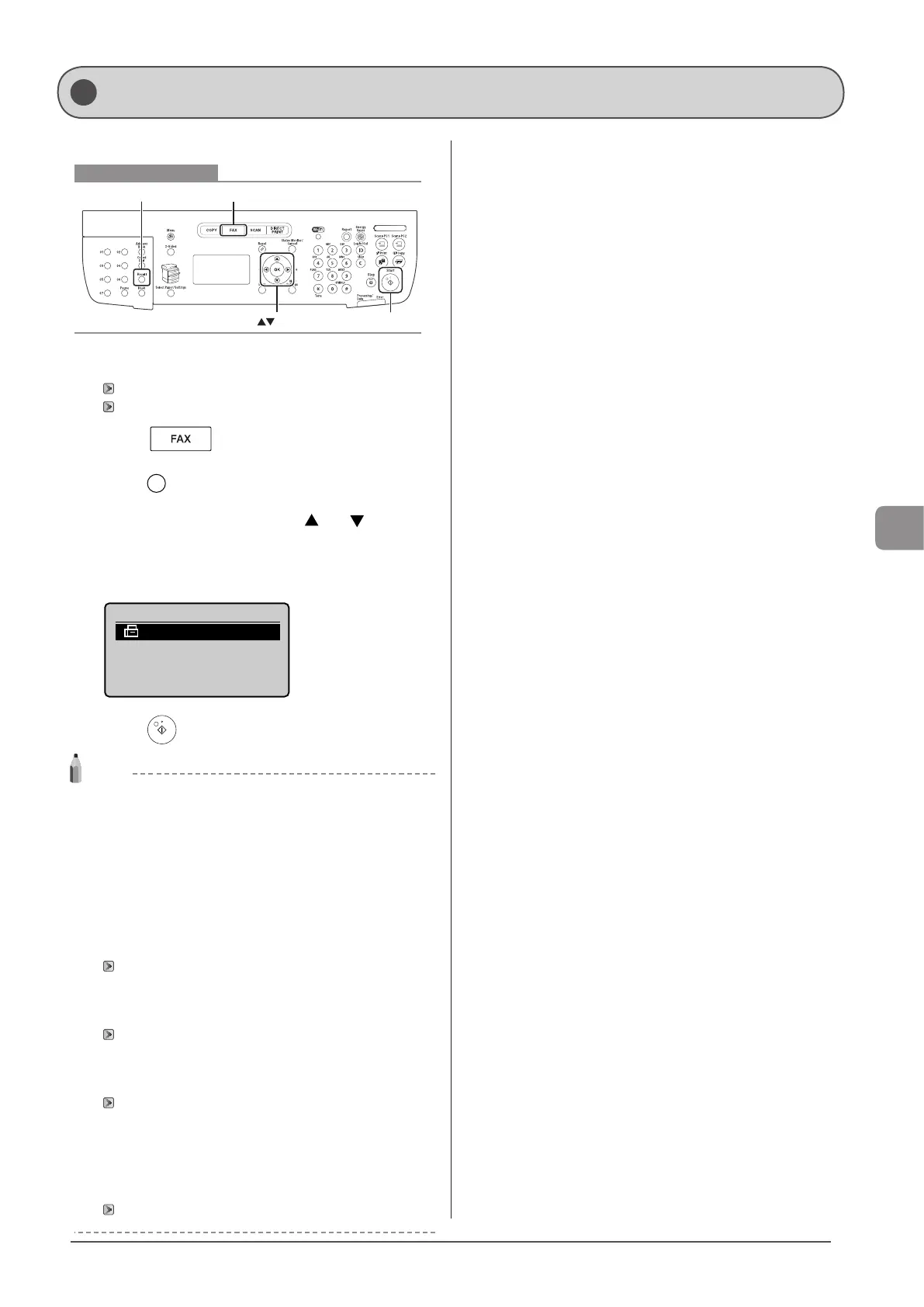
Keys to be used for this operation
Recall
OK Start
FAX
1 Place your document.
“Placing Documents” (→P. 2-4)
“Supported Document Types” (→P. 2-2)
2 Press [ ].
3 Press [ ] (Recall).
4 Select history for redial using [ ] or [ ] and
press [OK].
In the history, recipient name and/or telephone number are
displayed. For sequential broadcast, only one content is displayed.
Recall
012XXXXXX
5 Press [ ] (Start).
NOTE
Contents saved in the fax sending history
The sequential broadcast destinations are included. The following
reading settings are saved as well. You can change them for redialing.
• Resolution
• Density
• 2-Sided Original
• Sharpness
Redial restrictions
• Manual fax sending is not saved in the history and cannot be
redialed.
“Notifying the Recipient of an Incoming Fax by Telephone
(Manual Sending)” (→P. 6-8)
• When fax sending from the history is restricted, redialing feature
is not available.
“Restrict History TX” (→P. 6-28)
• When <Restrict New Dest.> is set to <On>, the saved fax
sending history up to then is deleted for preventing those new
destinations in the history from being redialed.
“Restrict New Destinations” (→P. 6-28)
When the machine is turned OFF
Recently dialed numbers are all cleared.
To automatically redial a number
“Auto Redial” (→P. 6-23)
Redialing (Manual Redialing)










 To Next Page