9-19
Troubleshooting
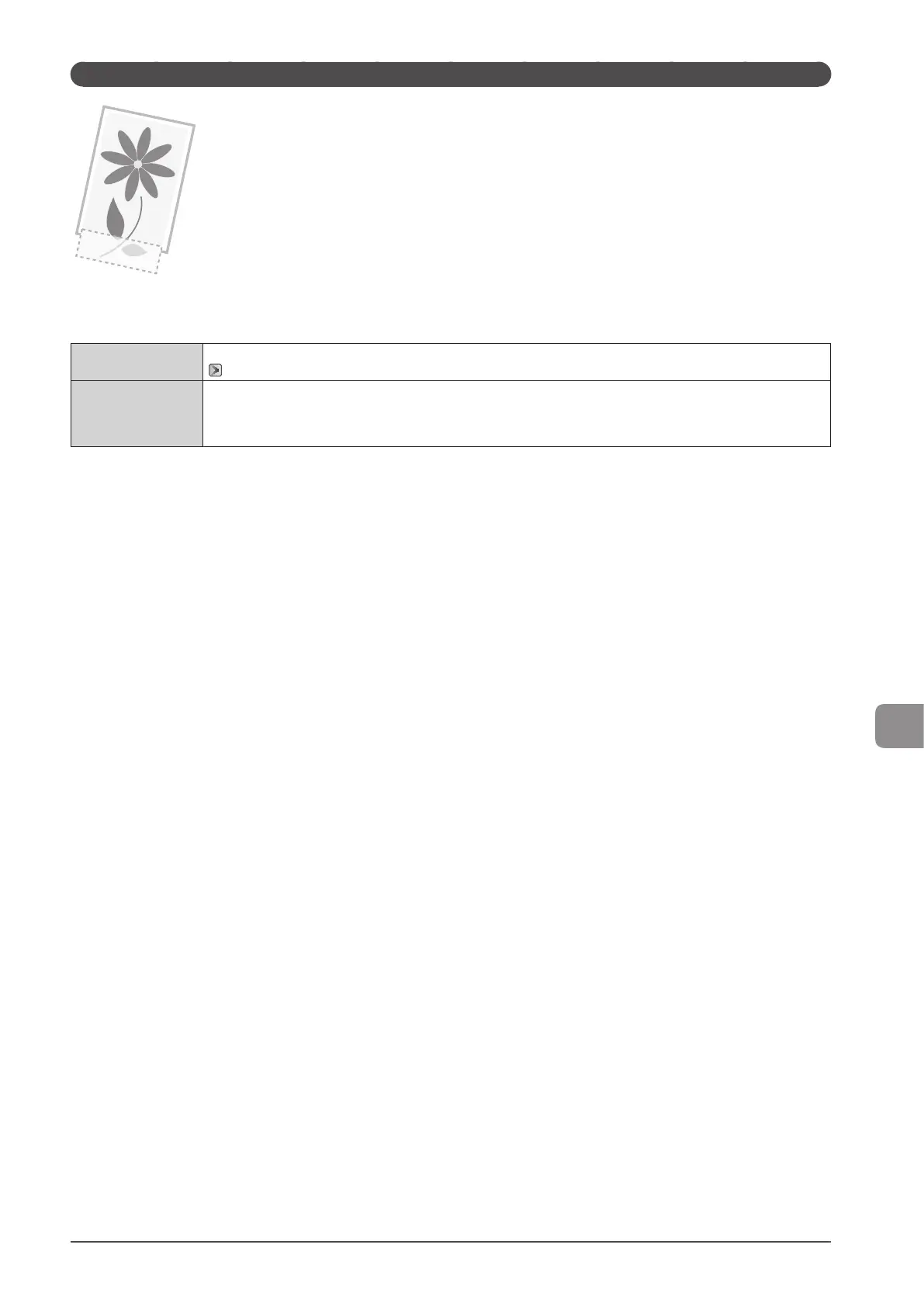
A Portion of the Page Is Not Printed
Perform one of the following solutions according to the cause.
<Cause> A document with no margins was printed.
Solution 1
Data is printed with a margin of 5 mm (10 mm for envelopes). Provide a margin around the data.
“Printable Area” (→P. 2-8)
Solution 2
Perform the following procedure in the printer driver.
1. Display the [Finishing] sheet.
2. Click [Advanced Setting].
3. Set [Enlarge Print Area] to [Off].










 To Next Page