•
Banner Printing
Important
• This feature is only available with rolls. It cannot be used when printing on sheets.
• When using Banner Printing, some of the settings are disabled, including Borderless Printing, Enlarge/
Reduce Printing, and Layout.
For instructions on borderless printing of photos and images at actual size, refer to the following topics, as ap-
propriate for your computer and operating system.
•
Printing Multiple Pages Continuously (Windows) ➔ P.105
•
Printing Multiple Pages Continuously (Mac OS) ➔ P.106
Printing Multiple Pages Continuously (Windows)
Printing Multiple Pages Continuously (Windows)
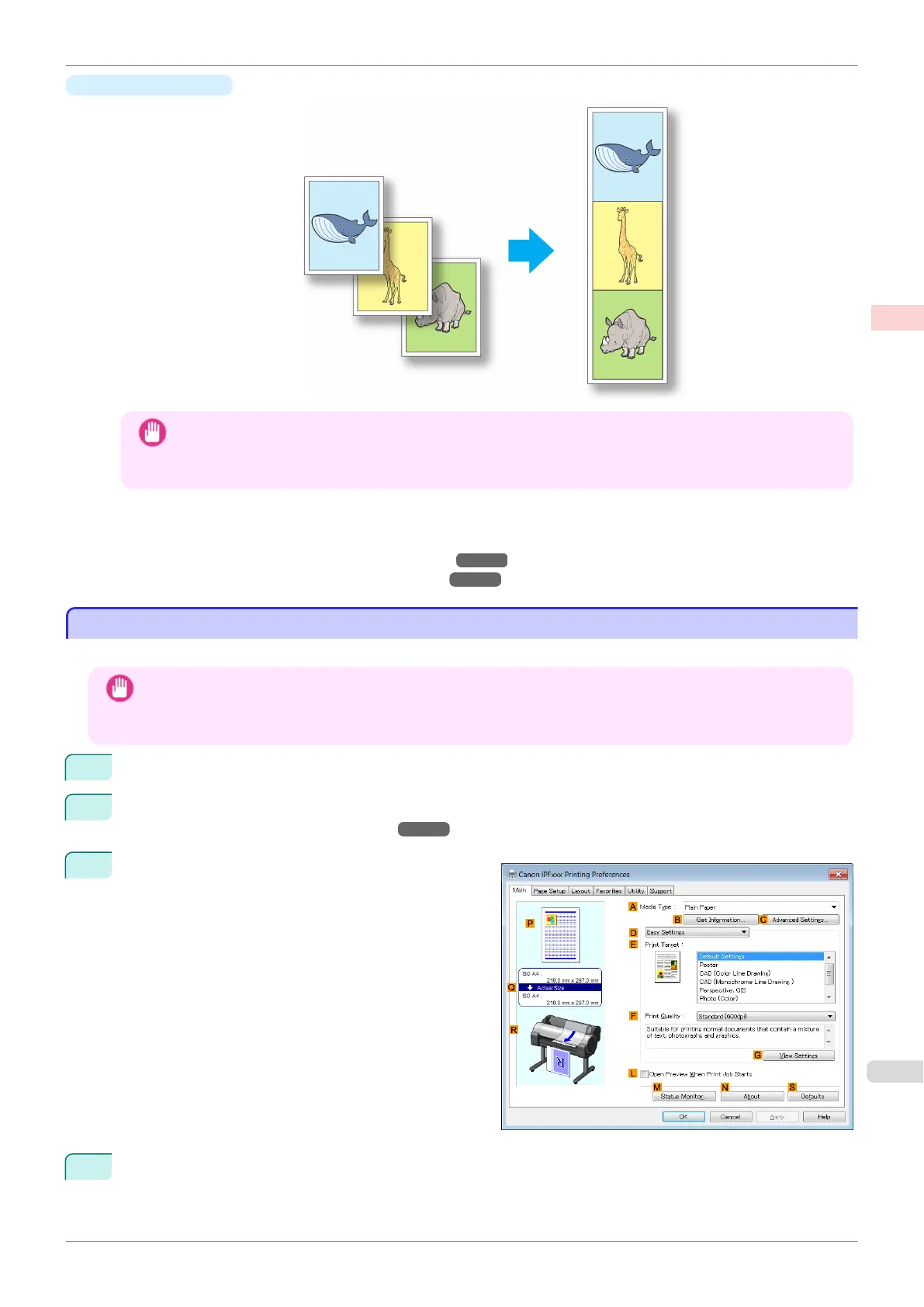
This topic describes how to print multiple pages as a single continuous image, without margins between pages.
Important
• This feature is only available with rolls. It cannot be used when printing on sheets.
• When using Banner Printing, some of the settings are disabled, including Borderless Printing, Enlarge/Reduce
Printing, and Layout.
1
Choose Print in the application menu.
2
Select the printer in the dialog box, and then display the printer driver dialog box. (See "Accessing the Print-
er Driver Dialog Box from Applications .") ➔ P.148
3
Make sure the Main sheet is displayed.
4
In the AMedia Type list, click the type of paper that is loaded.
iPF785
Printing Multiple Pages Continuously (Windows)
User's Guide
Enhanced Printing Options Tiling and multiple pages per sheet
105


 To Next Page
 Loading...











