5
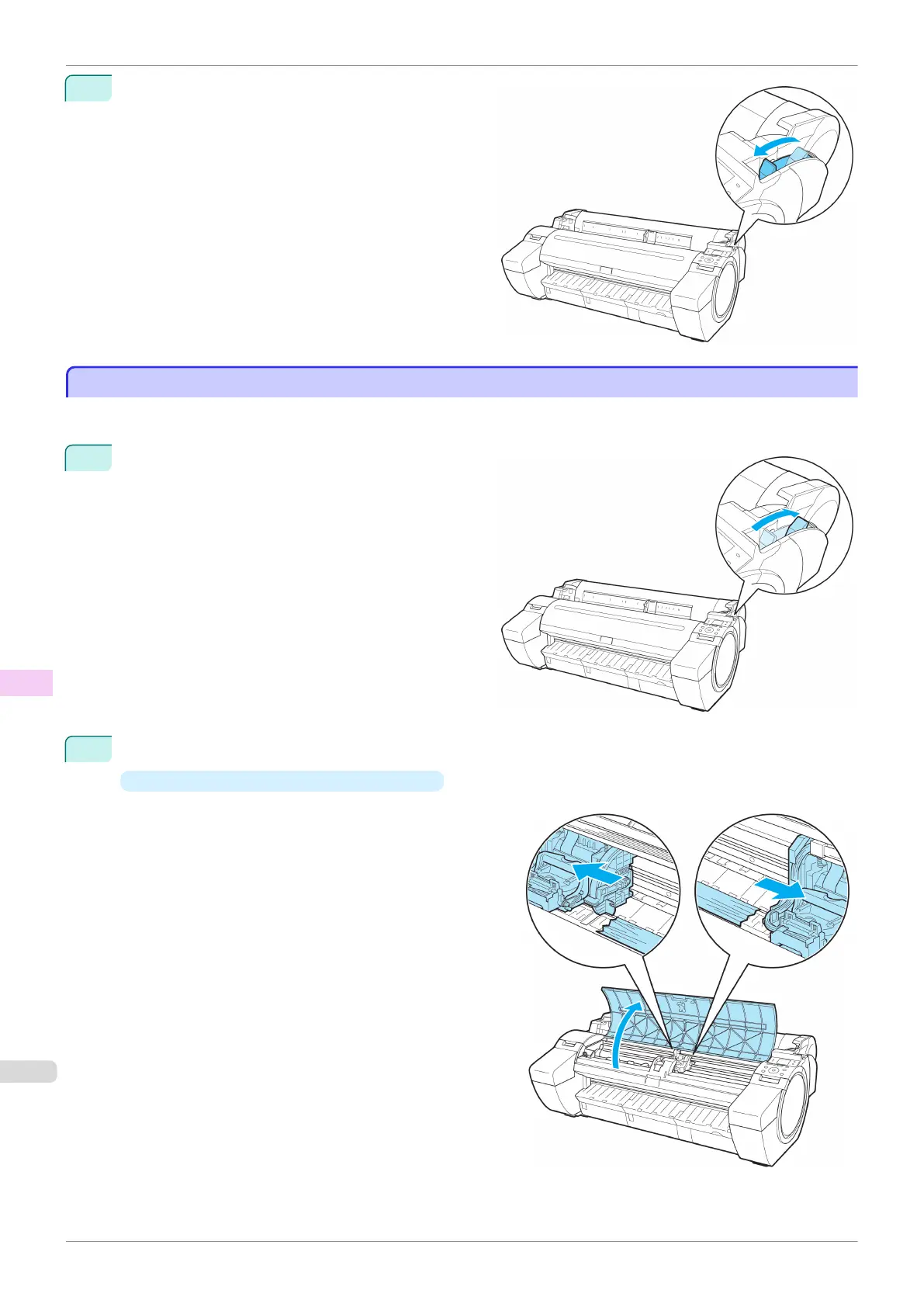
Pull the Release Lever forward.
Clearing a Jammed Sheet
Clearing a Jammed Sheet
If a sheet becomes jammed, "Paper jam." is shown on the Display Screen of the Control Panel. Remove the jam-
med paper as follows.
1
Push the Release Lever back.
2
Remove the jammed paper.
•
If paper is jammed inside the Top Cover
1.
Open the Top Cover and move the Carriage to
the left or right side manually, away from the
jam.
Clearing a Jammed Sheet
iPF785
User's Guide
Troubleshooting Problems Regarding Paper
574


 To Next Page
 Loading...












