Chapter 4
4-14
(4) Disconnect three flexible cables from the main controller.
(5) Remove the feed guide (right) that encloses the flexible cables extending from the main controller.
(6) Disconnect all connectors from the carriage relay PCB.
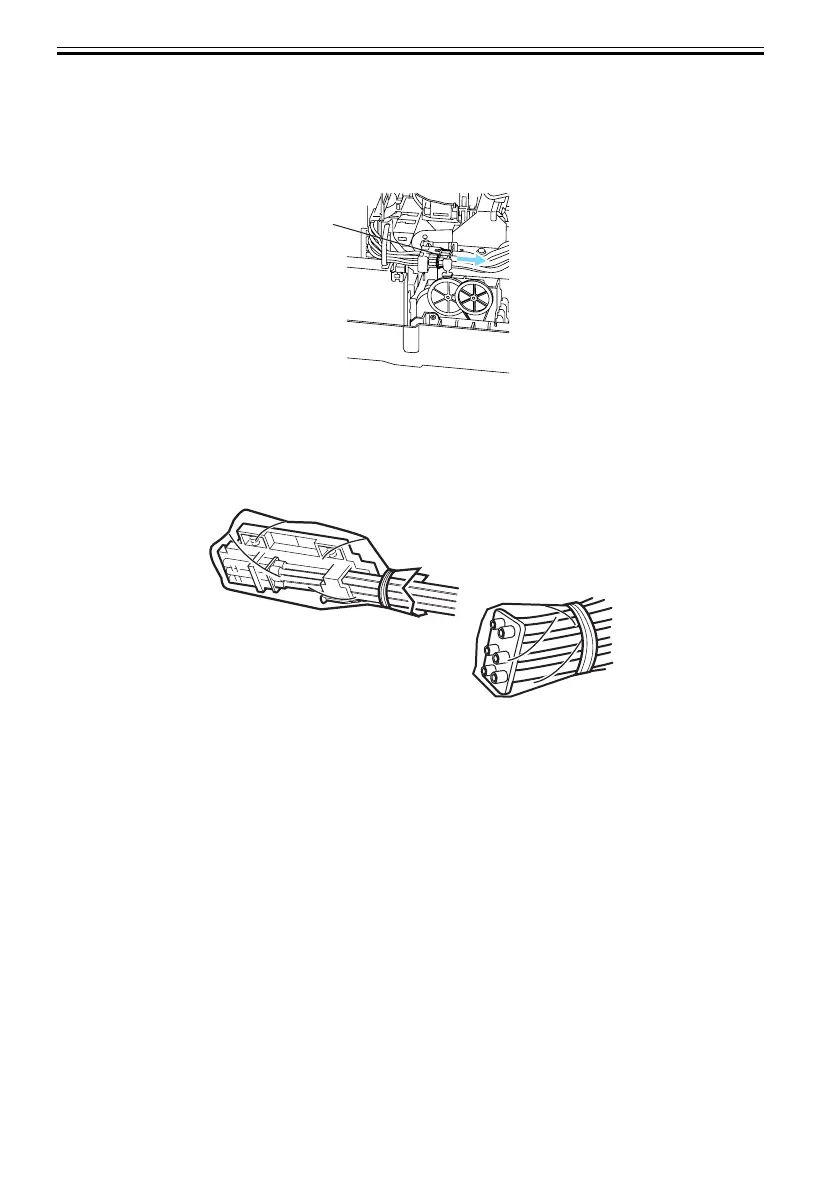
(7) Disconnect the joint between the ink tube unit and the ink tank unit.
F-4-18
(8) Remove the printhead.
(9) Remove printhead fixer lever [1].
(10)Cover the joint of the ink tube unit in a plastic bag or the like to prevent ink splashing and leakage,
and seal the mouth of the bag.
F-4-19
1]













 To Next Page