Chapter 7
7-2
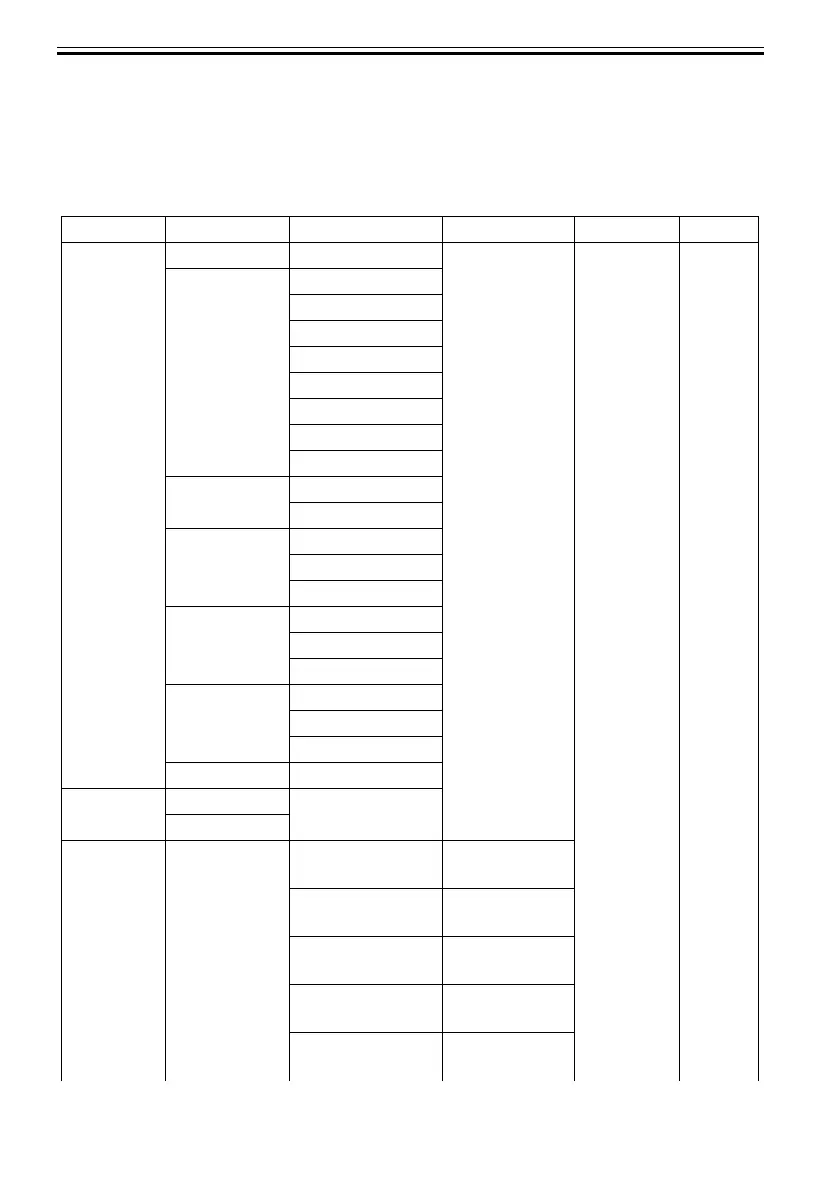
7.1.2 Map of the Service Mode
0013-7787
The hierarchy of menus and parameters in the Service mode is shown below.
T-7-1
First Level Second Level Third Level Fourth Level Fifth Level
DISPLAY PRINTINF YES/NO : Select YES to
execute print
SYSTEM S/N
TYPE
LF TYPE
TMP
SIZE LF
SIZE LF
SIZE CR
SIZE CR
HEAD S/N
LOT
INK C
---
BK
WARNING 1
---
20
ERROR 1
---
20
INK CHECK 000000
I/O
DISPLAY
I/O DISPLAY 1
I/O DISPLAY 2
ADJUST PRINT
PATTERN
NOZZLE 1 : Press the [OK]
button to execute
NOZZLE 2 : Press the [OK]
button to execute
NOZZLE 3 : Press the [OK]
button to execute
OPTICAL AXIS : Press the [OK]
button to execute
LF TUNING : Press the [OK]
button to execute













 To Next Page