Chapter 1
1-22
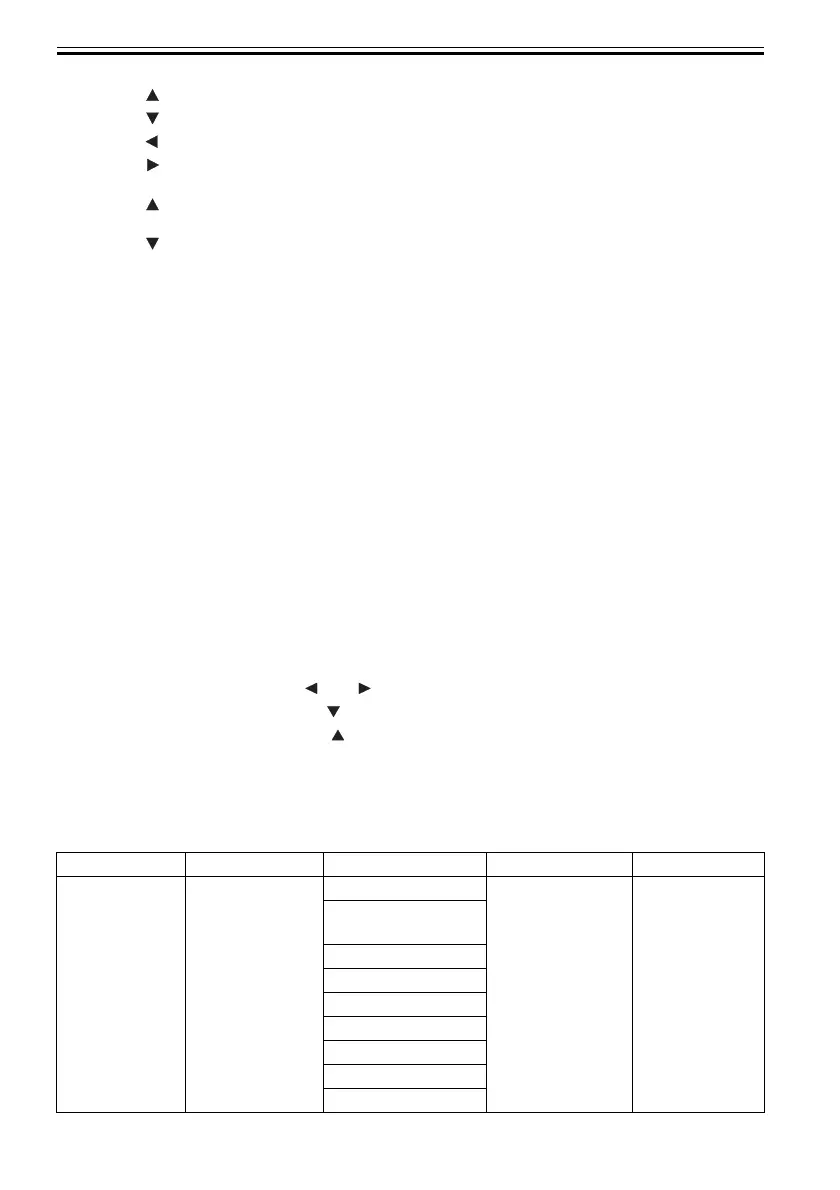
" key" Displays the previous action or setting.
" key" Displays the next action or setting.
" key" Opens the menu one level above.
" key" Opens the menu one level lower.
[Offline mode]
" key" Feeds roll media manually in the direction opposite to the direction in which paper is
ejected.
" key" Feeds roll media manually.
[10] OK key
Sets or runs a selected action or value when the printer is in menu mode.
[11] eject key
Executing menu and ejects paper.
[12] Stop key
Quits a processing job.
[13] Power key
Switches the power to the printer on and off.
[14] Information key
Displays a printer submenu. Information about the inks and paper displays each time this key is
pressed.
Hold this key for 3 seconds to clean the printhead.
1.6.2 Main Menu
0017-5615
The printer has a Main menu which includes a menu related to maintenance such as adjustment of ink ejection
position of each nozzle and head cleaning, a menu related to printing settings such as auto cutting and ink drying
time, and a menu related to parameters such as a message language.
1. Main menu operations
a) How to enter the Main menu
To enter the Main menu, press the [Menu] button on the operation panel.
b) How to exit the Main menu
To exit the Main menu, press the [Online] button.
c) Buttons used with the Main menu
- Selecting menus and parameters: [ ] or [ ] button
- Going to the next lower-level menu: [ ] button
- Going to the next higher-level menu: [ ] button
- Determining a selected menu or parameter: [OK] button
2. Main Menu
The structure of the main menu is as follows. Values at right indicated by an asterisk "*" are the defaults.
T-1-3
First Level Second Level Third Level Fourth Level Fifth Level
[Media Menu] [Roll Media
Type](*1)
[HW Glossy Photo](*5)
[HW SemiGl
Photo](*5)
[Syn. Paper](*5)
[Adh. Syn. Paper](*5)
[Proofing Paper](*5)
[News Proof 1](*5)
[News Proof 2](*5)
[News Proof 3](*5)
[Colored Coated](*5)













 To Next Page