Chapter 4
4-13
4.3.7 Ink Tube Unit
0012-6367
a. Removing the ink tube unit
(1) Drain the inks of printer. See "Disassembly/Reassembly" > "Points to Note on Disassembly and
Reassembly" > "Draining the Ink".
(2) Turn off the printer and move the carriage to above the platen. See "Disassembly/Reassembly" >
"Disassembly/Reassembly" > "Opening the Caps and Moving the Wiper Unit".
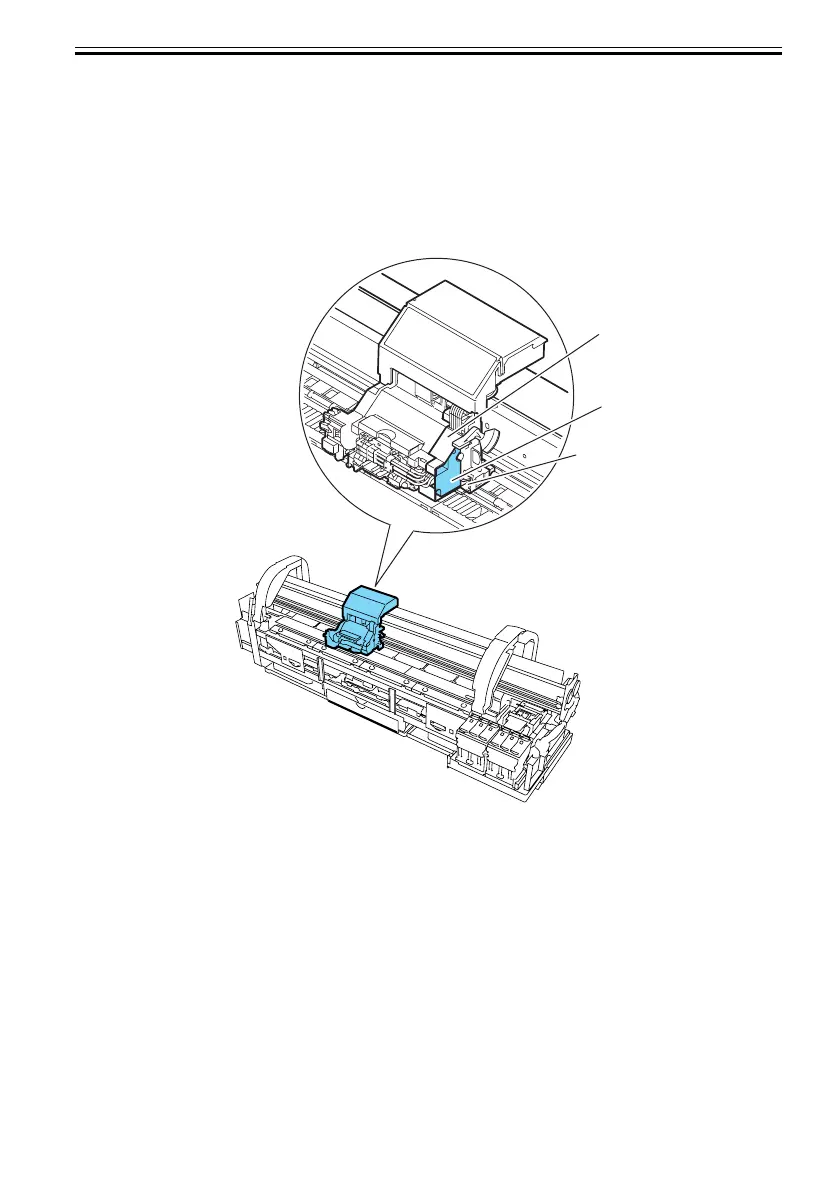
(3) Remove the shaft cleaner and detach the tube holder cover.
F-4-17
[1]
[2]
[3]













 To Next Page